
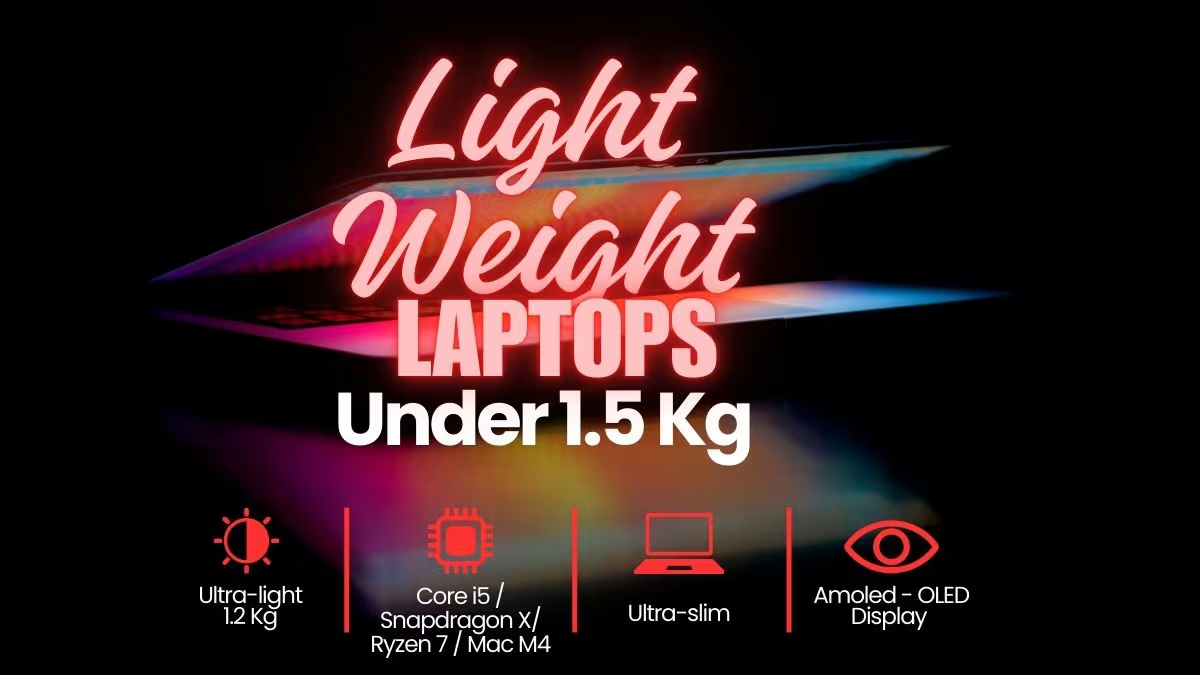
Our team have tested over 10 laptops that weigh under 1.5 kg, and they are ultraportable laptops aimed at the professional and traveller markets. Lightweight laptops are usually very portable and they also have their own advantages and disadvantages. In the list below, we have listed the best lightweight laptops that are worth the money and those that you should skip.
Disclosure: This website is part of the Amazon Associates Program. I may earn a commission from qualifying purchases at no extra cost to you.
Here is a Quick Comarison Table of slim and lightweight laptops in india
| Product Name | Weight | Display | Processor |
| Apple MacBook Air 13 | 1.24 Kg | 13.6 inch Liquid Retina | M5 |
| ASUS Zenbook A14 | 0.99 Kg | 14 Inch FHD+ (WUXGA) OLED | Snapdragon X2 Elite |
| Lenovo ThinkPad X1 Carbon | 1.08 kg | 14 Inch WUXGA IPS | Intel Core Ultra 7 155U |
| HP OmniBook Ultra Flip | 1.34 kg | 14 Inch 2.8K OLED | Intel Core Ultra 7 256V |
| ASUS Zenbook 14 | 1.28 kg | 14 Inch 3K 120 Hz OLED | Core Ultra 5 Series 2 |
| Samsung Galaxy Book6 Pro | 1.24 Kg | 14 Inch WQXGA+ Dynamic AMOLED 2X | Intel Core Ultra 7 (Series 3) |
| Lenovo Yoga Slim 9 | 1.20 Kg | 14 Inch 4K WQUXGA OLED | Intel Evo Core Ultra 7 258V |
| HP OmniBook 5 | 1.29 Kg | 14 Inch 2K OLED | Snapdragon X |
List of the best light weight laptops under 1.4 Kg

Our Verdict
The Apple MacBook Air 13″ M5 is one 13.6″ thin-and-light laptop which is running on the Apple’s M5 chip, and it is having a 10-core CPU, one next-generation GPU with Neural Accelerators, and also 16GB of unified memory inside it. If we compare with the Zenbook A14, which is running on a Snapdragon X2 Elite, the MacBook Air is going with Apple Silicon and macOS.
The MacBook Air is coming only in single memory configuration, that is 16GB unified, and this much is enough for many type of users and it gives a good balance between multitasking space and the power efficiency also.
This laptop is having very less chassis flex and the fan noise is also very low, actually to say true, it is fully fanless. The fanless design is not helping much for the sustained peak performance when the heavy load is coming, but it is giving almost zero noise while operating, which is good.
In our performance testing, this laptop is getting one overall score of 9.05, and because of this the laptop is ranking in the top 14% of all the lightweight laptops which we tested till now. When we are seeing only the laptops under ₹1.25L, then this rank is going up to the top 8%.
The MacBook Air M5 is having higher overall performance than the average, and the price is also 37% lower than the segment average, which is meaning a saving of near about ₹65,000 if you compare with the average premium ultralight.
The MacBook Air is scoring better than average in the power efficiency, the ecosystem integration, and also the real-world application speed.
This laptop is having 1.24 kg weight, which is 5% lighter than the 1.30 kg segment average, and one 13.6″ display. The size and the weight both are more like preference type factors only, they are not really the “good vs. bad” type of factors.
The biggest disadvantage of the MacBook Air is including the port selection, where we are counting only 2 Thunderbolt 4 ports if we compare with the 4-port average, and also it is having a lower peak brightness than the other competing OLED displays.
The MacBook Air’s Liquid Retina display is peaking at around 500 nits if we compare with the 600-nit average which we are seeing after the testing of more than 23 ultralight laptops. This is becoming more a disadvantage for the outdoor users or the bright-room workers, and it is not necessarily applying for all the users.
If you are searching one lightweight laptop under ₹1.25L, then the Apple MacBook Air M5 is the laptop to beat in India.
| Factor | Apple MacBook Air 13″ (M5, 2026) |
| Overall Score | 9.05 |
| Display – Type | Liquid Retina LED |
| Display – Size | 13.6″ |
| Display – Resolution | 2560 x 1664 |
| Display – Brightness | ~500 nits |
| Processor – Chip | Apple M5 |
| Processor – Cores | 10 |
| Processor – Max Speed | — |
| RAM – Size | 16 GB |
| RAM – Type | Unified LPDDR5 |
| Storage – Capacity | 512 GB SSD |
| Battery – Capacity | 53.8 Wh |
| Battery – Life | Up to 18 hours |
| Weight | 1.24 kg |
| Thickness | 11.3 mm |
| Ports – Thunderbolt | 2x Thunderbolt 4 |
| Ports – USB-A | None |
| Ports – HDMI | None |
| Ports – Other | MagSafe, 3.5mm jack |
| Connectivity – Wi-Fi | Wi-Fi 7 |
| Connectivity – Bluetooth | 5.4 |
| Camera | 12MP Center Stage |
| Keyboard – Backlit | Yes |
| Build Material | Aluminium |
| OS | macOS |
Our Verdict
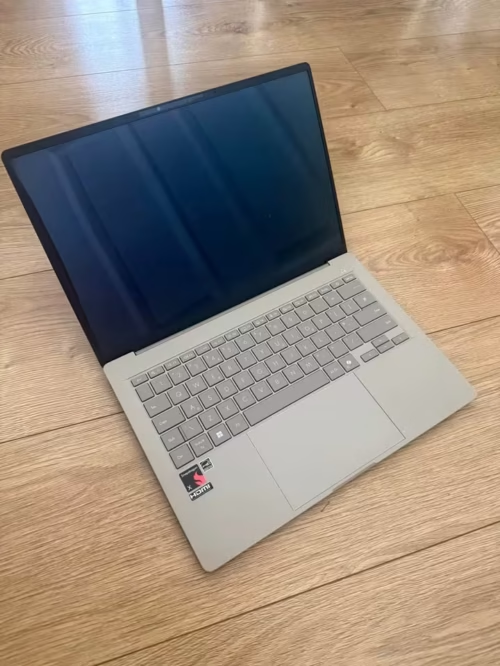
The ASUS Zenbook A14 is one 14″ ultralight laptop which is running on Snapdragon X2 Elite 18-core processor, 16GB LPDDR5X RAM and 512GB PCIe Gen 4 SSD. This is the first time a Snapdragon-powered laptop is coming in our top India list, and it is having a Qualcomm Hexagon NPU with up to 80 TOPS power.
The Zenbook A14 is coming in only single processor option, the Snapdragon X2 Elite with 18 cores, which is very much powerful for many type of productivity and creative works, and also it is giving a good balance between sustained performance and power saving.

This laptop is having very less chassis weight and one exceptionally long battery life also. The battery backup is much more higher than the average, so it gives better full-day portability (33+ hours claimed) if we compare to the average (14 hours).
In our performance testing, this laptop is getting overall score of 9.20, which is putting the laptop in top 9% of all the lightweight laptops we tested till now. One thing to note, this is reflecting the tests on Snapdragon X2 Elite version only.
The ASUS Zenbook A14 is a 0.99 kg ultralight machine, having above-average overall performance with a near-average price also. This laptop is one exceptional value, and till date it is the most lightest sub-1 kg laptop which we have tested (leaving the discontinued models).
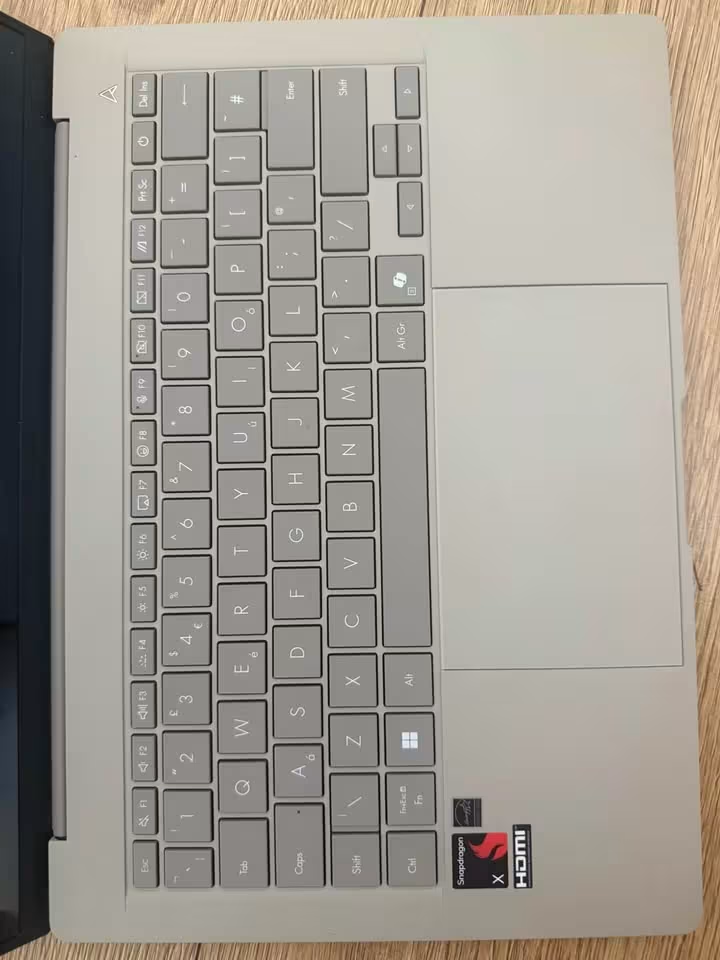
Some specific advantages of the Zenbook A14 are like significantly better battery life than average, lowest weight in the segment, very excellent build quality because of Ceraluminum, and also a 100% DCI-P3 OLED display. There is one 80 TOPS NPU, which is almost double AI processing power than the average ultralight.
Off-gassing is not any concern in laptops, but the Ceraluminum chassis is resisting the fingerprints and smudges from the first day itself, when we compare to the aluminium average.
This laptop is having a FHD+ OLED display and one relatively compact 512 GB SSD. For a Snapdragon-powered ultralight, this is a quite typical configuration which we are expecting, because of the efficiency-focus nature of the platform. So all these are counted as neutral points only, because different users can have different preferences in these areas.
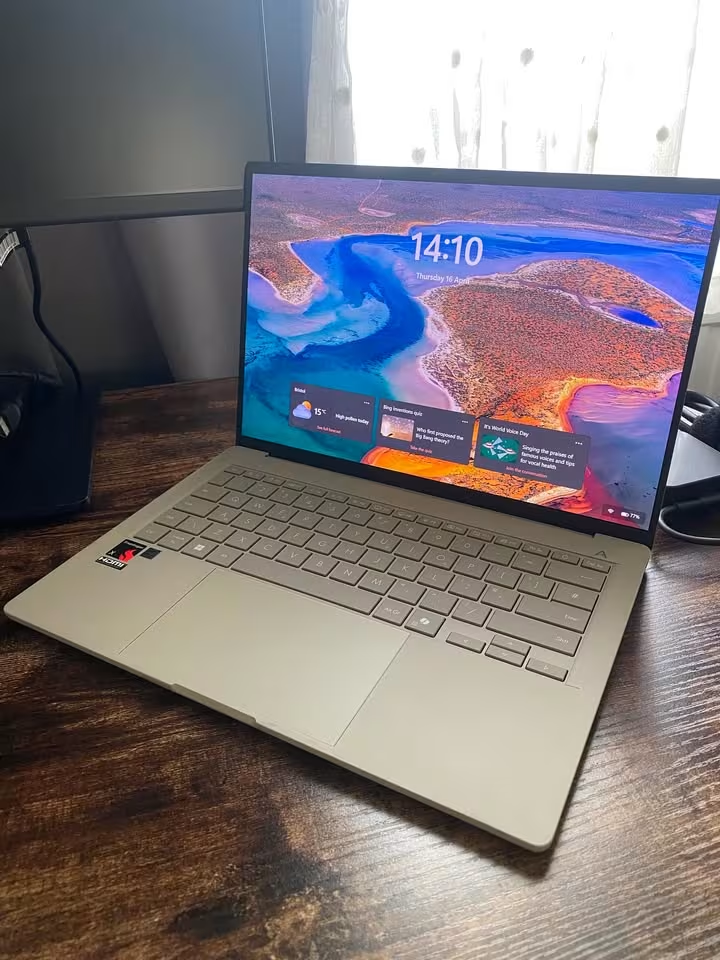
The Zenbook A14 is having a display resolution which is little bit lower than average (1920 x 1200 against the 2560 x 1600 average for premium ultrabooks).
The value is exceptional in the Zenbook A14. It is priced under 1.7 Lakh, which is 5% lesser than the average premium ultralight. So for the best portability-to-performance ratio and one sub-1 kg body, the Zenbook A14 is really the laptop to beat.
| Factor | ASUS Zenbook A14 (2026) |
| Overall Score | 9.20 |
| Display – Type | FHD+ OLED |
| Display – Size | 14″ |
| Display – Resolution | 1920 x 1200 |
| Display – Brightness | 600 nits (HDR peak) |
| Processor – Chip | Snapdragon X2 Elite |
| Processor – Cores | 18 |
| Processor – Max Speed | 4.7 GHz |
| RAM – Size | 16 GB |
| RAM – Type | LPDDR5X |
| Storage – Capacity | 512 GB SSD |
| Battery – Capacity | 70 Wh |
| Battery – Life | 33+ hours |
| Weight | 0.99 kg |
| Thickness | 13.0 mm |
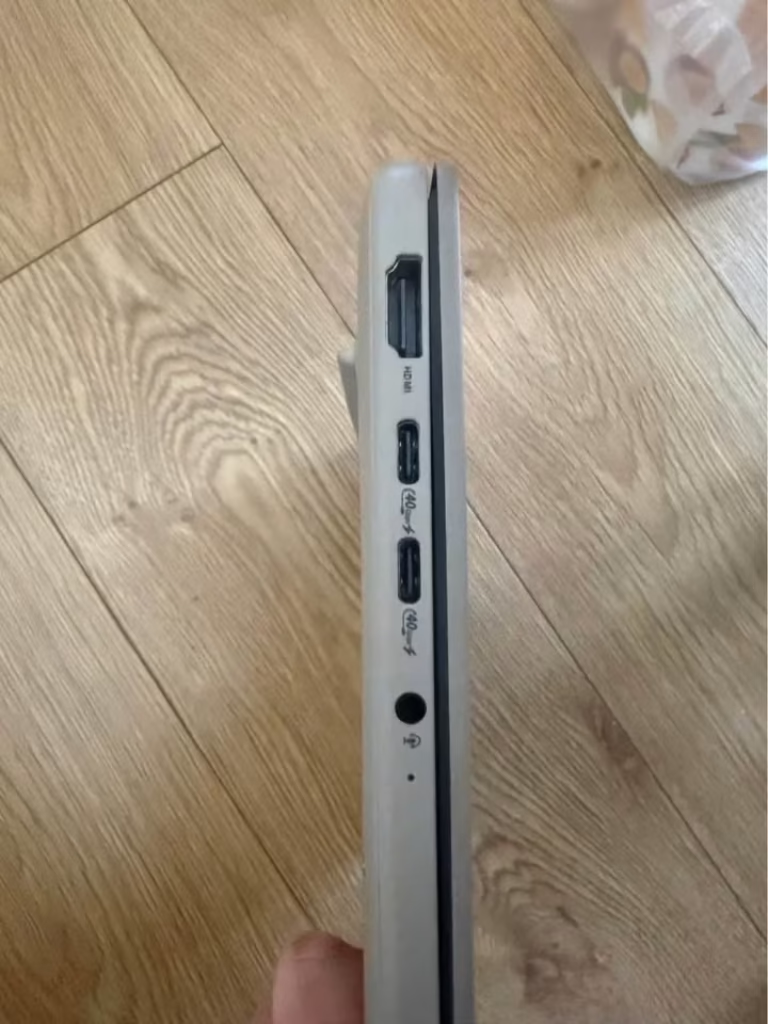
| Ports – USB4/TB | 2x USB 4.0 Type-C |
| Ports – USB-A | 1x USB 3.2 Gen 2 |
| Ports – HDMI | 1x HDMI 2.1 |
| Ports – Other | 3.5mm combo jack |
| Connectivity – Wi-Fi | Wi-Fi 7 |
| Connectivity – Bluetooth | 5.4 |
| Camera | FHD IR Camera |
| Keyboard – Backlit | Yes |
| Build Material | Ceraluminum |
| OS | Windows 11 Home |
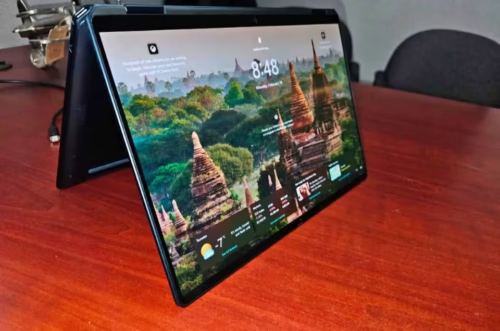
Our Verdict
The HP OmniBook Ultra Flip 14 is one 14″ convertible 2-in-1 laptop, which is running on Intel Core Ultra 7 256V processor, 16GB LPDDR5X RAM, and one 1TB PCIe Gen 4 NVMe SSD. If the flexibility of a tablet plus a laptop together is what you are wanting, then the OmniBook Ultra Flip is becoming a very nice choice, because it is having premium convertible design.
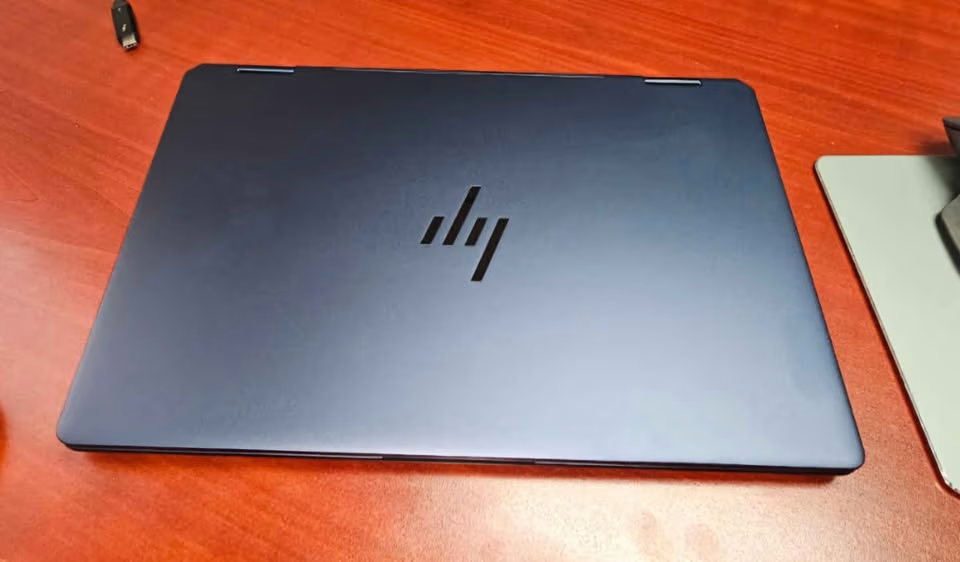
The OmniBook Ultra Flip is coming only in single processor configuration, that is the Intel Core Ultra 7 256V with 47 TOPS NPU. On our portability scale it is getting 5 out of 10, where the 10 is meaning the most lightest. So it is little more heavy if we see many other laptops in this list, but still it can be suitable for many types of mobile users.
This laptop is having moderate weight and also one high-resolution touchscreen display. Its form factor is more versatile, which is the typical thing we see in premium 2-in-1 convertibles.
In our performance testing, this laptop is getting one overall score of 8.75, and because of this the laptop is ranking inside the top 35% of all lightweight laptops which we tested till today. But if we are looking only the convertible 2-in-1 laptops, then this rank is going up to the top 18%.
The HP OmniBook Ultra Flip is having slightly above average overall performance, and the price also is staying near to average, that is 6% less than the average premium 2-in-1, which is giving the saving of more than ₹10,000 on one comparable convertible.
Other than versatility, the OmniBook Ultra Flip is also having some more advantages, like one stunning 2.8K OLED touchscreen, the Thunderbolt 4 connectivity, and the 9MP IR camera, which is the most high resolution webcam in this full roundup.
The battery is giving up to 15.5 hours, and the HP Fast Charge is bringing the laptop till 50% in only 45 minutes, when we compare to the 60-minute average.
This laptop is having moderate weight and also high level of connectivity. The edge-to-edge display coverage and the touchscreen responsiveness was also coming around the average level, so they are becoming little bit a neutral point.
Some disadvantages of the OmniBook Ultra Flip is including more heavy weight than average, the non-upgradeable 16 GB RAM, and the integrated-only graphics. This laptop is having only integrated Intel Arc graphics, which can become a limiting factor for the GPU-heavy creative type of workflows.
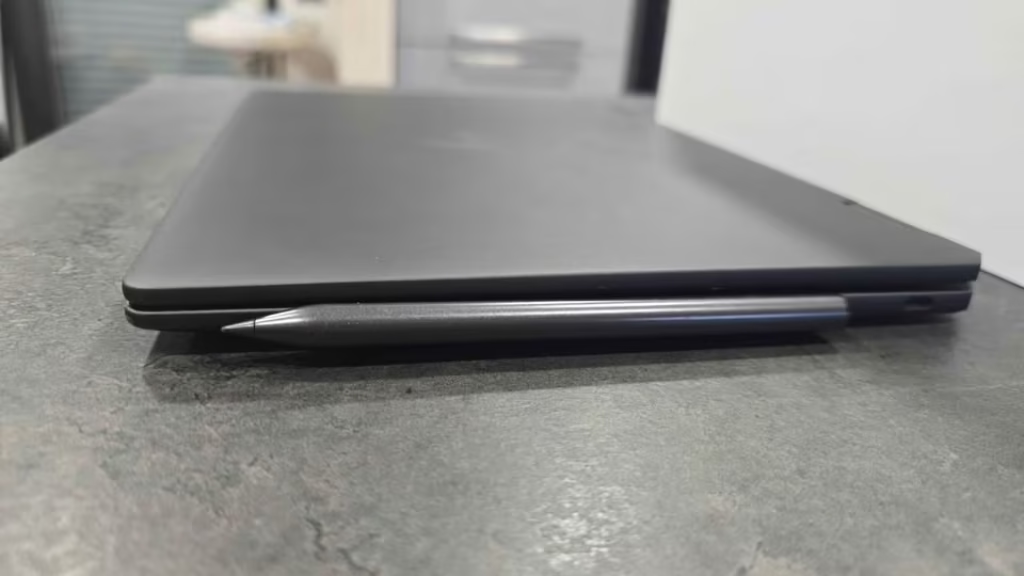
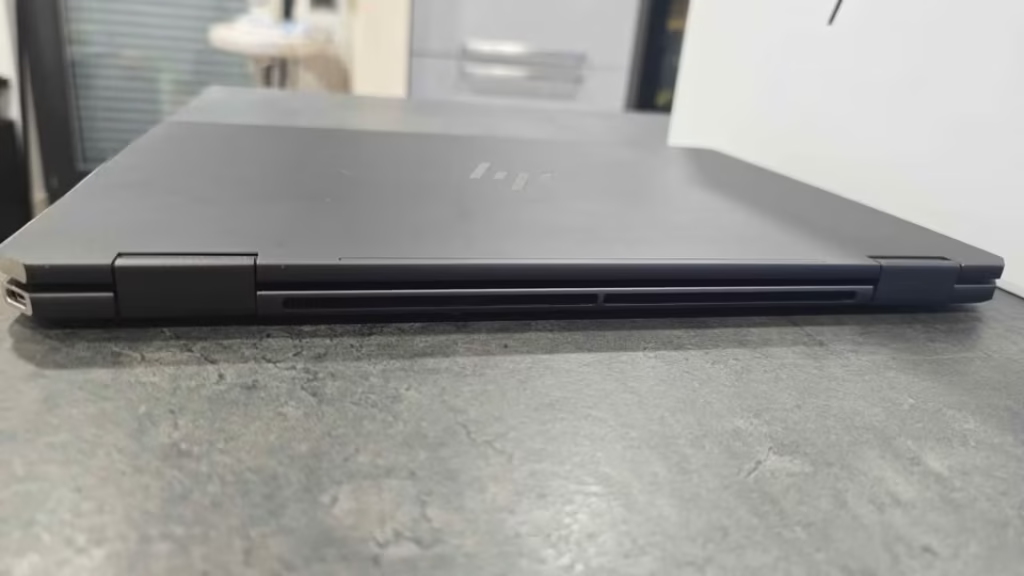
The HP OmniBook Ultra Flip is coming under ₹1.65L. Can it be more lighter and carry more RAM? Yes definitely. But even like this, the flexible 360° design and the exceptional camera are making it one strong option for many mobile professionals.
| Factor | HP OmniBook Ultra Flip 14 |
| Overall Score | 8.75 |
| Display – Type | 2.8K OLED Touchscreen |
| Display – Size | 14″ |
| Display – Resolution | 2880 x 1800 (est.) |
| Display – Brightness | 500 nits |
| Processor – Chip | Intel Core Ultra 7 256V |
| Processor – Cores | 8 |
| Processor – Max Speed | 4.8 GHz |
| RAM – Size | 16 GB |
| RAM – Type | LPDDR5X |
| Storage – Capacity | 1 TB SSD |
| Battery – Capacity | 64 Wh |
| Battery – Life | Up to 15.5 hours |
| Weight | 1.34 kg |
| Thickness | 14.0 mm |
| Ports – Thunderbolt | 2x Thunderbolt 4 |
| Ports – USB-C | 1x USB Type-C 10Gbps |
| Ports – HDMI | None |
| Ports – Other | 3.5mm combo jack |
| Connectivity – Wi-Fi | Wi-Fi 7 |
| Connectivity – Bluetooth | 5.4 |
| Camera | 9MP IR Camera |
| Keyboard – Backlit | Yes |
| Build Material | High-strength Aluminium |
| OS | Windows 11 |
Our Verdict
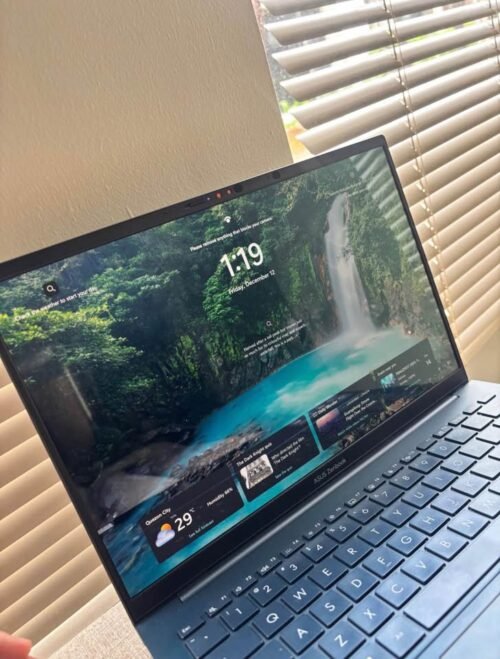
ASUS Zenbook 14 is a 14 inch high-end ultraportable laptop that has the latest Intel Core Ultra 5 225H processor with integrated Intel Arc graphics. It has a weight of 1.28 kg and it offers superior display quality with the best connectivity features.
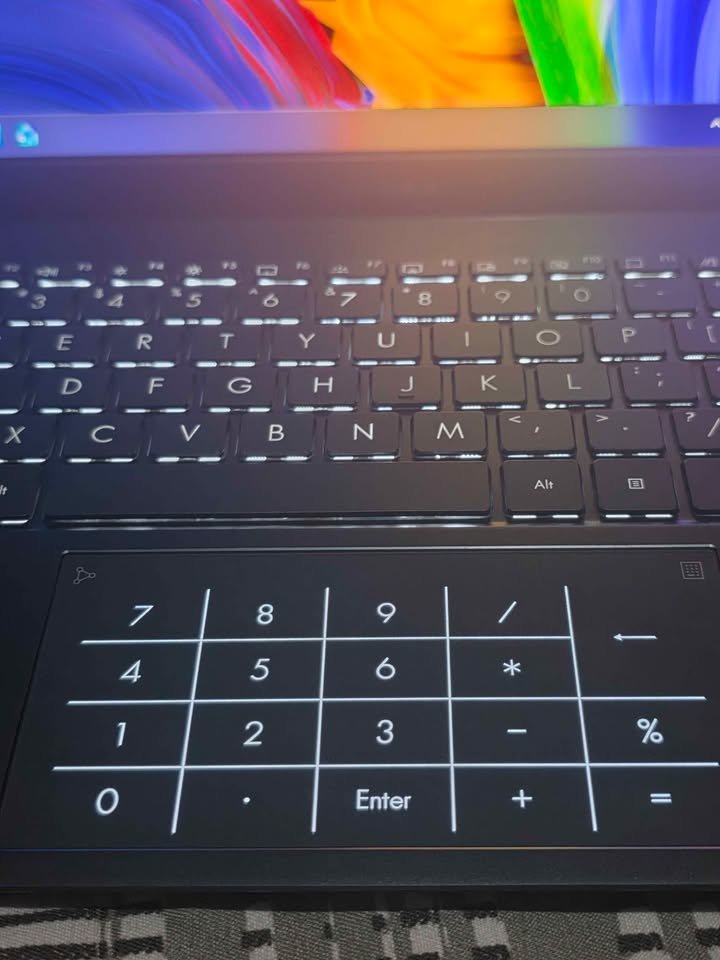
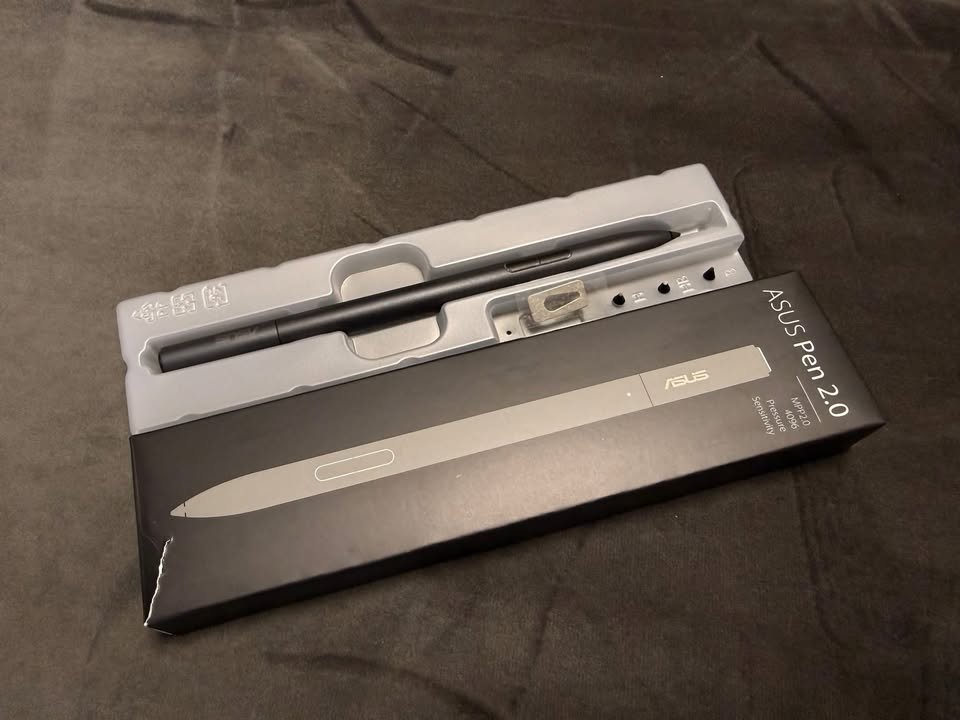
The Zenbook 14 comes in 16GB LPDDR5X RAM with 6400MHz and 1TB PCIe 4.0 NVMe SSD. Intel AI Boost NPU offers up to 13 TOPS, which is prepared to support the new AI-based applications.
This laptop has a gorgeous 14 inch 3K (2880 x 1800) OLED touchscreen with 120Hz refresh rate and 500 nits HDR peak brightness. The aspect ratio of 16:10 and VESA DisplayHDR True Black certification guarantee the vivid colours and deep black to creative professionals.
This laptop received a total of 9.15 in our performance tests, which put it in the 18 percentile out of all ultraportable laptops that have been tested so far.
The overall performance of the ASUS Zenbook 14 is very high and the price is similar to the premium positioning- flagship features at a competitive price.
Zenbook 14 had above average marks in display quality, battery life, and connectivity choices. The 3K OLED panel and 120Hz refresh rate provide the best and smoothest visuals in our test.
This laptop is of medium thermal output and has a good cooling system. The 75Wh battery provides an amazing 18+ hours of use, which is better than most of its competitors in the segment.
In addition to the display, other benefits of the Zenbook 14 are tri-band Wi-Fi 7 (802.11be), two Thunderbolt 4 ports, and 1TB SSD, which makes storage a non-issue to the vast majority of users.
The drawbacks are the glossy display which can be difficult in sunny exterior conditions, thermal throttling when used in heavy workloads, and the high cost which can be out of reach of the budget conscious consumer.
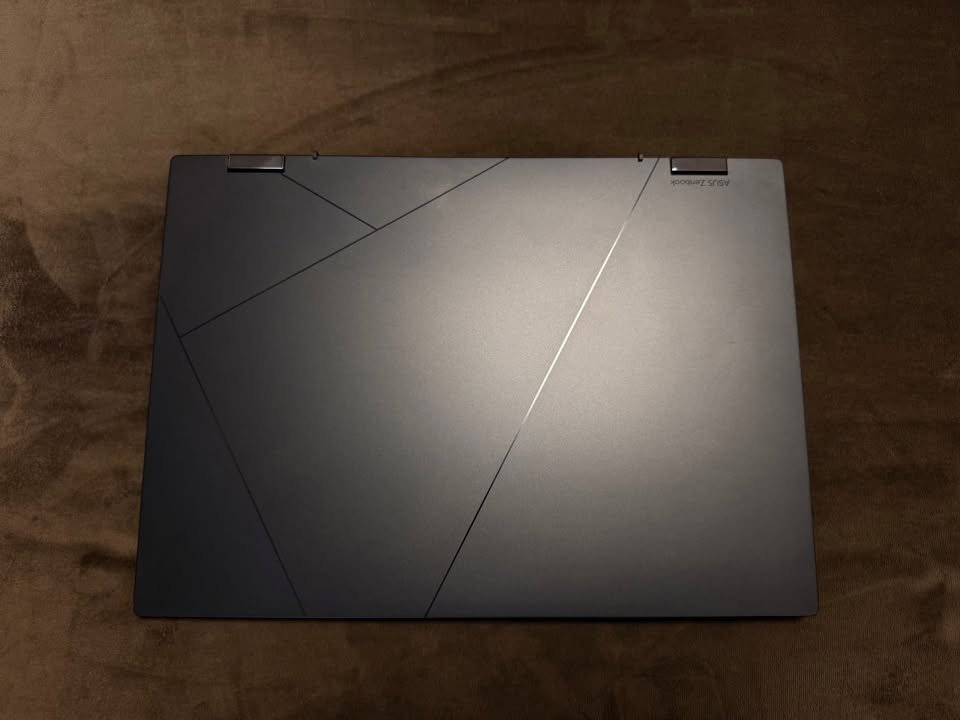
The ASUS Zenbook 14 is our choice of ultraportable laptops under 1.5 kg because of its combination of the best display quality, battery life, and future-proof connectivity.
Our Verdict
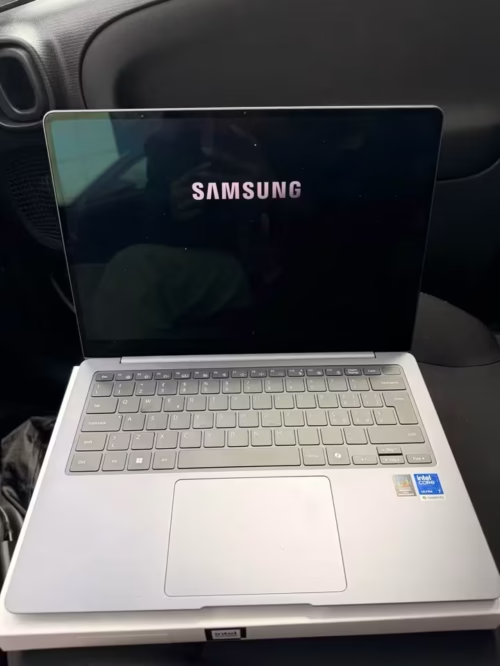
The Samsung Galaxy Book6 Pro is one 14″ premium ultralight laptop which is powered through an Intel Core Ultra 7 (Series 3) 356H processor, the 16GB LPDDR5 RAM, and a 512GB SSD, all of these wrapped inside an ultra-slim, full-metal body.
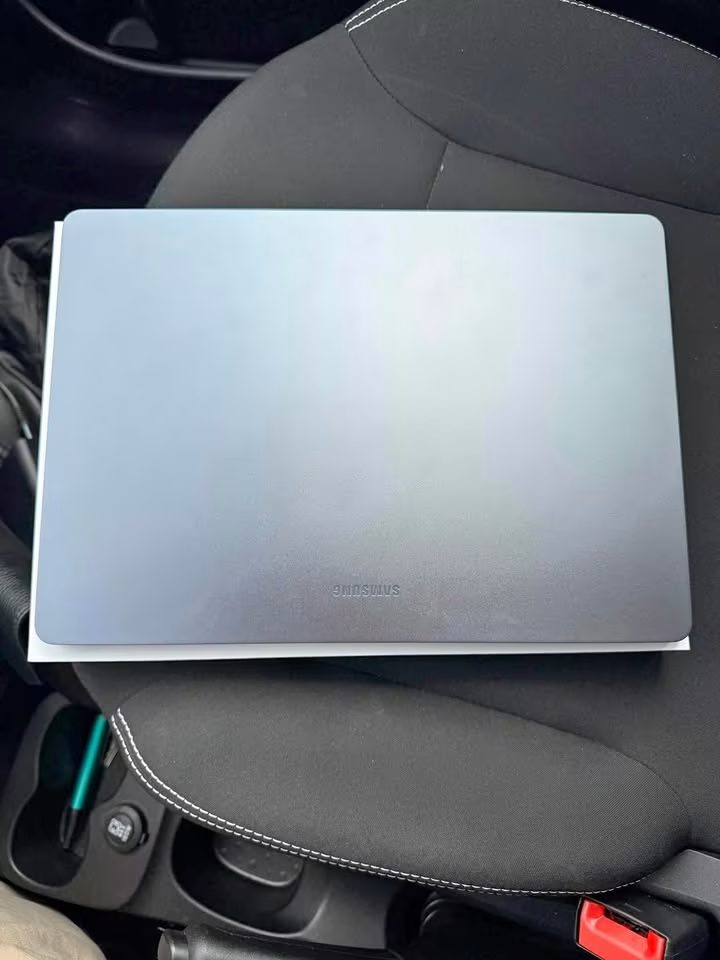
The Dynamic AMOLED 2X panel is mainly for the vivid visuals, whereas the anti-reflective coating is working more like a practical layer that sits between the display and the ambient light sources around you.
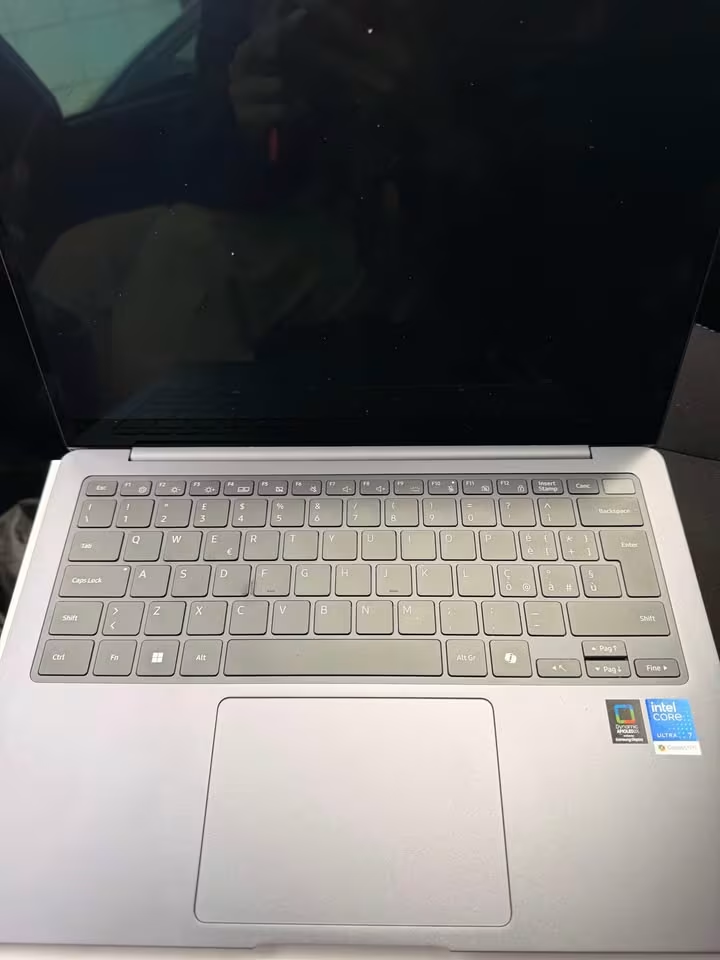
The Galaxy Book6 Pro is coming only with a single display configuration, which is the Dynamic AMOLED 2X with 120 Hz. On our display smoothness scale this is getting a rating of 9 out of 10, where the 10 is meaning the smoothest one.
This laptop is having a moderate weight but the battery life is exceptionally long. The endurance is much higher than the average, and because of this it gives a better untethered usage (30 hours is claimed) when you compare to the average (14 hours only).
In our performance testing, this laptop has earned an overall score of 8.68, which is putting the laptop into the bottom 48% among all the lightweight laptops we tested till date. One thing to note, this is reflecting the tests done on the 14″ version.
The Samsung Galaxy Book6 Pro is a 1.24 kg ultralight machine whose overall performance level is staying near to average, while the price tag is also sitting near to average. So the result is a premium laptop which is made for the users who are giving priority to display quality and battery life rather than the raw specifications.
Other than the display and the battery, the further advantages of the Galaxy Book6 Pro are including the Dolby Atmos stereo speakers, the Galaxy AI-powered natural language search, one redesigned cooling system that is keeping the noise to the minimum, and a complete port selection which is having Thunderbolt 4 and also HDMI.
This laptop is having a moderate weight along with a 120 Hz refresh rate display. The build quality and the keyboard responsiveness were also around the average level only, so they are becoming a bit of a neutral factor here.
The disadvantages of the Galaxy Book6 Pro are including the lower RAM if you compare with the similarly priced competitors, the smaller storage capacity, and also that glossy screen finish which may be causing reflections inside the bright environments. On top of this, the laptop is having a shorter warranty period too.
Whichever Galaxy ecosystem you are already sitting inside, the Book6 Pro is staying as a solid premium ultralight under ₹1.8L which is coming with one exceptional display.
| Factor | Samsung Galaxy Book6 Pro 14 |
| Overall Score | 8.68 |
| Display – Type | Dynamic AMOLED 2X |
| Display – Size | 14″ |
| Display – Resolution | 2880 x 1800 |
| Display – Brightness | 500 nits (SDR) / 1000 nits (HDR) |
| Processor – Chip | Intel Core Ultra 7 (Series 3) 356H |
| Processor – Cores | 16 |
| Processor – Max Speed | 4.7 GHz |
| RAM – Size | 16 GB |
| RAM – Type | LPDDR5 |
| Storage – Capacity | 512 GB SSD |
| Battery – Capacity | 67.18 Wh |
| Battery – Life | Up to 30 hours |
| Weight | 1.24 kg |
| Thickness | 12.0 mm |
| Ports – Thunderbolt | 2x Thunderbolt 4 |
| Ports – USB-A | 1x USB-A |
| Ports – HDMI | 1x HDMI |
| Ports – Other | 3.5mm combo jack |
| Connectivity – Wi-Fi | Wi-Fi 7 |
| Connectivity – Bluetooth | 5.4 |
| Camera | FHD Webcam |
| Keyboard – Backlit | Yes |
| Build Material | Full Metal |
| OS | Windows 11 Home |
Our Verdict
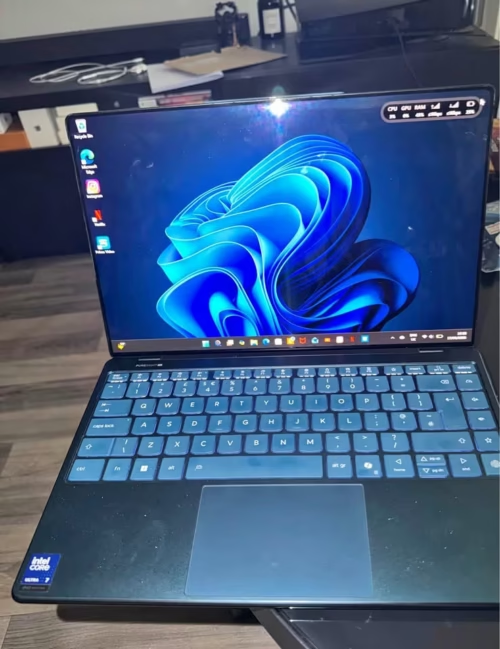
The Lenovo Yoga Slim 9 is one 14″ premium ultrabook which made from aluminium and 2.5D glass, and it is powered with Intel Evo Core Ultra 7 258V processor, the 32GB LPDDR5X-8533 RAM, plus a 1TB PCIe Gen 4 SSD inside. This one is becoming the first laptop of our roundup that is having a true 4K OLED display and also 32 GB of RAM in standard only.
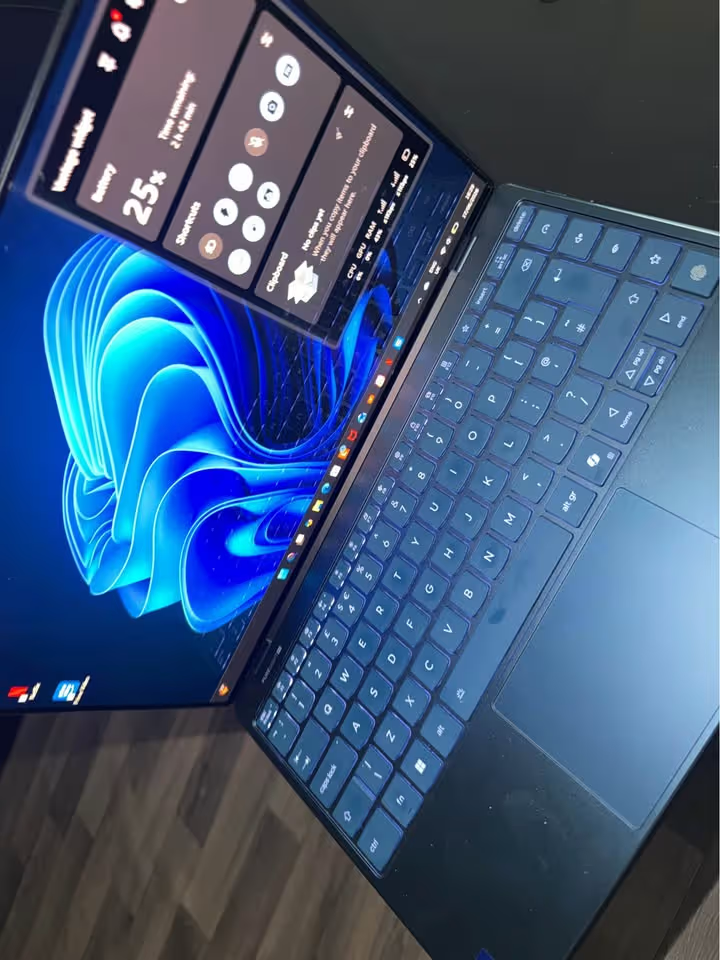
The Yoga Slim 9 it comes with single memory configuration which is 32 GB soldered LPDDR5x-8533, and this is the most highest in this roundup, so it giving exceptional headroom for multitasking when you doing demanding creative and professional type of workflows.
This laptop is having moderate weight but very much high display resolution. The display quality is significant much higher than the average, because of this it gives more better visual clearness (3840 x 2400) if we compare to the average one (2560 x 1600).
In the performance tests done by us, this laptop is getting overall score of 8.82, which putting the laptop into top 28% of all the lightweight laptops that we tested till now.
The Lenovo Yoga Slim 9 is a premium ultrabook and its overall performance score is notably more better than the average level (0.15 points more high), but the price tag is also 14% above from the average price.
Other than the display quality only, some more advantages of the Yoga Slim 9 are including the 32 GB RAM, the four studio-grade speakers with Dolby Atmos, one under-display camera which having AI fine-tuning, and also a processor cache that is longer than average.
This laptop is having moderate kind of weight and one compact 14″ form factor. The build quality and the keyboard feeling, they were also coming around the average level only.
The disadvantages of Yoga Slim 9 they are including the battery life shorter than average, specially for those users who is working without charging for whole day. Also the laptop is only having 2 USB-C ports, which is lesser than the 4-port average.
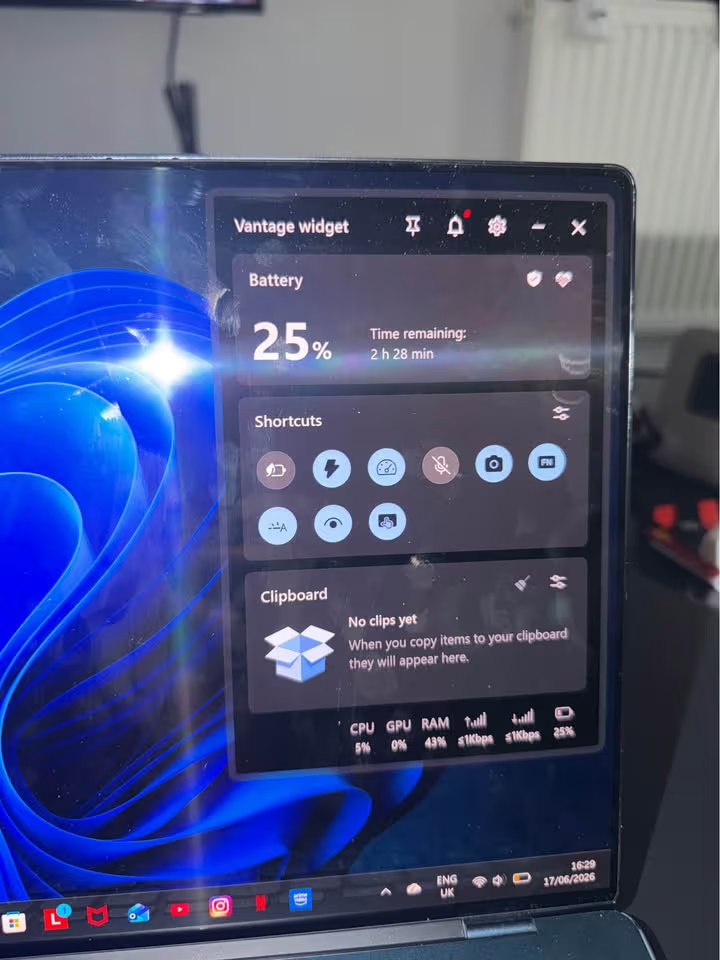
The 75 Wh battery it is bigger than average, but the 4K OLED panel which is very power-hungry, it brings the real-world battery life down to near about 11 hours only — this is roughly 3 hours lesser than the 14-hour average that we are seeing across 23+ laptops tested. This thing is more a disadvantage for the road warriors or the frequent travelers, and it not necessarily applying to all the users.
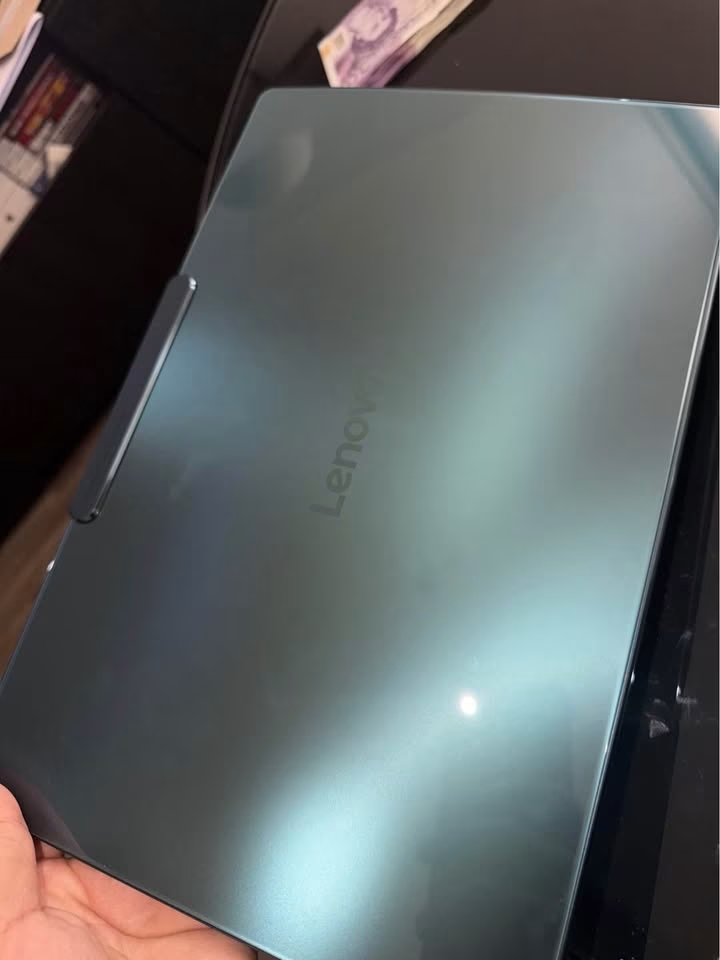
So for a premium 4K OLED ultrabook having 32 GB RAM and the studio-grade audio, the Lenovo Yoga Slim 9 is our #1 pick for getting the best display on a lightweight laptop in whole India.
| Factor | Lenovo Yoga Slim 9 14 |
| Overall Score | 8.82 |
| Display – Type | 4K WQUXGA OLED Touch |
| Display – Size | 14″ |
| Display – Resolution | 3840 x 2400 |
| Display – Brightness | 750 nits (peak) |
| Processor – Chip | Intel Core Ultra 7 258V |
| Processor – Cores | 8 (4P + 4LPE) |
| Processor – Max Speed | 4.8 GHz |
| RAM – Size | 32 GB |
| RAM – Type | LPDDR5X-8533 |
| Storage – Capacity | 1 TB SSD |
| Battery – Capacity | 75 Wh |
| Battery – Life | ~11 hours |
| Weight | 1.23 kg |
| Thickness | 14.5 mm |
| Ports – USB-C | 2x USB-C (Thunderbolt 4) |
| Ports – USB-A | None |
| Ports – HDMI | None |
| Ports – Other | 3.5mm combo jack |
| Connectivity – Wi-Fi | Wi-Fi 7 |
| Connectivity – Bluetooth | 5.4 |
| Camera | Under-display FHD IR |
| Keyboard – Backlit | Yes |
| Build Material | Aluminium + 2.5D Glass |
| OS | Windows 11 Home |
Our Verdict
The HP OmniBook 5 OLED is a 14 inch next-generation ultraportable laptop based on the Snapdragon X Plus processor, with Adreno graphics. It has a weight of 1.35 kg and is a move towards ARM based Windows computing with impressive power efficiency.
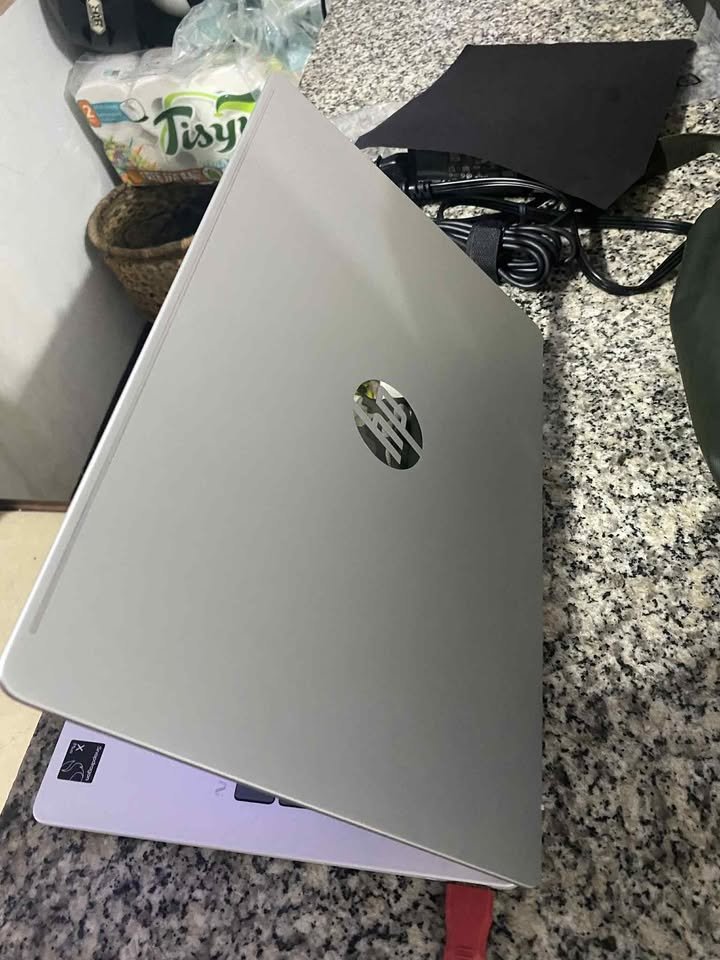
OmniBook 5 comes with 16GB LPDDR5x RAM and 512GB PCIe Gen4 NVMe SSD drive. The Snapdragon X processor has 8 cores, 8 threads, and an NPU with up to 47 TOPS of AI processing units.
This laptop has a 14 inch 2K (1920 x 1200) OLED screen with 300 nits of brightness and 95 percent of DCI-P3 colour range. The response time of 0.2 ms is good enough to provide smooth images without ghosting or motion blur when watching videos.
This laptop scored a total of 8.68 in our performance tests, which is in the upper 42 percent of all of the ultraportable laptops that have been tested so far.
The HP OmniBook 5 OLED has better than average overall performance and a competitive price- Snapdragon efficiency with a mainstream price tag.
OmniBook 5 scored very high on battery life, noise of the fan (silent) and sustainability qualifications. The 34-hour local video playback is by far the longest in our entire roundup.
This laptop possesses low thermal production and absolutely noiseless operation. The ARM architecture supports unprecedented power efficiency that translates into all-day and more battery life.
In addition to battery life, other features of the OmniBook 5 are HP Fast Charge (50% in 30 minutes), 1080p IR camera with temporal noise reduction and EPEAT Gold and Climate+ certification.
The negative sides are that it may not be compatible with Windows apps when used with ARM emulation.
The HP OmniBook 5 OLED has unparalleled battery life, should you be interested in this feature and use mostly web-based or ARM-native applications.
Our Verdict
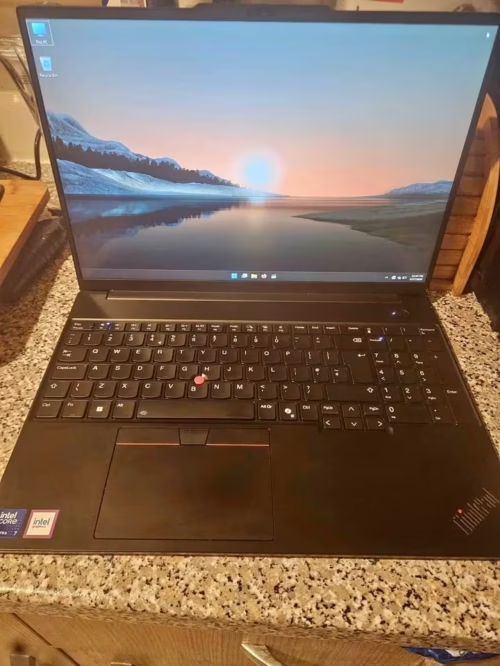
The Lenovo ThinkPad X1 Carbon is one 14″ business ultrabook, which is made from carbon fiber (on the top) and aluminium (on the bottom side). It is powered with an Intel Core Ultra 7 155U processor, 32GB LPDDR5-6400 RAM, and also a 1TB SSD that you can upgrade later. The top panel is mostly giving the rigidity, while the aluminium bottom is working more like a heat dissipation layer in between the internals and the user who is sitting below.
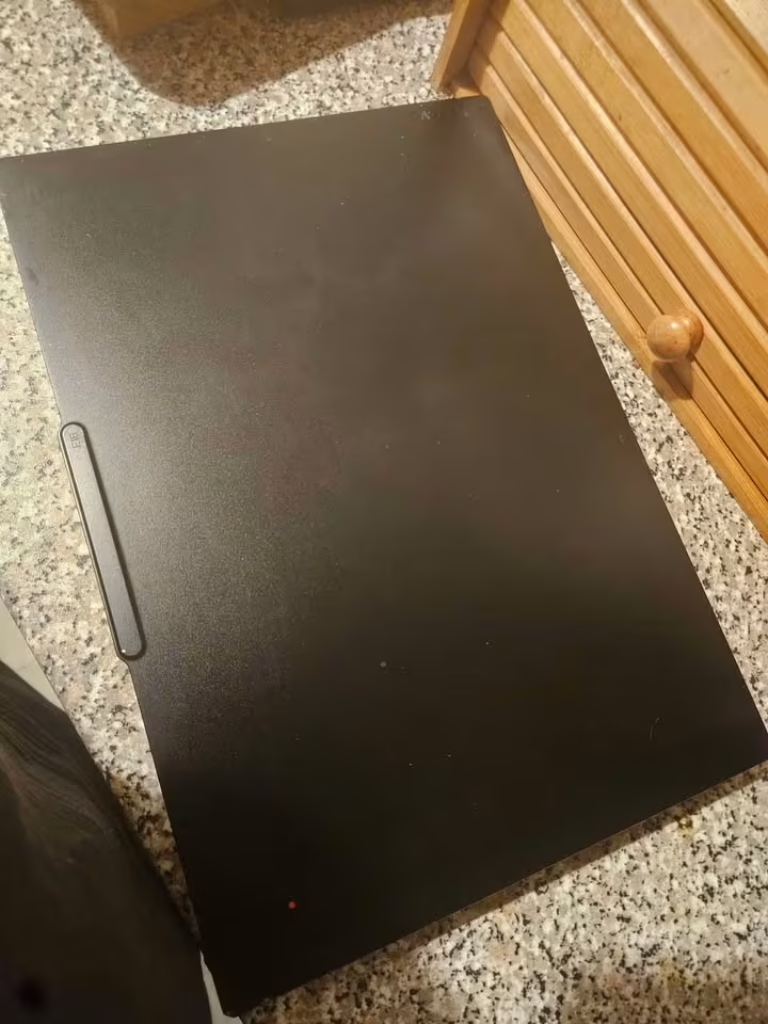
The ThinkPad X1 Carbon is coming only in a single pre-configured option, that is with Windows 11 Pro and the 32 GB RAM. We are giving this a rating of 8 out of 10 on our enterprise-readiness scale, where the 10 is meaning the most enterprise-ready.
This laptop is having very minimal chassis weight and also a very robust port selection. Even though it is classified as an ultralight, the carbon fiber build together with the MIL-STD testing is ensuring such durability which many of the lighter laptops simply cannot be matching.
In our performance testing, this laptop is earning an overall score of 8.95, and because of this it is ranking in the top 18% from all the lightweight laptops we have tested. Even when the display may not impress so much if you compare with the OLED competitors, the real incentive over here is its enterprise feature set.
The Lenovo ThinkPad X1 Carbon is a business ultrabook whose overall performance level is above the average, but on the other hand the price tag is also significantly more than the average. So if you are in the market and searching for a durable business laptop with enterprise-grade features, then the X1 Carbon is surely fitting the bill.
Going beyond only the MIL-STD durability, the other advantages of the ThinkPad X1 Carbon are including the most comprehensive port selection in this roundup, one spill-resistant keyboard, a fingerprint reader, and also a privacy shutter which is there for both of the cameras.
The company support is also better than the average, because they are offering a 3-year Premier Support warranty (if you compare it to the 1-year average).
This laptop is having a 1.08 kg weight and one 14″ IPS display with the 400 nits brightness. Both of these factors are considered as adequate for the business use, since the different professionals will be having the different preferences in these areas.
But if we see the premium price, there are quite a few categories where the competing laptops are offering more in less.
The X1 Carbon is having a lower-resolution display than the average OLED competitors, no touchscreen capability, one lower peak brightness, and also an older Wi-Fi 6E standard (when most of the competitors are now coming with the Wi-Fi 7). The IPS panel is really putting a limit on the visual experience, and this can become noticeable for the content creators and the media consumers.
The Lenovo ThinkPad X1 Carbon is around ₹2.5 Lakh only for the tested configuration. Could the display and the wireless be better? Absolutely, yes. But even then, the military-grade build, the enterprise features, and that 3-year Premier Support are making it a compelling option for many of the business professionals.
| Factor | Lenovo ThinkPad X1 Carbon Gen 12 |
| Overall Score | 8.95 |
| Display – Type | WUXGA IPS Anti-Glare |
| Display – Size | 14″ |
| Display – Resolution | 1920 x 1200 |
| Display – Brightness | 400 nits |
| Processor – Chip | Intel Core Ultra 7 155U |
| Processor – Cores | 12 |
| Processor – Max Speed | 4.8 GHz |
| RAM – Size | 32 GB |
| RAM – Type | LPDDR5-6400 |
| Storage – Capacity | 1 TB SSD (upgradeable) |
| Battery – Capacity | 57 Wh |
| Battery – Life | ~12 hours (est.) |
| Weight | 1.08 kg |
| Thickness | 15.0 mm |
| Ports – Thunderbolt | 2x Thunderbolt 4 / USB4 |
| Ports – USB-A | 2x USB-A (1 Always On) |
| Ports – HDMI | 1x HDMI 2.1 |
| Ports – Other | 3.5mm combo jack |
| Connectivity – Wi-Fi | Wi-Fi 6E |
| Connectivity – Bluetooth | 5.3 |
| Camera | Dual FHD with Privacy Shutter |
| Keyboard – Backlit | Yes (Spill-Resistant) |
| Build Material | Carbon Fiber + Aluminium |
| OS | Windows 11 Pro |
Side-by-side Comparison of the Best Lightweight Laptops Under 1.5 Kg
| Product Name | HP Pavilion Aero | Apple MacBook Air M4 | ASUS Zenbook 14 | HP OmniBook 5 OLED | acer Professional 14 | Lenovo Yoga Slim 7 |
|---|---|---|---|---|---|---|
| Weight (kg) | 1 kg | 1.24 kg | 1.28 kg | 1.35 kg | 1.34 kg | 1.39 kg |
| Processor | AMD Ryzen 5 8640U | Apple M4 (10-core) | Intel Core Ultra 5 225H | Snapdragon X Plus | Intel Core i7-1355U | Intel Core Ultra 5 125H |
| RAM | 16GB LPDDR5x | 16GB Unified | 16GB LPDDR5X | 16GB LPDDR5x | 32GB DDR4 | 16GB LPDDR5 |
| Storage | 512GB SSD | 256GB SSD | 1TB SSD | 512GB SSD | 1TB SSD | 512GB SSD |
| Display | 13.3″ WUXGA IPS | 13.6″ Liquid Retina | 14″ 3K OLED Touch | 14″ 2K OLED | 14″ FHD LED | 14″ WUXGA OLED |
| Battery Life | 11.5 hours | 18 hours | 18 hours | 34 hours | 7 hours | 10.3 hours |
| Operating System | Windows 11 Home | macOS | Windows 11 Home | Windows 11 Home | Windows 11 Pro | Windows 11 Home |
| Performance Ratings | 9.5/10 | 9.8/10 | 9.6/10 | 9.2/10 | 9.4/10 | 9.5/10 |
| Portability Ratings | 10/10 | 9.6/10 | 9.5/10 | 9.3/10 | 9.4/10 | 9.2/10 |
| Battery Ratings | 8.8/10 | 9.7/10 | 9.5/10 | 10/10 | 7.5/10 | 9/10 |
| Best Suited For | Ultra-portability, Students | Creative Professionals, Apple Ecosystem | Display Quality, Touchscreen | Battery Life, AI Tasks | Business, Power Users | Creative Work, Durability |
| Warranty | 1-year | 1-year | 1-year | 1-year | 3-year | 1-year + ADP |
What Makes a Laptop Good Choice for Portability
In my opinion, a laptop is a superior choice in terms of portability due to numerous reasons. All the sources should be summed up to answer the question of whether it is the right laptop to purchase. To help forthcoming laptop owners make the best choice for portability, I have used the factors listed below to make my selection.
- Weight and dimensions: The initial aspect that should be checked is whether the weight of the laptop fits your needs with regards to portability. Luckily, the laptops I have selected are of the best category. It is going to be extremely difficult to encounter a laptop that is lighter than what is being weighed by the HP Pavilion Aero, which is 1 kg.
- Performance of the processor: There are numerous laptops in the market with different processors; Intel and AMD, as well as Apple Silicon or Qualcomm Snapdragon. Nonetheless, modern processors are the most efficient and fast, and therefore, in this article, I have mentioned only the devices with current-generation chips. Speaking more specifically to it, all of them have processors that are highly single-core and multi-core. Besides brute force, most of the laptops on the list also include an AI acceleration functionality with NPUs.
- Battery life: A combination of efficient processors and power management has resulted in the laptop pair that has up to all-day battery life. This implies that the processor performance and the battery capacity also determines the decision of the machine particularly since they all add up to achieve superior battery life so as to achieve extended productivity.
- Display quality: This aspect covers the resolution, panel technology, colour accuracy and brightness. Even though it might not be something that comes to mind at first sight, the display does influence your productivity and eye comfort greatly and I would advise everyone to have a good look at these facts.
- Durability and quality of the build: Due to the high-quality material used in the choice of most ultralight laptops such as aluminium and magnesium alloys, durability and quality of the build should be considered as a parameter in choosing the best ultralight laptop. One thing I have observed is that being lightweight does not mean that the durability is compromised. Quite a number of brands are providing new innovations in making laptops structurally stronger and decrease in weight.
How Did We Determine the Best Ones?
When deciding on the lightweight laptops to purchase, I made research about the performance, display technologies, battery life, reliability of the brand, the quality of the construction, and so forth. Besides weight and battery life, the performance of the processor is also among the paramount factors when selecting the best laptops. The lowest weight laptop on the list is 1 kg along with the heaviest one on the list which has a weight of 1.39 kg.
In essence, the laptops found in the list are of good quality. They are of high quality materials and only some minor details distinguish them. I am too amazed with the background of technological advancement. It is now that processors with remarkable efficiency are running ultralight laptops and giving them super performance. All of this has enabled the sub-1.4 kg laptops to be available in the market and compete with the desktop performance.
In my own case, I prefer the highest display quality, and I prefer a laptop to have great battery life, hence I considered this when buying laptops. Nevertheless, I also know that other users value sheer processing power and thus you will find some performance-oriented laptops in the list. In case you want to know what Ultrabook’s are the best you can purchase, I would recommend you to read my articles on this topic.
Practically all laptops in the list incorporate the current generation processors. Moreover, they have all the latest connectivity features such as Wi-Fi 6 or later that guarantee future-proof wireless connectivity.
What Are the Things to Keep in Mind when purchasing a lightweight laptop?
Basically, the lightweight laptop idea is to ensure that maximum portability is realised without compromising much on performance. It is a balance that is attained by meticulous engineering and choice of components.
The laptops have their own advantages that qualify them to be used in different situations. The value of reference is the weight and that is basically the portability of the laptop. The following are the most important lightweight laptop features that I will describe below.
Performance-to-Weight Ratio
Performance to weight ratio is a figure that tells us the balance between a laptop and its processing power versus its portability. When you cheque the list of laptops that I have selected as the lightest ones, you will find that all of them provide high-quality performance in spite of their small weight.
When testing laptops, I am always informed by real-life performance. I use practical work loads as a benchmark of performance appraisal. Why? Why, these are the sure tests that indicate the real practise. All the laptops recommended in this list are capable of providing regular productivity tasks in a smooth manner.
Battery Efficiency
- Excellent (18+ hours): The laptop will be able to work over a whole workday and even beyond without being charged.
- Good (10-18 hours): With normal usage, the laptop will easily make through a full working day.
- Average (7-10 hours): It will require the laptop to be charged in case of long work shifts.
FAQ on Lightweight Laptops
All the parameters and the analysis considered, in my view, HP Pavilion Aero and Apple MacBook Air M4 are the lightest laptops at 1.4 kg and below.
Of course, it can. The purchase of a laptop that is more concerned with the weight than the performance can result in disappointment due to the slow speeds. One should however purchase a laptop that is not too small to carry around yet powerful enough at the same time.
Absolutely yes! I have already tried a lot of various laptops, and I have confirmed that ultralight devices do increase productivity on a daily basis greatly. It may be that you travel a lot, you commute to work and just like to have a lighter device, or you just like a lighter laptop to enhance your computing experience.
Final Thoughts
The process of getting the correct choice when purchasing a laptop can be complicated and very hectic, not to mention that you will be required to get one that matches both, in terms of portability and performance. There is a overabundance of parameters to take into account, including the weight, processor performance, display quality, battery life, storage, etc.
To do all this not myself, I created a list of the most lightweight laptops that you can purchase under 1.4 kg and took into account all the most significant parameters and specifications when selecting the best ones.
The HP Pavilion Aero is the best ultra-lightweight laptop that you can purchase. It is the incredibly light 1 kg laptop which is incredibly efficient and loaded with most of the modern features and can certainly be the best choice when it comes to maximum portability.
Apple MacBook Air M4 is the best-value product with its excellent performance and high-quality display and impressive battery life of only 1.24 kg.
In case you have any queries concerning the article or device that I have suggested, then feel free to comment in the comment section below.