8 Best Battery Backup Laptop: Our Experts Test 8+ Laptops from Under ₹50,000 to ₹1.5 Lakh

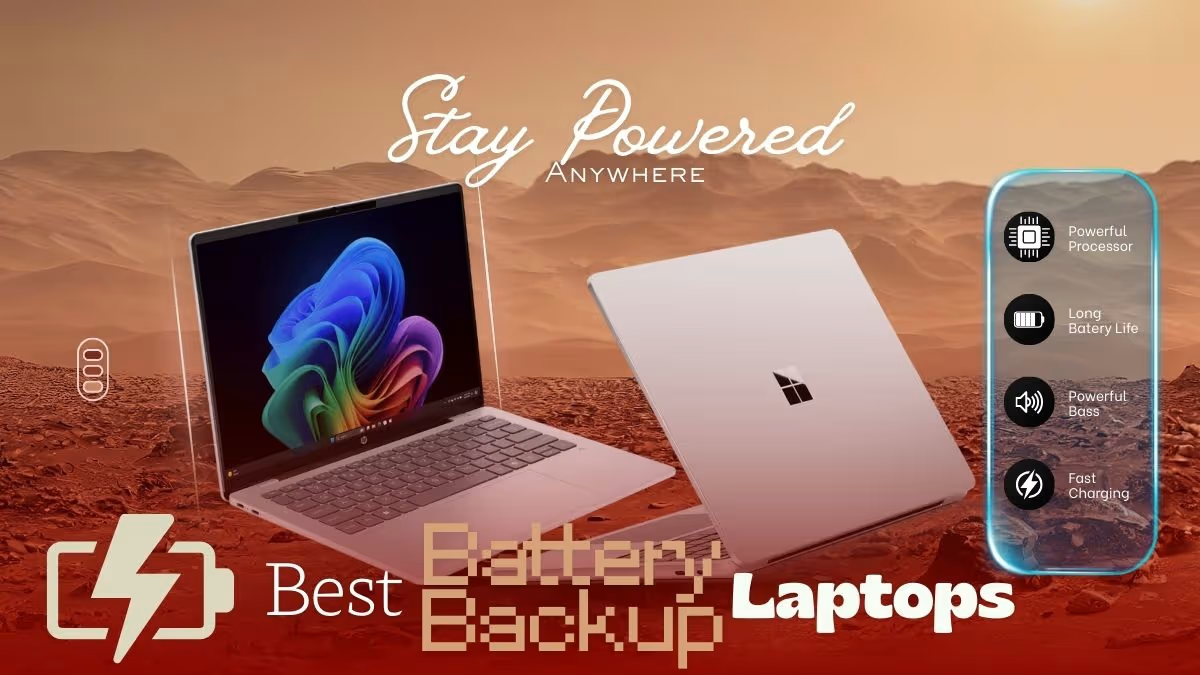
Our best battery backup laptop selections feature the highest-capacity laptops that provide superior battery performance to be productive all day long. To make this list a reality, we have tried 8 or more different laptops (and more than 50 or so laptops of all kinds) at different prices, processor types, and performance profiles.
Note – Although certain of these laptops have gaming-capable hardware or workstation-grade processors, they do not cut corners when it comes to battery efficiency. In the event you are more interested in gaming laptops, please visit our Best Gaming Laptop picks and ultrabooks our Best Ultrabook picks here.
Disclosure: This website is part of the Amazon Associates Program. I may earn a commission from qualifying purchases at no extra cost to you.
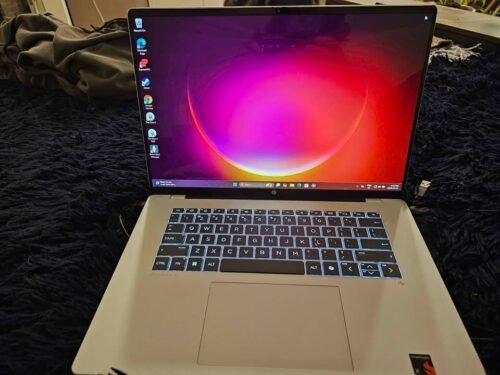
HP OmniBook 5 OLED
Here is a quick Comparison table of top 8 Laptops with best battery backup
| Product Name | Battery Capacity | Battery Life | Processor |
| HP OmniBook 5 | 59 Wh | Up to 34 hrs | Snapdragon X1 |
| Surface Laptop 7 | 54 Wh | Up to 14 hrs | Snapdragon X Plus |
| Samsung Galaxy Book6 | 61.2 Wh | upto 24 hours | Intel Core Ultra 7 (Series 3) |
| Vivobook S16 OLED | 70 Wh | Up to 20 hrs | Core Ultra 5 |
| Lenovo Yoga Slim 7 | 70 Wh | up to 22.5 hours | Ryzen AI 7 350 |
| ASUS Zenbook S 16 2026 Model | 83 Wh | Up to 23 hrs | AMD Ryzen AI 9 465 |
| MacBook Air M4 | 53.8 Wh | Up to 18 hrs | Apple M4 |
| Galaxy Book4 | 54 Wh | Up to 12 hrs | Core i5-1335U |
List of the best battery backup laptops in India for 2026
01. HP OmniBook 5 OLED
Our Verdict
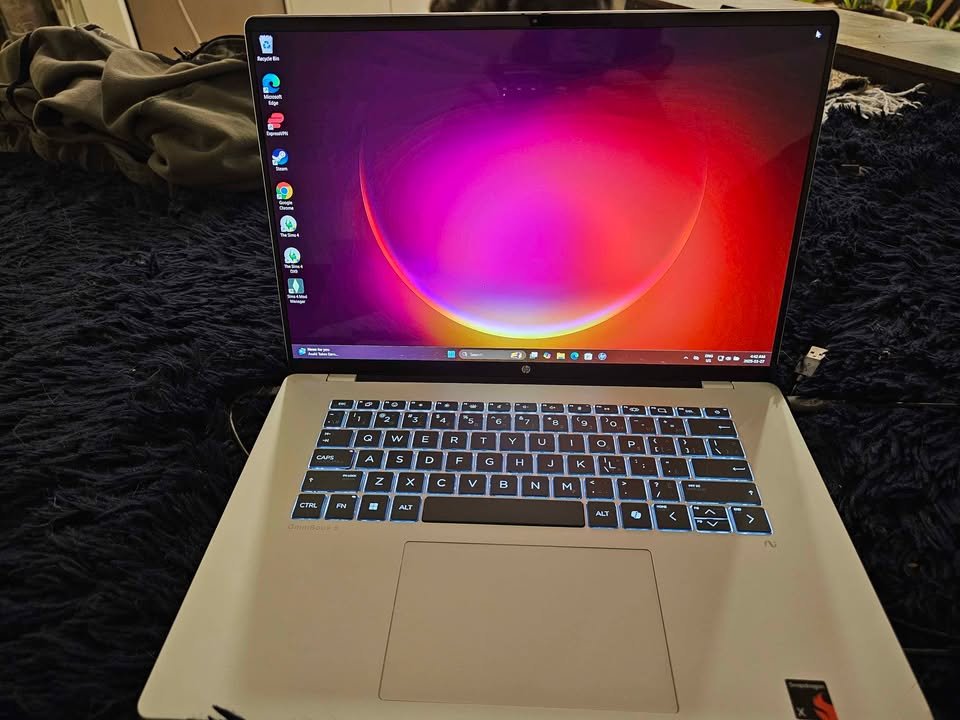
The HP omni book 5 OLED is a 14 inch ultraportable laptop that runs on the Qualcomm Snapdragon X1-26-100 processor. It has a 16GB LPDDR5x RAM setup that is positioned next to a 1TB PCIe Gen4 NVMe SSD. It has a colourful 2K OLED screen with Brightview Low Blue Light.
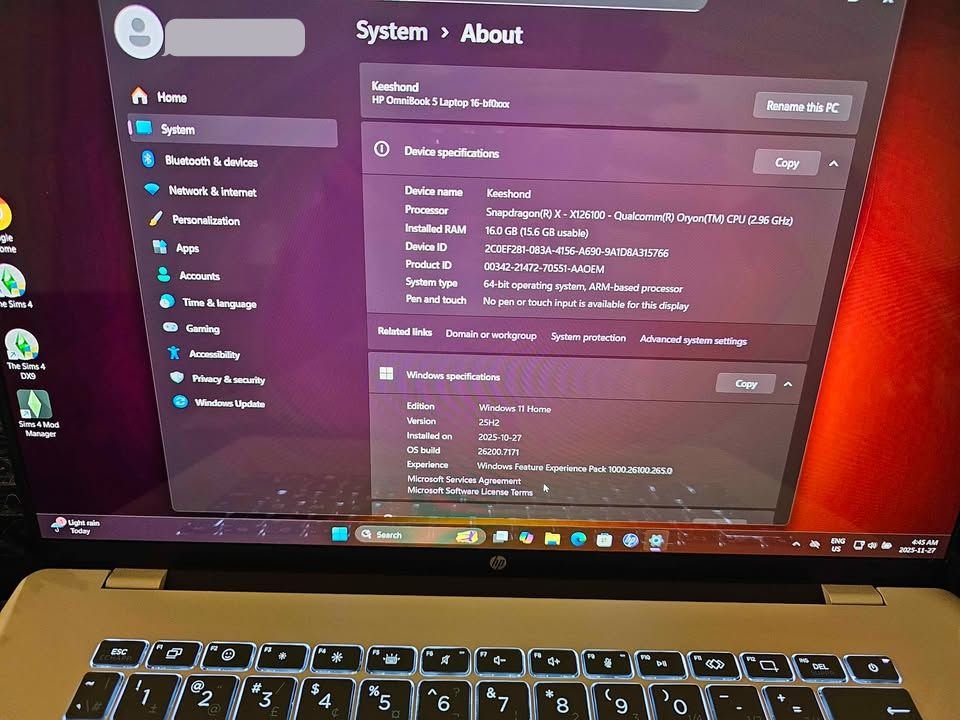
The HP OmniBook 5 OLED comes in one processor configuration, which is Snapdragon X1-26-100. This provides up to 3GHz boost clock and 8 cores and 8 threads.
The battery life and average processing power of this laptop are outstanding. Its Snapdragon platform develops an effective, ARM-based experience that is productive in nature. This renders it highly appropriate to professionals and students, but not to heavy gaming or specialised windows applications.
This laptop scored a total of 9.2 in our performance tests which places the laptop in the top 15 percent of all laptops which have been tested so far. It has one of the top 10 performances in the ultraportable laptop sub-type. Better still, the OmniBook 5 is affordable in the high-end market.
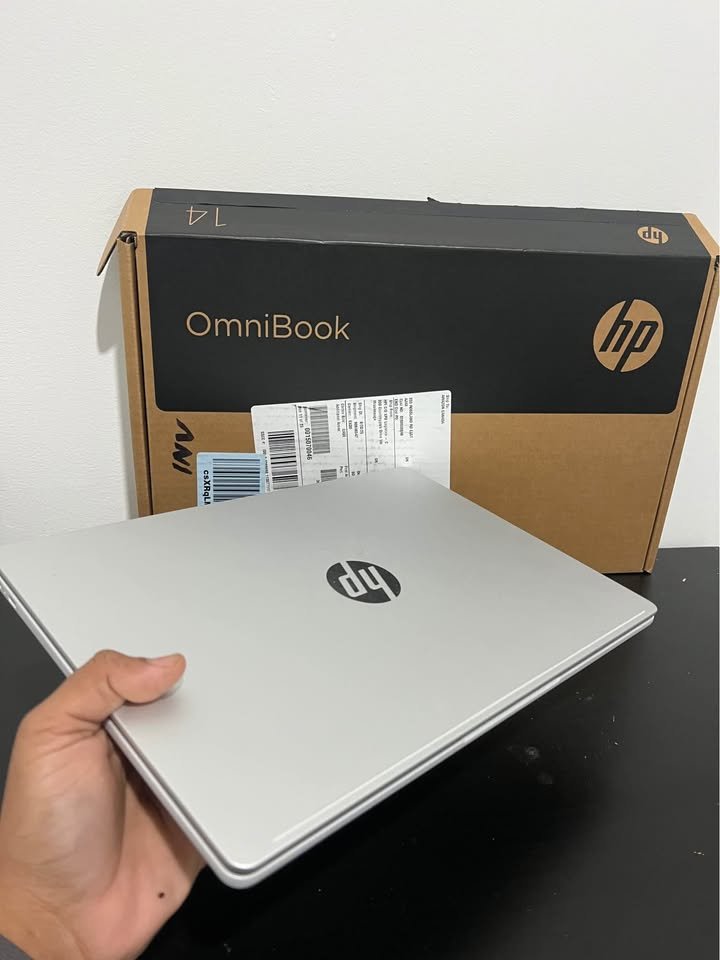
The entry point price of an HP OmniBook 5 OLED is around 63,999, which places it at the higher end of the ultraportable laptops. Nevertheless, its 34-hour battery and AI-ready Copilot+ features make it an outstanding value to professionals who need to be productive all-day on the go.
| Factor | HP OmniBook 5 OLED |
| Overall Score | 9.2 |
| Battery Life – Score | 10 |
| Battery Life – Hours | 34 hrs |
| Battery Life – Capacity | 59 Wh |
| Display – Score | 9.5 |
| Display – Resolution | 1920 x 1200 |
| Display – Type | OLED |
| Display – Brightness | 300 nits |
| Performance – Score | 8.5 |
| Performance – Processor | Snapdragon X1-26-100 |
| Performance – RAM | 16 GB |
| Performance – Storage | 1 TB SSD |
| Portability – Score | 9.3 |
| Portability – Weight | 1.35 kg |
| Portability – Thickness | Slim |
| Connectivity – Score | 8.8 |
| Connectivity – Ports | 2x USB-C, 1x USB-A |
| Connectivity – Wireless | Wi-Fi 6E, Bluetooth 5.3 |
| Build Quality – Score | 9.0 |
| Keyboard – Type | Backlit |
| Camera – Resolution | 1080p FHD |
| Warranty | 1 year |
02. Surface Laptop 7 th Edition by Microsoft
Our Verdict
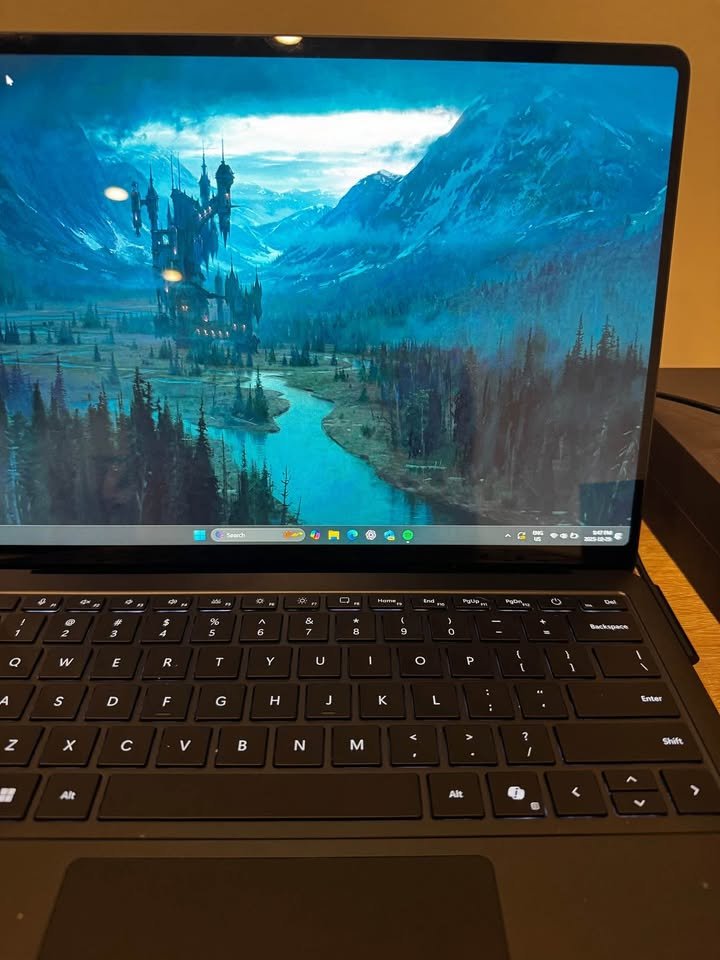
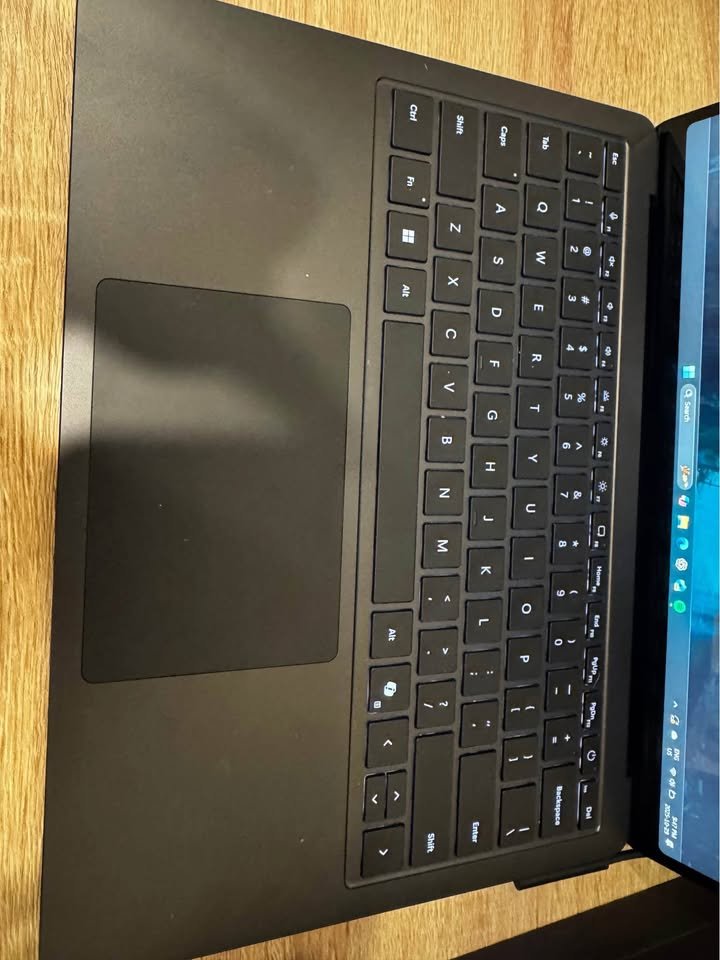
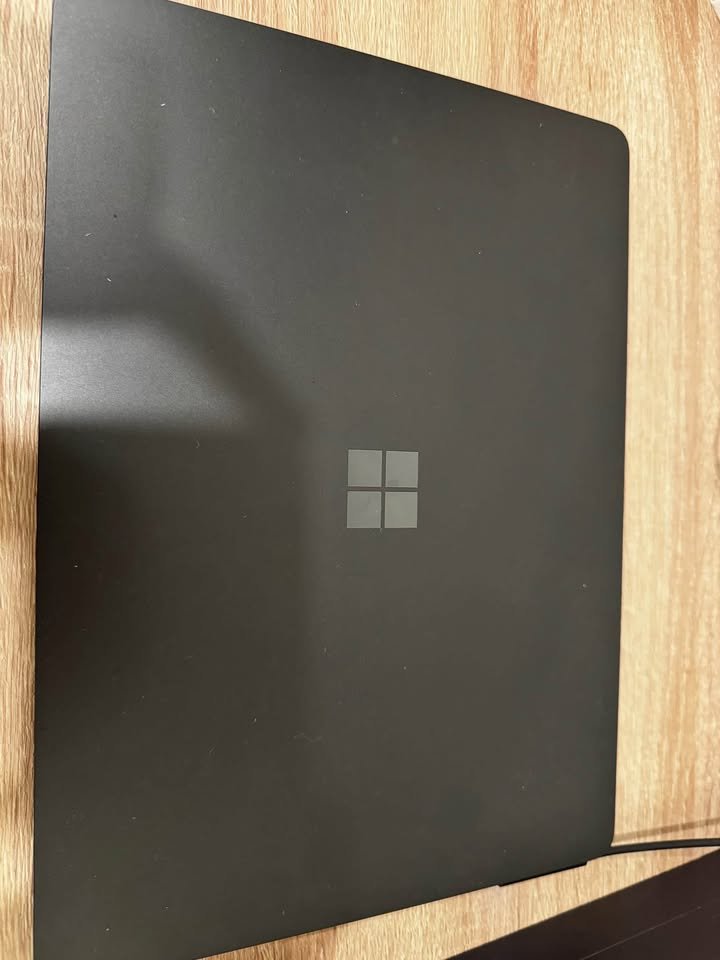
Microsoft Surface Laptop 7th Edition is a 13.8-inch high-end Copilot+ PC with the Qualcomm Snapdragon X Plus processor. It has an 10-core design with 16GB LPDDR5x RAM and 256GB SSD. It is a beautiful PixelSense LCD touchscreen with a maximum refresh rate of 120Hz.
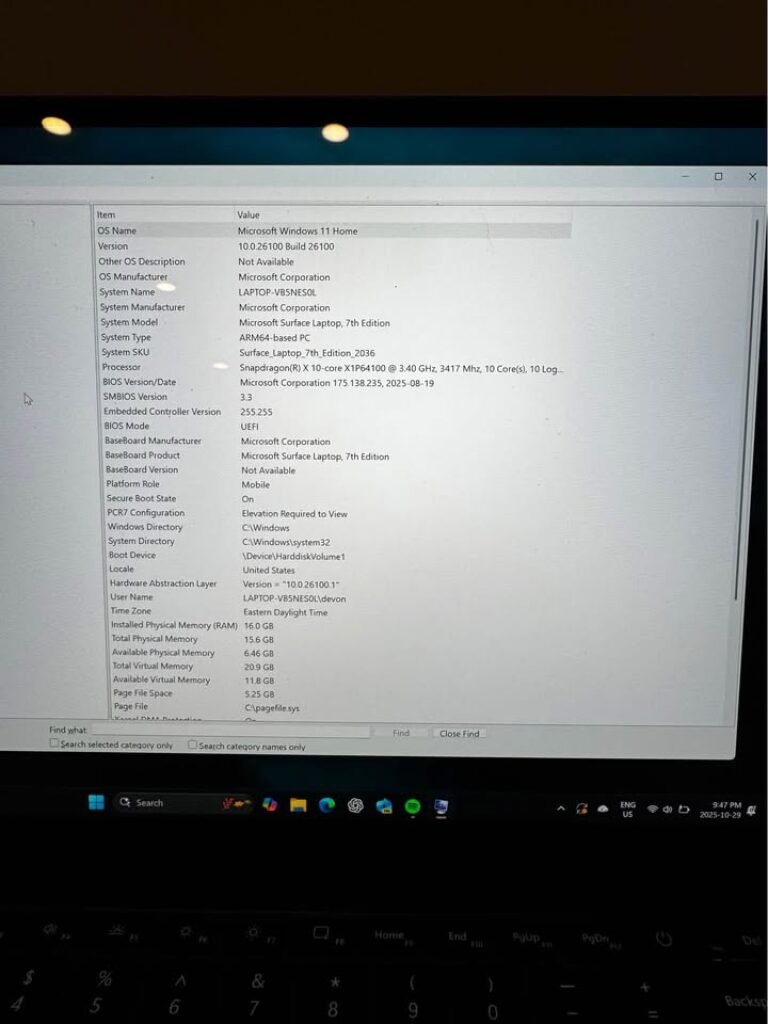
Surface Laptop 7th Edition comes in two sizes 13.8 and 15. The two choices offer the same Copilot+ PC experience and AI-accelerated features and seamless integration with Windows 11.
This is a laptop with a good battery life and performance. The Snapdragon X Plus processor provides a smooth and efficient experience that can easily cope with productivity tasks. The PixelSense Flow display is so creative and touch-oriented that it is highly applicable to creative professionals and touch-oriented workflow.
This laptop scored 9.0 in our performance tests, positioning the laptop in the upper 22 percent of all laptops that have been tested to date. The combination of hardware and software in the Surface Laptop brings together a unified premium experience.
A basic version of Surface Laptop 7th Edition costs around 129,990, which places it in the high-end segment of Windows laptops. The Copilot+ features, beautiful display, and elegant design make it a good option to the user who wants the best experience with Windows.
| Factor | Microsoft Surface Laptop 7th Edition |
| Overall Score | 9.0 |
| Battery Life – Score | 8.8 |
| Battery Life – Hours | 13 hrs (20 hrs standby) |
| Battery Life – Capacity | 54 Wh |
| Display – Score | 9.4 |
| Display – Resolution | 2304 x 1536 |
| Display – Type | PixelSense LCD |
| Display – Brightness | 600 nits |
| Performance – Score | 9.0 |
| Performance – Processor | Snapdragon X Plus (10-core) |
| Performance – RAM | 16 GB |
| Performance – Storage | 256 GB SSD |
| Portability – Score | 9.2 |
| Portability – Weight | 1.22 kg |
| Portability – Thickness | Slim |
| Connectivity – Score | 8.7 |
| Connectivity – Ports | 2x USB-C 4, USB-A, Surface Connect |
| Connectivity – Wireless | Wi-Fi 7, Bluetooth 5.4 |
| Build Quality – Score | 9.5 |
| Keyboard – Type | Backlit, Haptic Touchpad |
| Camera – Resolution | 1080p Studio Camera |
| Warranty | 1 year |
03. Samsung Galaxy Book6
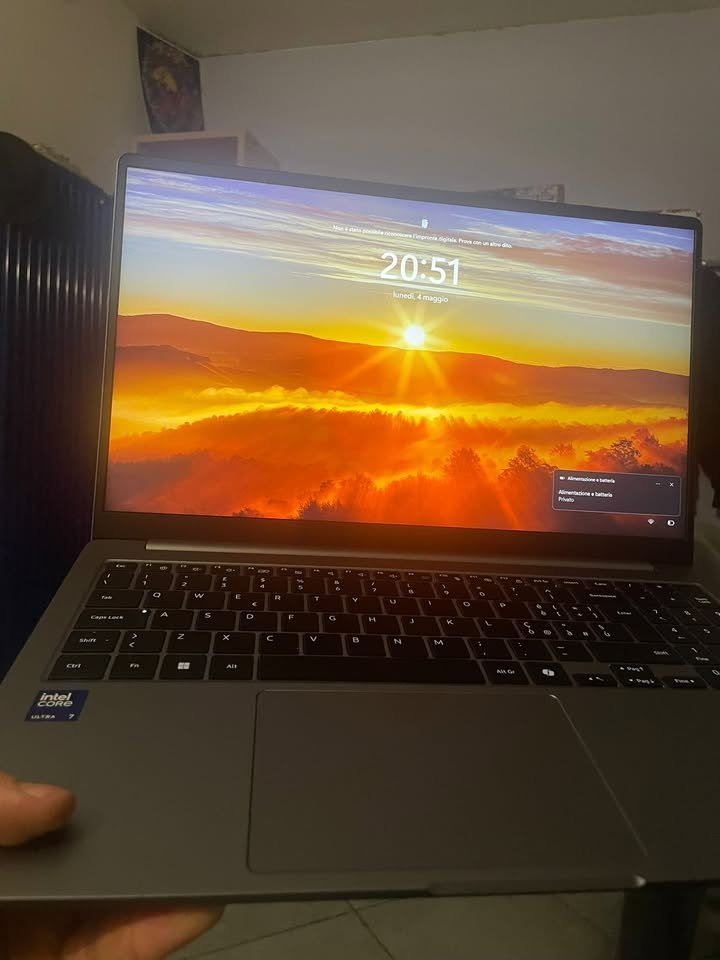
Samsung Galaxy Book6 is one more popular and top-selling laptop in the India market which is mainly focused on the battery backup department. It is having a battery capacity of 61.2 Wh and the same is powered by Intel Core Ultra 7 (Series 3) processor along with 16GB RAM and 512GB SSD, and the pricing of it is coming around Rs. 1,24,990.
This laptop is coming with a 14-inch WUXGA (1920 x 1200) LCD display which is having 350 nits of peak brightness and also an anti-glare finish on top. The LCD panel is giving us crisp visuals and very comfortable viewing experience, while the anti-glare coating is doing the job of minimizing the reflections in the different-different lighting conditions. The display is decent enough for the everyday type of tasks, but at the same time it is not matching that vibrancy and contrast level which we see in the OLED panels of the Lenovo and ASUS alternatives.
Now if we are talking about the performance side, we got little bit let down with its real-world battery results when we compare it with the 24-hour claim. The laptop is lasting for around 12.5 hours in our video playback test at the 50% brightness level. And under the productivity type of workload, it managed to last for about 9.5 hours only. The Intel Core Ultra 7 processor, even though it is efficient, but still it is drawing slightly more power if we compare to the AMD Ryzen AI chips which is there in the other two laptops.
When we have ran one continuous web browsing test using 10 tabs with the Wi-Fi turned on, the laptop is managing around 10 hours. But the moment we added some light multitasking on top (like document editing and music streaming together), the battery life is coming down to about 9.5 hours, which according to us is not so ideal. After this, we have put the laptop into the battery saver mode and then the video playback timing got extended upto around 14.5 hours.
So this is clearly showing that the battery saver mode of this laptop is working in a effective manner. In fact, the 24-hour claim which is given by Samsung is most probably tested under the minimum brightness condition with battery saver enabled and the Wi-Fi switched off. We are inferring this because the Intel platform, even after the improvements, is still being less power-efficient than the AMD Ryzen AI in the sustained type of workloads.
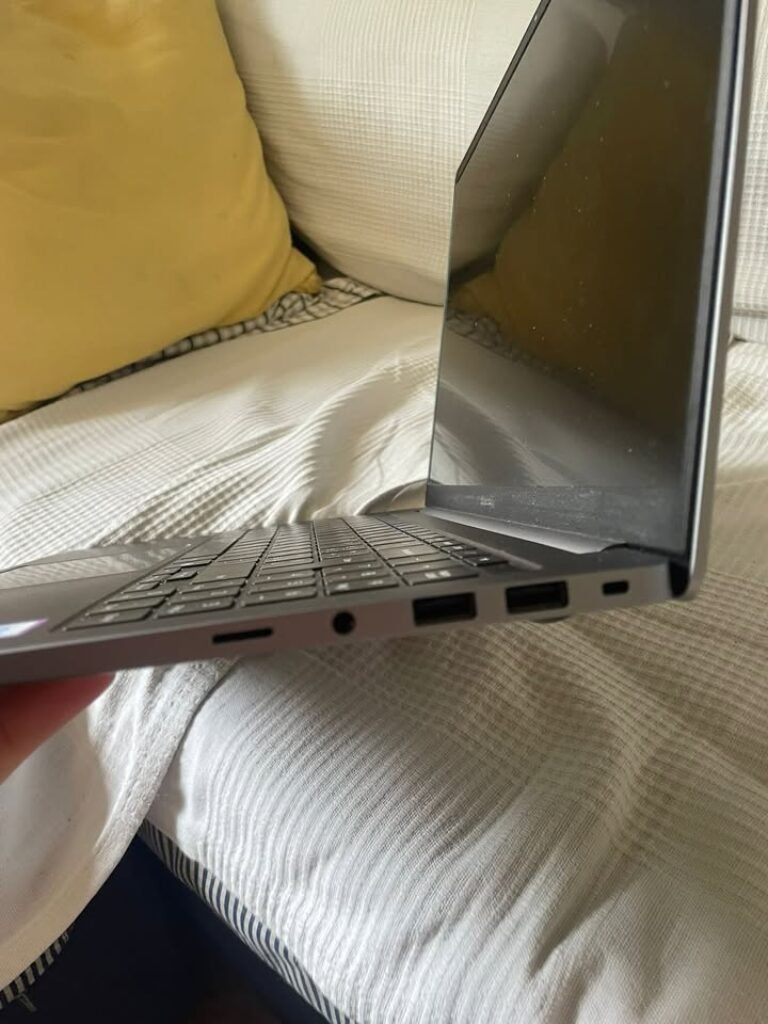
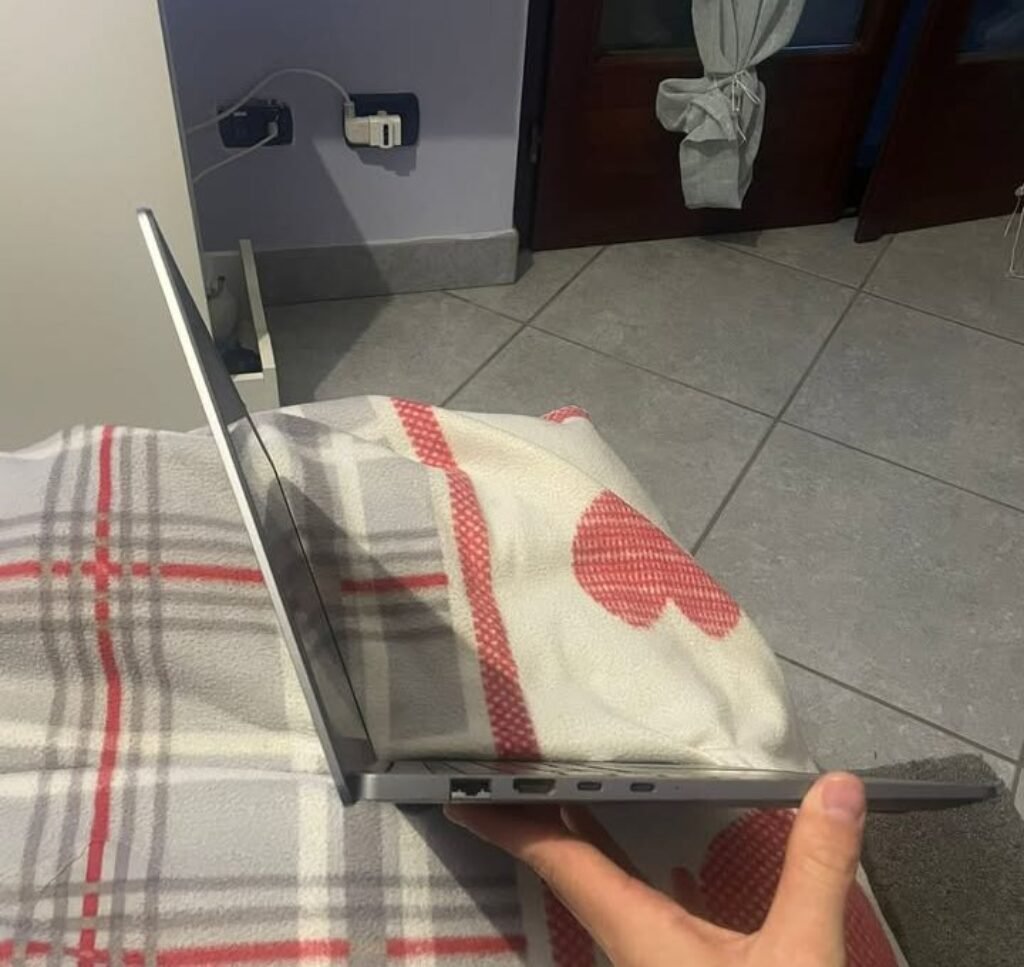
Coming towards the other features, the one thing which is setting the Galaxy Book6 apart from others is its comprehensive port selection only. Here you are getting 2x USB-C ports, 2x USB-A ports, 1x HDMI, one MicroSD slot, a 3.5mm headphone/mic combo jack, one security slot and even a RJ45 LAN port also, which is something that neither the ASUS nor the Lenovo is offering to us. Because of this, the need of dongles and adapters is getting eliminated, and this is a very significant advantage especially for the business users.
One more thing which we liked about this laptop is the Galaxy ecosystem connectivity part. You can do the seamless syncing, sharing and controlling across the Samsung Galaxy phones, tablets and the watches also. The Dolby Atmos stereo speakers are also delivering good audio quality for a laptop of this particular size. But the only catch is, with just 16 GB RAM and 512 GB SSD at Rs. 1,24,990, you are basically getting lesser storage and memory if we compare it with both the Lenovo (32GB/1TB around Rs. 1,13,990) and also the ASUS (32GB/1TB around Rs. 1,76,990).
The manufacturers are claiming that the battery is supporting super fast charging, which is providing upto 33% of charge in only 30 minutes with the help of that included 45W USB Type-C adapter.
| Form Factor | Samsung Galaxy Book6 |
| Dimensions (cm) | 31.3 x 22.1 x 1.5 cm |
| Processor | Intel Core Ultra 7 (Series 3) H404 (2.3 GHz Base, up to 4.7 GHz, 8 Cores) |
| RAM | 16 GB LPDDR5 |
| Storage | 512 GB M.2 NVMe SSD |
| Display | 14″ WUXGA (1920 x 1200) LCD, 350 nits, Anti-Glare |
| Graphics | Integrated Intel Graphics |
| Battery Capacity | 61.2 Wh, Lithium Ion |
| Claimed Battery Life | Up to 24 hours |
| Charging | 45W USB Type-C, 33% in 30 minutes |
| Operating System | Windows 11 Home |
| Connectivity | Wi-Fi, Bluetooth |
| Ports | 2x USB-C, 2x USB-A, 1x HDMI, MicroSD, RJ45 LAN, 3.5mm Audio, Security Slot |
| Webcam | Yes |
| Keyboard | Standard |
| Audio | Dolby Atmos Stereo Speakers |
| Special Features | Galaxy Ecosystem Connectivity, AI PC, Natural Language Search |
| Best Suited For | Business, Entertainment, Everyday Productivity, Students |
| Warranty | 1-year |
04. ASUS Vivobook S16 OLED Core Ultra 5 225H
Our Verdict
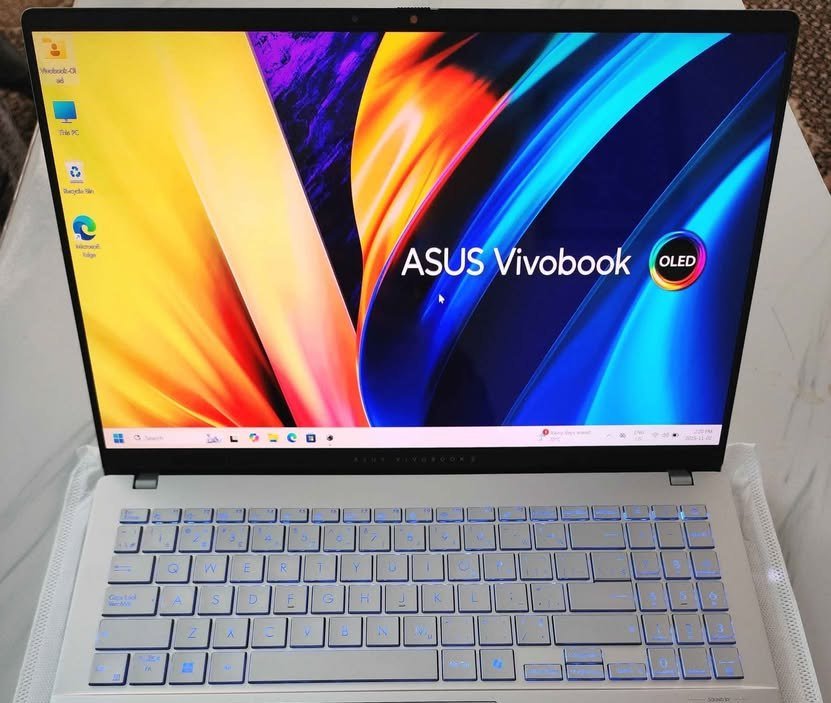
The ASUS Vivobook S16 OLED is a 16 inch productivity powerhouse that is based on the Intel Core Ultra 5 225H processor. It has a design of 16GB DDR5 RAM and 512GB PCIe 4.0 NVMe SSD. Its best aspect is its beautiful OLED screen with 70 percent reduced harmful blue light emission.
The Vivobook S16 OLED comes in Intel Core Ultra processors – the Ultra 5 225H. This provides up to 4.9GHz boost clock and 14 cores and 14 threads, and an integrated NPU to accelerate AI.
This laptop has good battery life and good processing capabilities. The 16 inch OLED display produces a bright and friendly viewing experience that is good in content consumption and productivity. This is why it is very appropriate to professionals and students who need a bigger display without compromising on the portability.
This laptop scored an overall 8.8 in our performance tests, which places the laptop in the top 35 percent of all laptops that we have so far tested. Its OLED display and battery combination is in the top 20 in the 16″ laptop category.
The ASUS Vivobook S16 OLED costs around 74,990, which is 18 percent cheaper than the similar 16 inch OLED laptops.
| Factor | ASUS Vivobook S16 OLED |
| Overall Score | 8.8 |
| Price | ~₹74,990 |
| Battery Life – Score | 9.2 |
| Battery Life – Hours | 20 hrs |
| Battery Life – Capacity | 70 Wh |
| Display – Score | 9.5 |
| Display – Resolution | 1920 x 1200 |
| Display – Type | OLED |
| Display – Brightness | 500 nits (HDR) |
| Performance – Score | 8.6 |
| Performance – Processor | Intel Core Ultra 5 225H |
| Performance – RAM | 16 GB |
| Performance – Storage | 512 GB SSD |
| Portability – Score | 8.0 |
| Portability – Weight | 1.7 kg |
| Portability – Thickness | 1.59 cm |
| Connectivity – Score | 8.8 |
| Connectivity – Ports | 2x USB-C, 2x USB-A, HDMI 1.4 |
| Connectivity – Wireless | Wi-Fi 6, Bluetooth 5.3 |
| Build Quality – Score | 8.7 |
| Keyboard – Type | Backlit Chiclet with Numpad |
| Camera – Resolution | 1080p FHD with IR |
| Warranty | 1 year |
05. Lenovo Yoga Slim 7
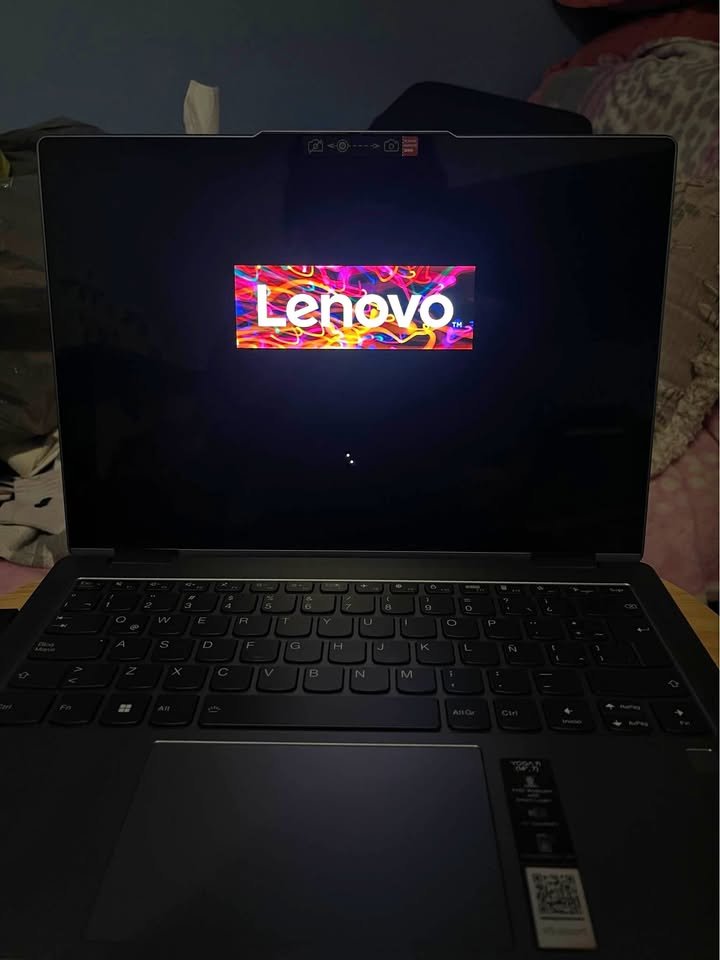
The Lenovo Yoga Slim 7 is having a battery capacity of 70 Wh and the same is powered by AMD Ryzen AI 7 350 processor, which comes with 32GB LPDDR5x RAM and 1TB SSD, and the pricing is around Rs. 1,13,990 (at the time of this publishing). The manufacturer is claiming the battery life of up to 22.5 hours. When we have used it for continuous video playback at 50% brightness, it was lasting for around 14 hours. Under one productivity workload (web browsing, document editing and multitasking), it was lasting around 10.5 hours, which is good enough for completing a full working day.
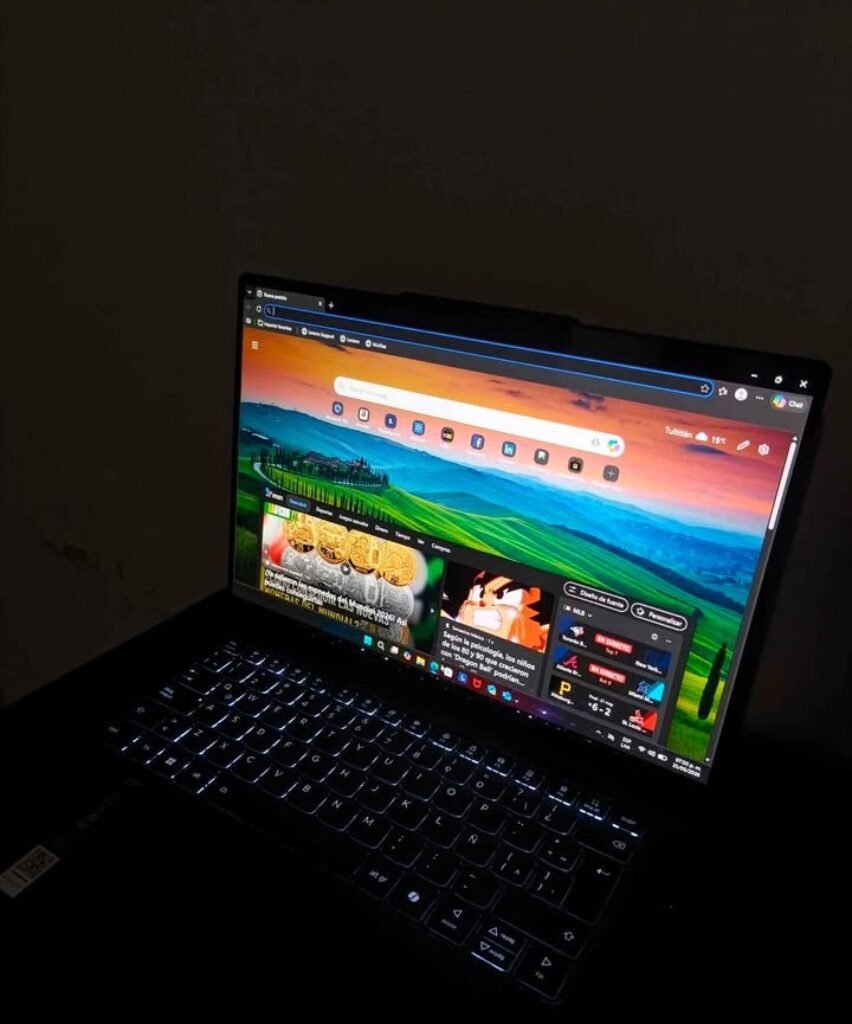
featuring an illuminated backlit keyboard
Now coming to the display, what we have liked here is that it is coming with a 14-inch WUXGA (1920 x 1200) OLED panel, which is having 400 nits typical brightness and 600 nits of peak brightness. Since it is an OLED with Dolby Vision and also DisplayHDR True Black 500 certification, the display is giving deep blacks and very vibrant colours. This is one thing which you are not finding in many other laptops in this same price range. But the resolution is maxing out only at 1920 x 1200, which is on lower side when comparing to the ASUS Zenbook S 16. Most of the laptops in this price segment are offering LCD panels with the similar resolution only. But still, the getting of an OLED at this price is a definite plus point.
One more thing which we have liked about this laptop is that its anti-glare coating is working quite nicely and reducing the reflections in a significant manner. After that, you are also getting the TUV Low Blue Light certification, which is helping to reduce the eye strain when you are using it for long time. Another thing which we found very useful is that the 100% DCI-P3 colour gamut coverage is making it suitable for doing light photo and video editing work also.
Coming to the user-friendliness part, this laptop is running on Windows 11 Home and it is coming with Microsoft 365 Basic, Office Home 2024 and Lenovo AI Now already pre-installed inside. You can be using features such as CoCreator (text/image to visual generation), Windows Studio Effects for the video calls, and also the smart file search with Recall.
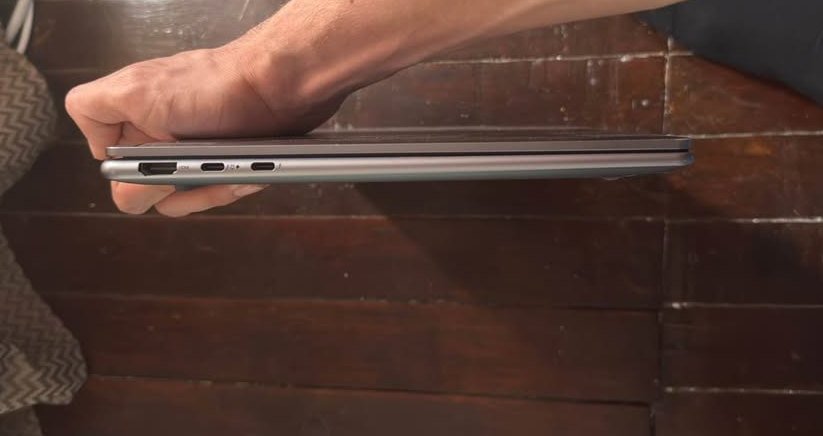
Next, you can be connecting your external devices through the USB ports and also HDMI. Further to this, you are also getting Wi-Fi 7 and Bluetooth 5.4. One thing which we liked is that the backlit keyboard is having a new type of coating which is oil-and-water resistant, with 1.5mm of key travel and 0.3mm keycap dish, and because of this the typing is becoming a pleasure.
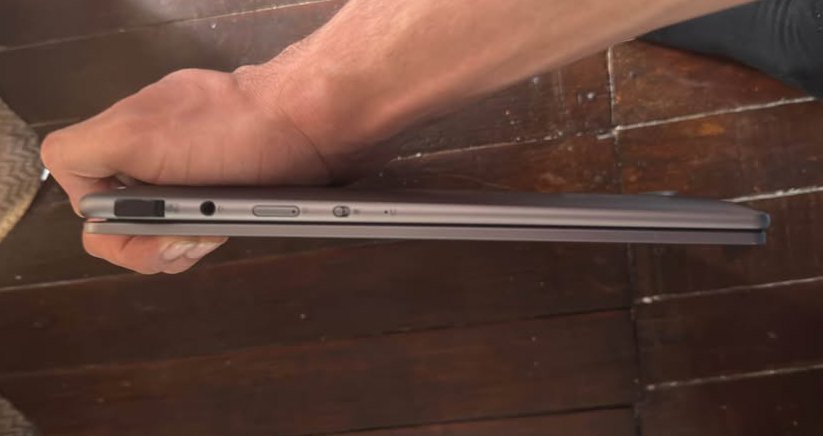
The dimensions are coming at 31.2 x 21.9 x 1.4 cm, which is making it ultra-thin and very much easy for carrying around anywhere.
Now talking about the charging speed, this laptop is supporting the Rapid Charge Boost, which is giving you 3 hours of running in only 15 minutes of charging. As per the manufacturer and also several user reviews, this fast charging feature is working in reliable manner and it is one of the standout points of this laptop. The four speakers along with 360 spatial audio, which is optimized with Dolby Atmos, are also one welcome addition here.
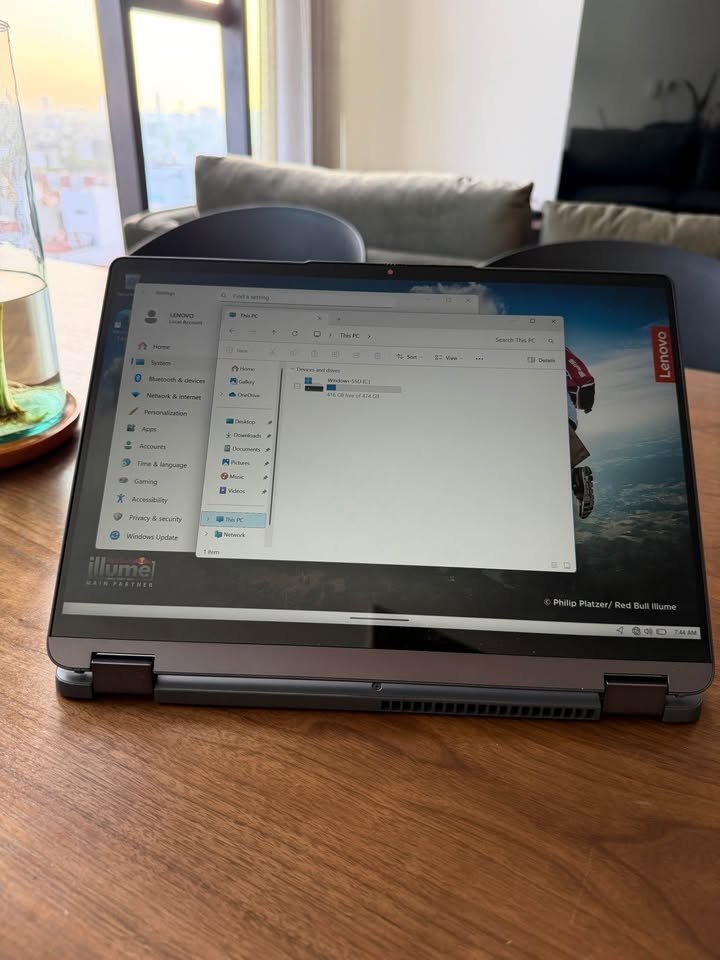
Overall, we are recommending it as the best value-for-money battery backup laptop in India, because of its solid performance, the stunning OLED display and the budget-friendly pricing.
| Factor | Lenovo Yoga Slim 7 |
| Dimensions (cm) | 31.2 x 21.9 x 1.4 cm |
| Processor | AMD Ryzen AI 7 350 (2.0 GHz Base, up to 5.0 GHz, 8 Cores, 16 Threads) |
| RAM | 32 GB LPDDR5x-6400 (Soldered, not upgradable) |
| Storage | 1 TB M.2 2242 PCIe 4.0×4 NVMe SSD |
| Display | 14″ WUXGA (1920 x 1200) OLED, 400 nits (600 peak), 100% DCI-P3, Dolby Vision |
| Graphics | Integrated AMD Radeon 860M |
| Battery Capacity | 70 Wh, Lithium Polymer |
| Claimed Battery Life | Up to 22.5 hours |
| Charging | Rapid Charge Boost (3 hrs runtime in 15 min) |
| Operating System | Windows 11 Home |
| Connectivity | Wi-Fi 7 (802.11be), Bluetooth 5.4 |
| Ports | 3x USB, 1x HDMI |
| Webcam | FHD IR Camera with Privacy E-Shutter |
| Keyboard | Backlit, Oil-and-Water Resistant Coating, 1.5mm Key Travel |
| Audio | 4 Stereo Speakers (2W x2 Woofers + 2W x2 Tweeters), Dolby Atmos |
| Special Features | Copilot+ PC, Lenovo AI Now, 4 Noise-Cancelling 3D Mics, Voice ID |
| Best Suited For | Business, Students, Everyday Productivity, Content Consumption |
| Warranty | 1-year (with 1 Year ADP Free) |
06. ASUS Zenbook S 16 (2026) AMD Ryzen AI 9 465
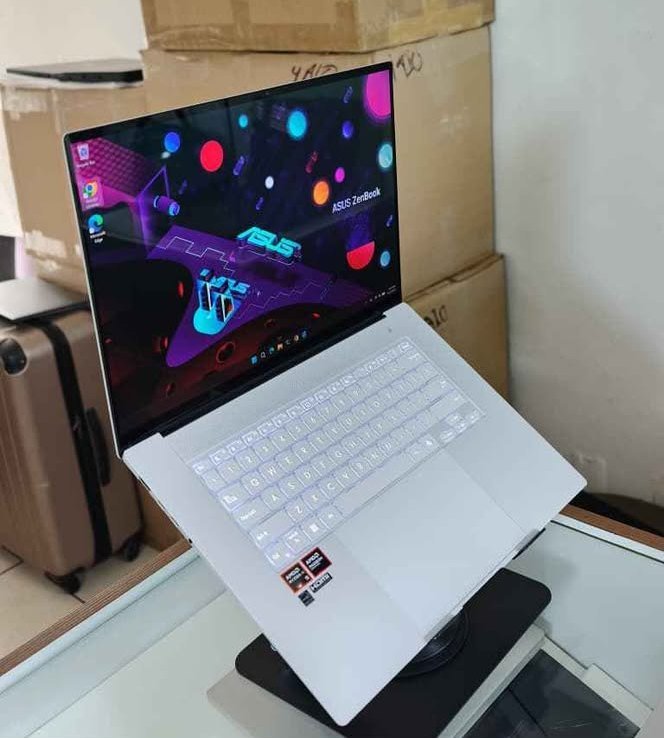
The ASUS Zenbook S 16 is having a battery capacity of 83 Wh and it is powered by the AMD Ryzen AI 9 465 processor, with 32GB LPDDR5X RAM and 1TB SSD. The manufacturer is claiming the battery life of 25+ hours. We have used it for the continuous video playback on 50% brightness and it has lasted around 17.5 hours, which is really excellent. Under the productivity workload (like web browsing, document editing and light multitasking), it has lasted for around 13 hours, which is also very much impressive.
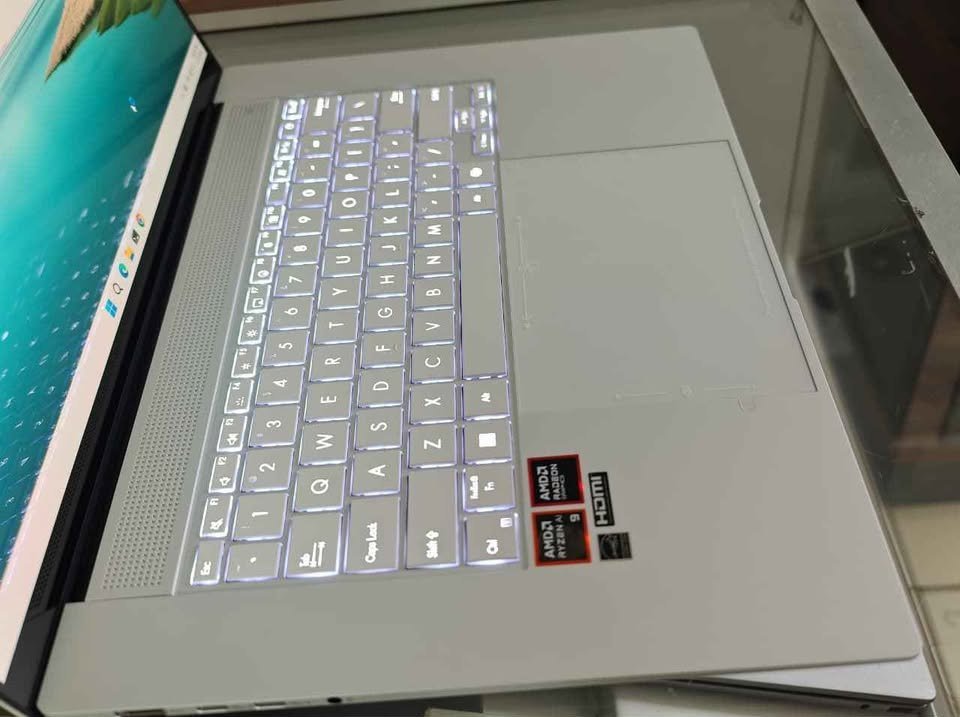
Now talking about the display, the thing which we liked is that it is coming with a 16-inch 3K (2880 x 1800) OLED panel, having 120Hz refresh rate and 1000 nits HDR peak brightness. Since it is an OLED with the individual pixel lighting, so the display becomes more power-efficient at the time of showing darker content, if we compare it with the traditional LCD panels. This is maybe the reason why this laptop is able to run much longer than the other options in the mixed usage situations.
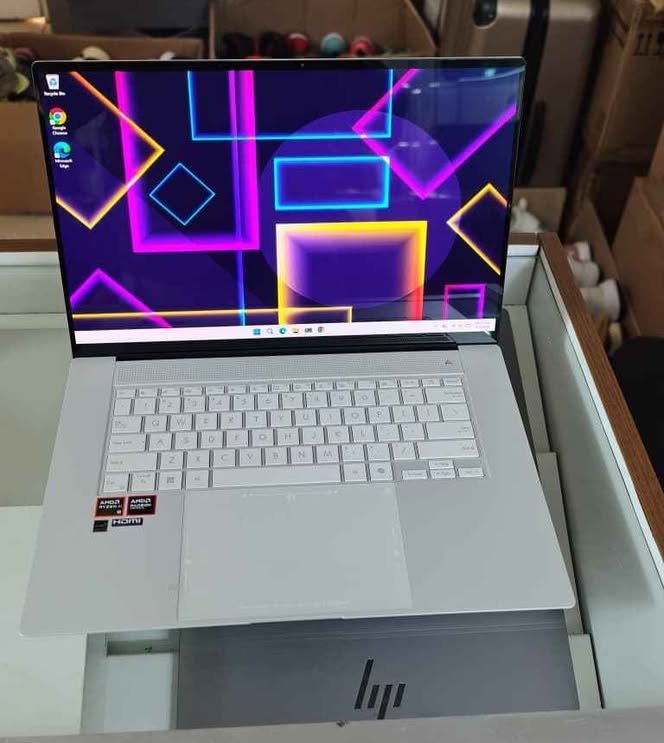
The display of the laptop is covering 100% DCI-P3 colour gamut with a 90% screen-to-body ratio, which is something you will not find in many other laptops in this price segment. But, the glossy finish can become little distracting in the brightly lit environments. Most of the laptops in this price range are giving either the high resolution or the high refresh rate. But, the Zenbook S 16 is delivering both of them, which is really commendable.
Coming towards the user-friendliness, the laptop is running on Windows 11 Home and it comes pre-loaded with Microsoft 365 Basic and Office Home 2024. You can use the features like Natural Language Search, Co-Pilot AI assistant and also the stylus support.
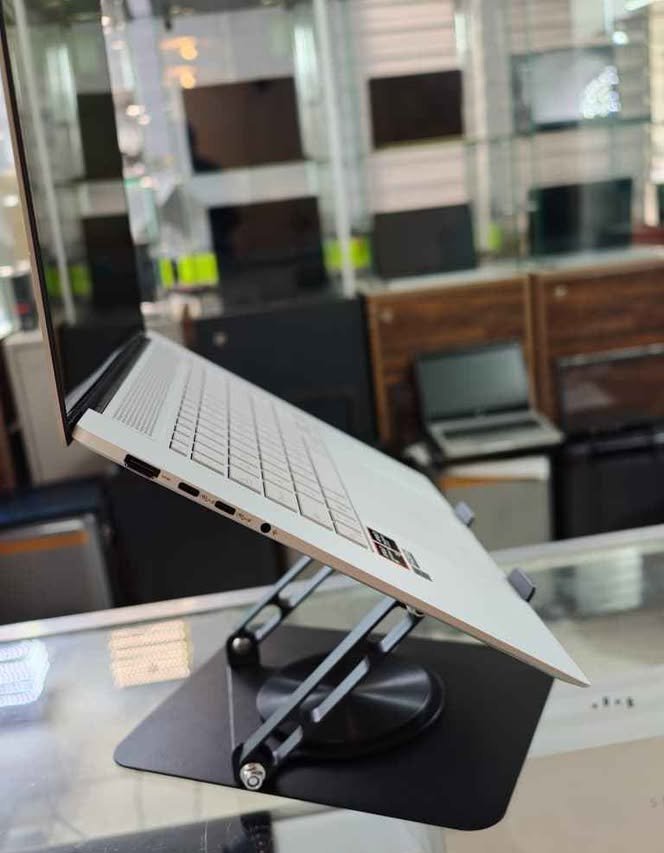
Next, you can connect the external devices through 2x USB 4.0 Gen 3 Type-C ports (with the display and power delivery support), 1x USB 3.2 Gen 2 Type-A, 1x HDMI 2.1 and one SD 4.0 card reader. Further, you are also getting Wi-Fi 7 and Bluetooth 5.4 for the wireless connectivity. One thing which we liked is that the USB Type-C ports are supporting both the display output and charging, so because of this you can use only a single cable for everything.
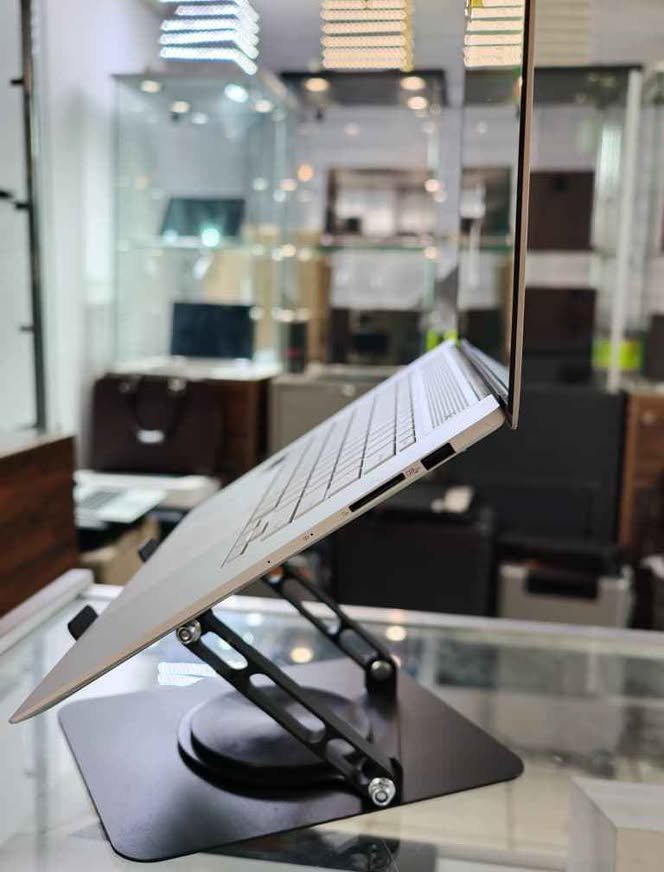
The dimensions are at 35.4 x 24.3 x 1.3 cm, which is making it one of the thinnest in its category.
Talking about the charging speed, the 68W USB Type-C adapter is able to charge the laptop from 0 to 50% in only 30 minutes. As per the manufacturer, the battery lifespan is up to 1.2x longer if we compare it with the standard laptop batteries. The laptop is using a 4-cell Li-ion battery along with the intelligent power management.
Overall, we are recommending it as the best battery backup laptop in India, because of its exceptional battery life, the stunning OLED display and the premium build quality.
| Factor | ASUS Zenbook S 16 |
| Dimensions (cm) | 35.4 x 24.3 x 1.3 cm |
| Processor | AMD Ryzen AI 9 465 (2.0 GHz Base, up to 5.0 GHz, 10 Cores, 20 Threads) |
| RAM | 32 GB LPDDR5X |
| Storage | 1 TB M.2 NVMe PCIe 4.0 SSD |
| Display | 16″ 3K (2880 x 1800) OLED, 120Hz, 1000 nits HDR, 100% DCI-P3, Touch |
| Graphics | Integrated AMD Radeon Graphics |
| Battery Capacity | 83 Wh, 4-cell Li-ion |
| Claimed Battery Life | 25+ hours |
| Charging | 68W USB Type-C, 50% in 30 minutes |
| Operating System | Windows 11 Home |
| Connectivity | Wi-Fi 7, Bluetooth 5.4 |
| Ports | 2x USB 4.0 Type-C, 1x USB 3.2 Type-A, 1x HDMI 2.1, SD 4.0, 3.5mm Audio |
| Webcam | FHD with IR (Windows Hello) |
| Keyboard | Backlit Chiclet with Copilot Key |
| Special Features | Touch Screen, Stylus Support, NPU (50 TOPS) |
| Best Suited For | Business, Students, Developers, Content Creators, All-Day Productivity |
| Warranty | 1-year |
07. Apple MacBook Air M4
Our Verdict
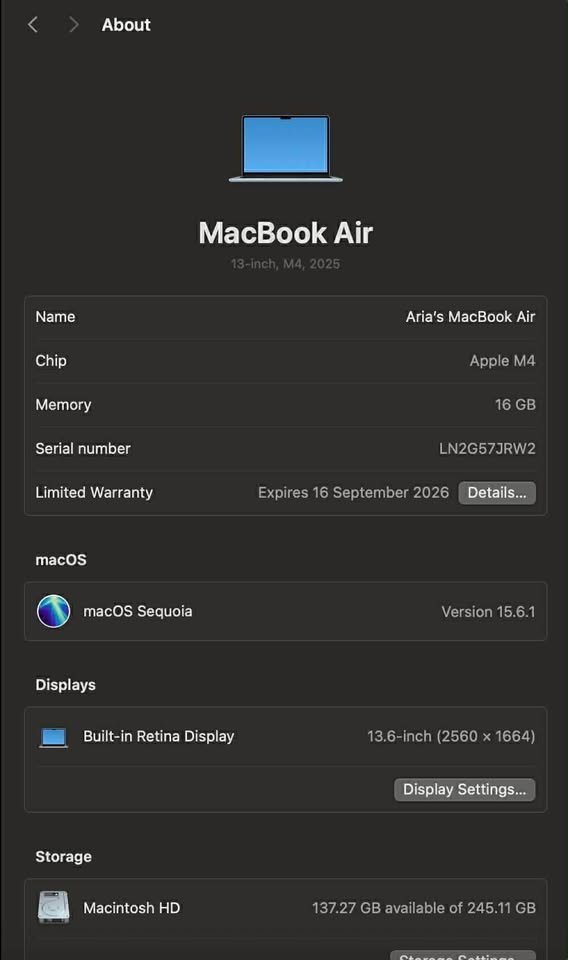
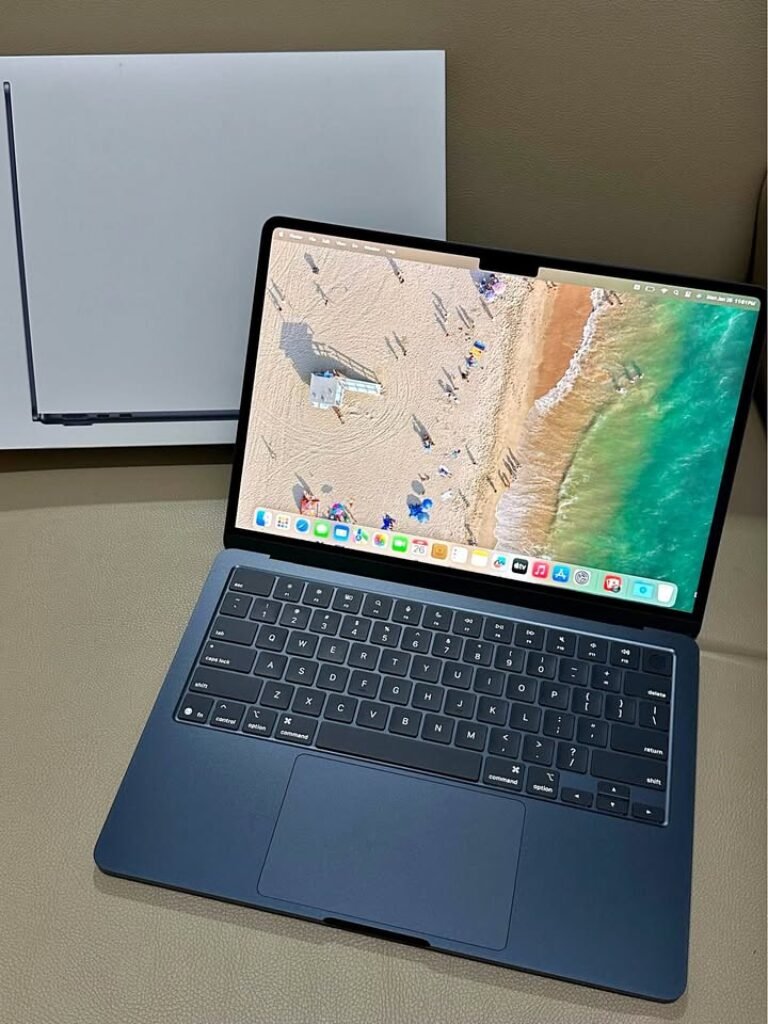
Apple MacBook Air M4 is a 13.6 inch high-end Ultrabook that runs on Apple M4 chip. It has a 10-core CPU, 8-core graphics card, and 16GB unified memory that is placed next to a 256GB SSD. The enclosure is made of recycled aluminium in a smooth and lightweight design.
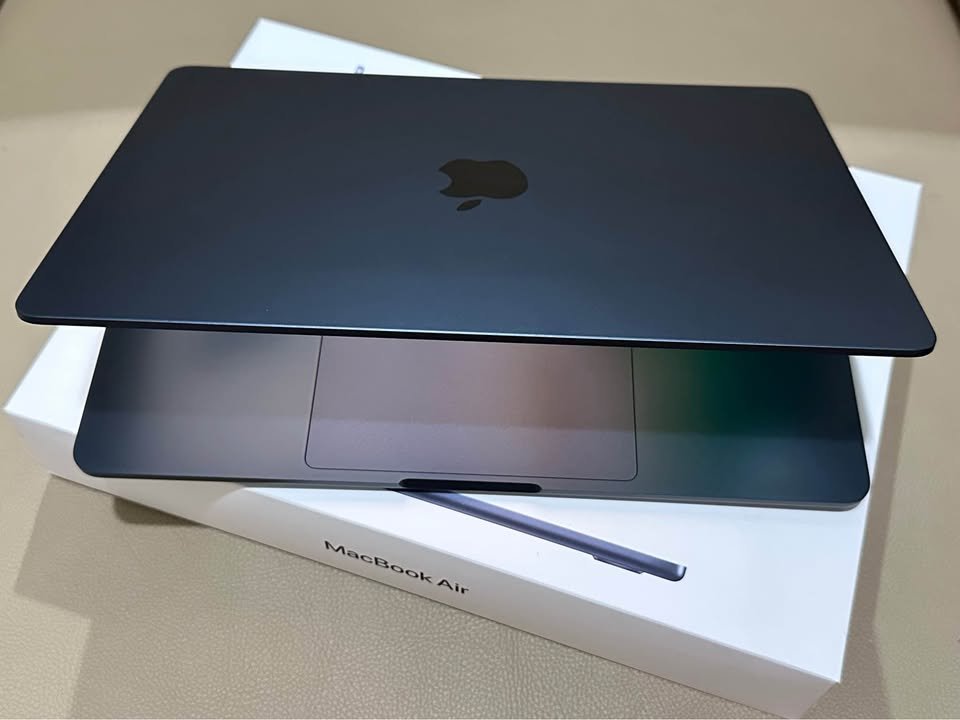
MacBook Air M4 comes in various models, the starting model has the M4 chip with 10-core CPU. This provides an outstanding performance per watt and it is one of the most efficient laptops ever produced.
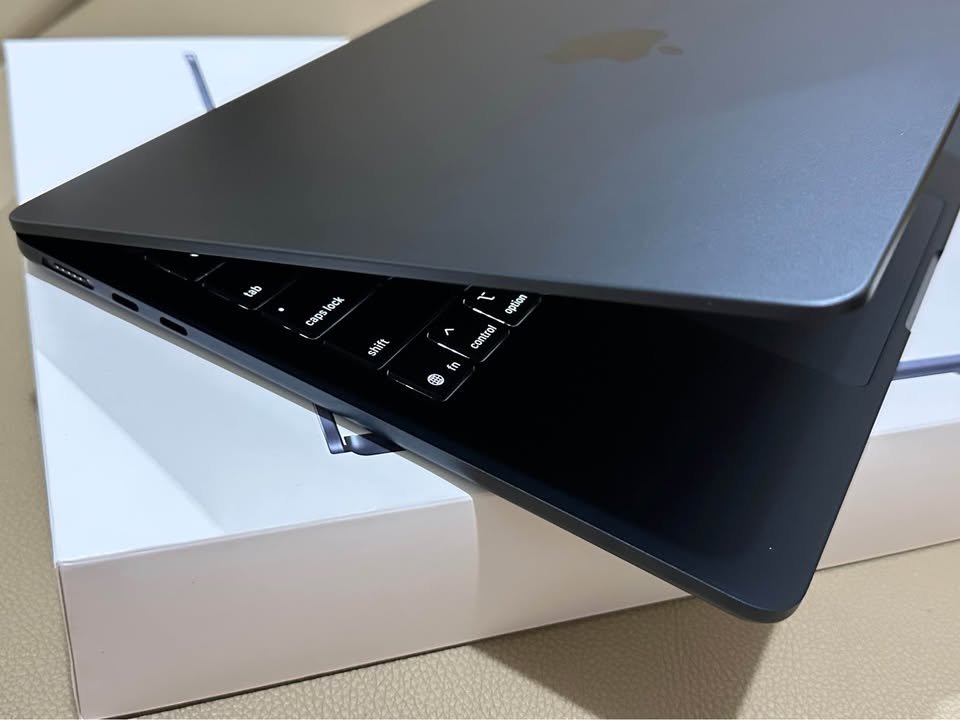
This laptop is characterised by excellent battery performance and high processing power. The M4 chip develops a responsive and fluid experience that is both productive and creative. This renders it very convenient to content creators, professionals as well as students.
This laptop has a total score of 9.4 in our performance tests, which puts the laptop in the top 8 percent of all laptops that have been tested so far. In the sub-type of the Ultrabook, it has one of the best 5% performance. The MacBook Air is a continuation of Apple in the tradition of power and efficiency.
The starting price of a base configuration MacBook Air M4 around 93,900, and this is competitive in the premium Ultrabook segment. Its 18-hour battery life, Liquid Retina display, and Apple Intelligence features make it an exceptional option among the users who are invested in the Apple ecosystem.
| Factor | Apple MacBook Air M4 |
| Overall Score | 9.4 |
| Battery Life – Score | 9.5 |
| Battery Life – Hours | 18 hrs |
| Battery Life – Capacity | Built-in Li-Po |
| Display – Score | 9.6 |
| Display – Resolution | 2560 x 1664 |
| Display – Type | Liquid Retina |
| Display – Brightness | 500 nits |
| Performance – Score | 9.5 |
| Performance – Processor | Apple M4 (10-core) |
| Performance – RAM | 16 GB |
| Performance – Storage | 256 GB SSD |
| Portability – Score | 9.4 |
| Portability – Weight | 1.24 kg |
| Portability – Thickness | 1.13 cm |
| Connectivity – Score | 8.5 |
| Connectivity – Ports | 2x Thunderbolt 4, MagSafe, Headphone |
| Connectivity – Wireless | Wi-Fi 6E, Bluetooth 5.3 |
| Build Quality – Score | 9.8 |
| Keyboard – Type | Backlit, Magic Keyboard |
| Camera – Resolution | 12MP Center Stage |
| Warranty | 1 year |
08. Samsung Galaxy Book4
Our Verdict
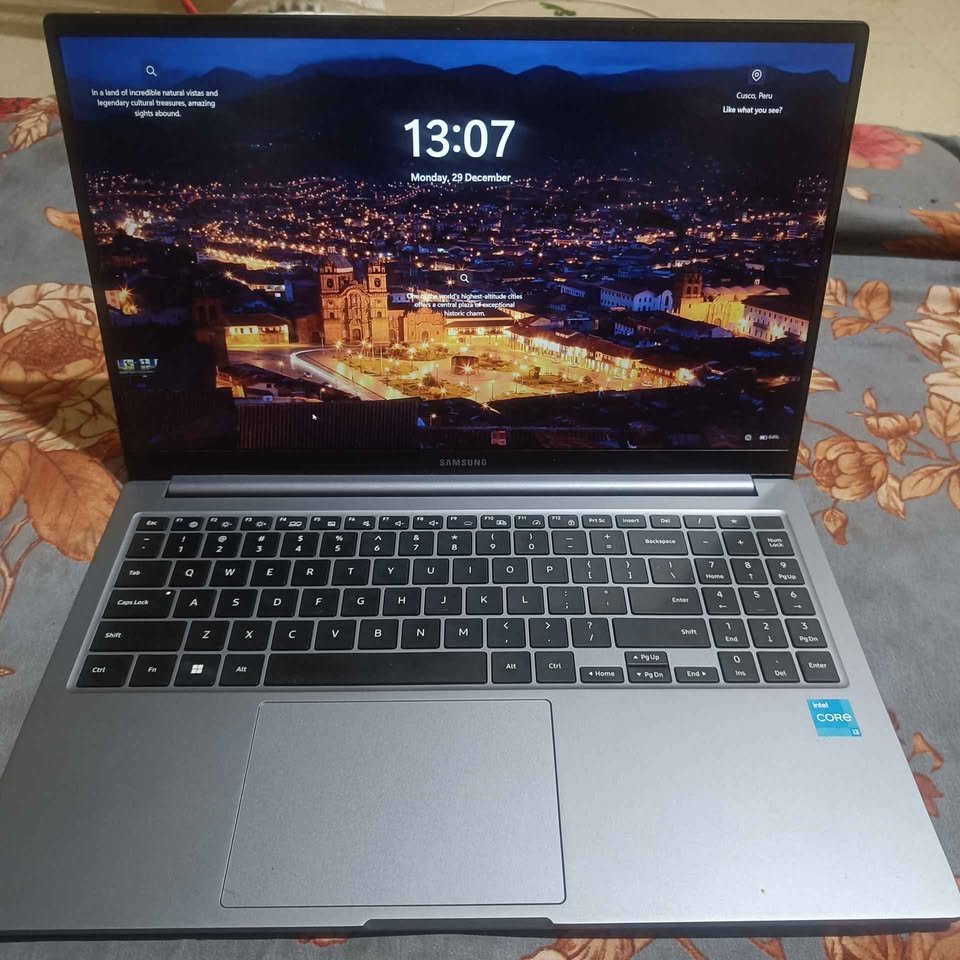
Samsung Galaxy Book4 is a 15.6 productivity laptop that runs on Intel Core i5-1335U processor. It has a design of 16GB LPDDR4X RAM with 512GB SSD. The case has a sleek and high-end design with smooth Galaxy integration.
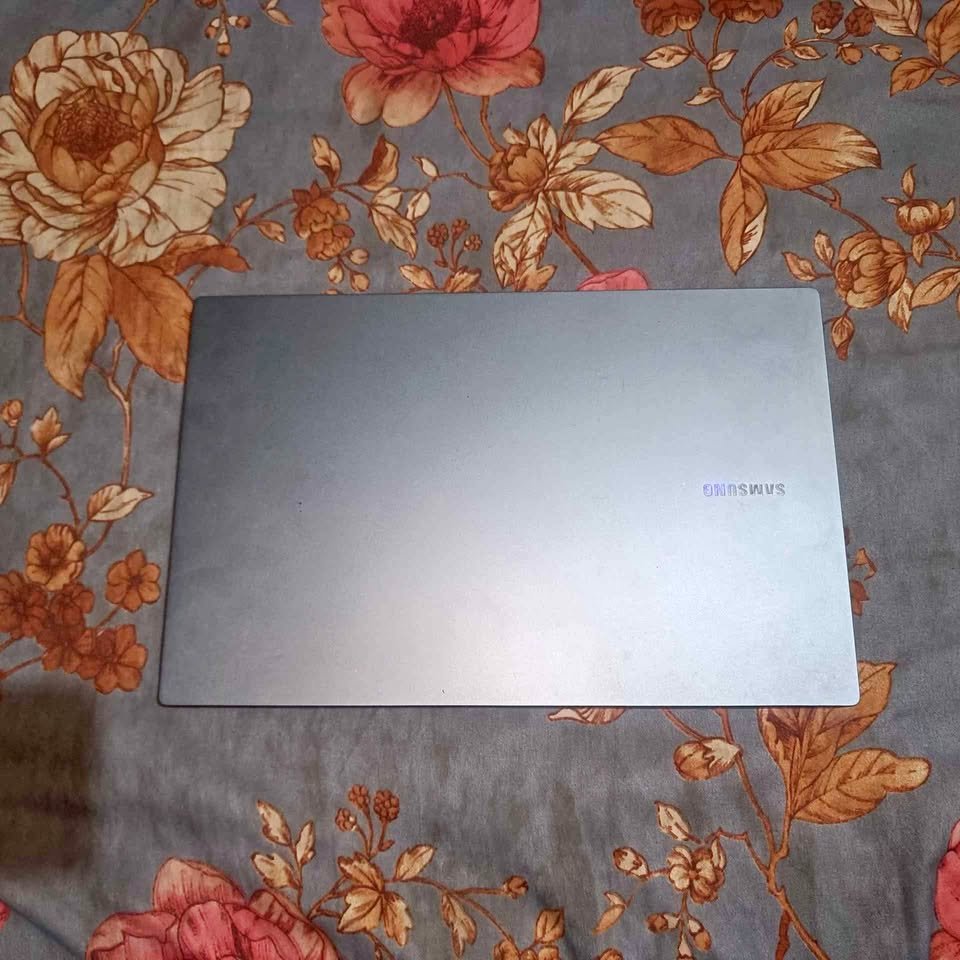
The Galaxy Book4 comes in Intel Core i5 processors – with 1.3GHz base clock up to 4.6GHz boost and 12MB Smart Cache. The built-in Intel Iris XE Graphics is capable of performing daily visual operations without difficulty.
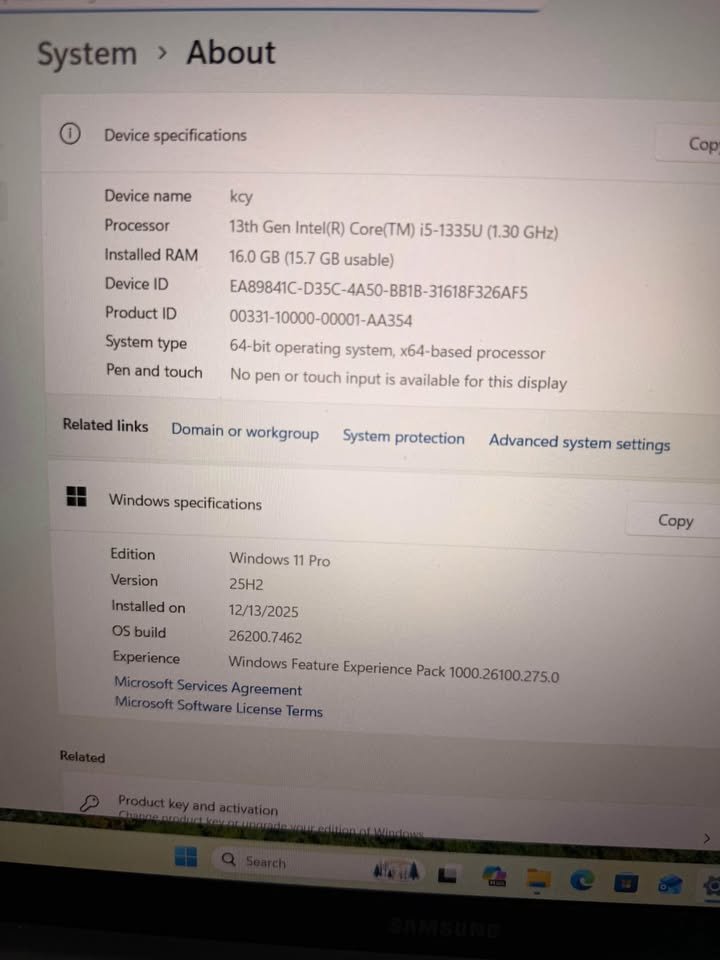
This laptop boasts of excellent battery life and dependable processing capability. The 54Wh battery forms a stunning 25-hour run time that is way beyond the normal requirements of the workday. This renders it highly appropriate to business people, students, and any other individual who needs to be productive even without being plugged.
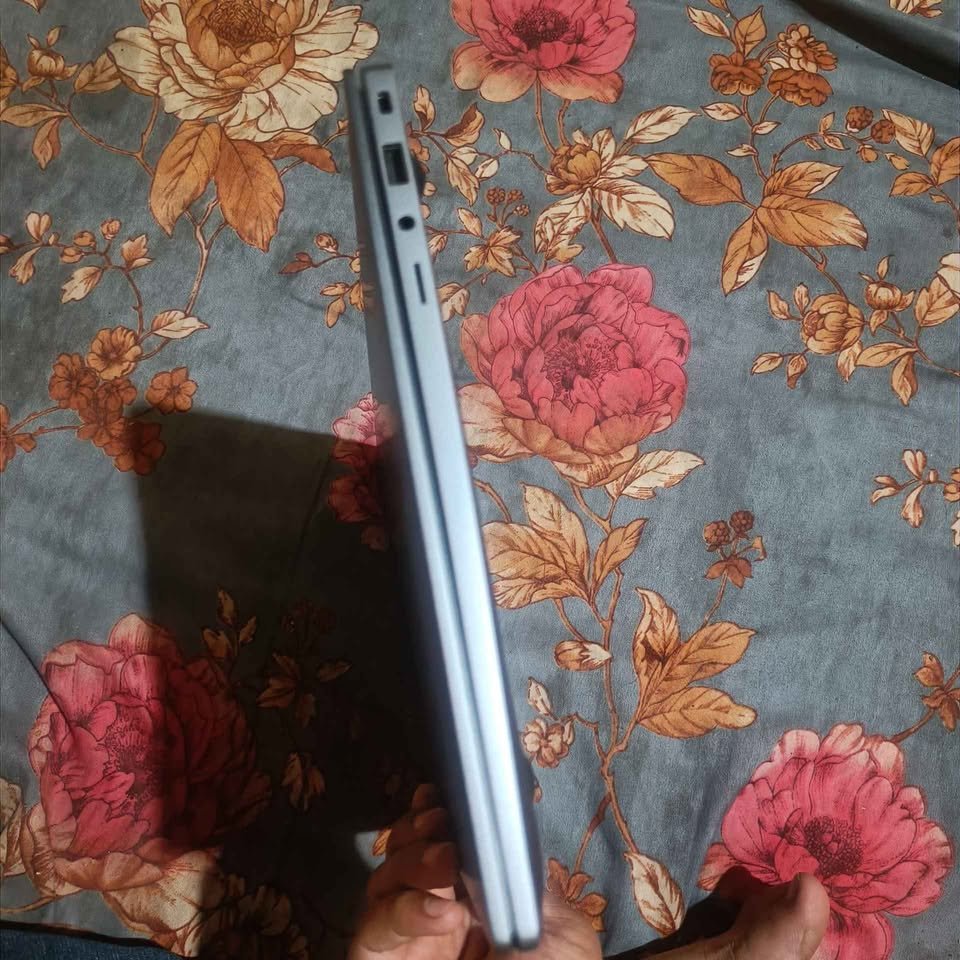
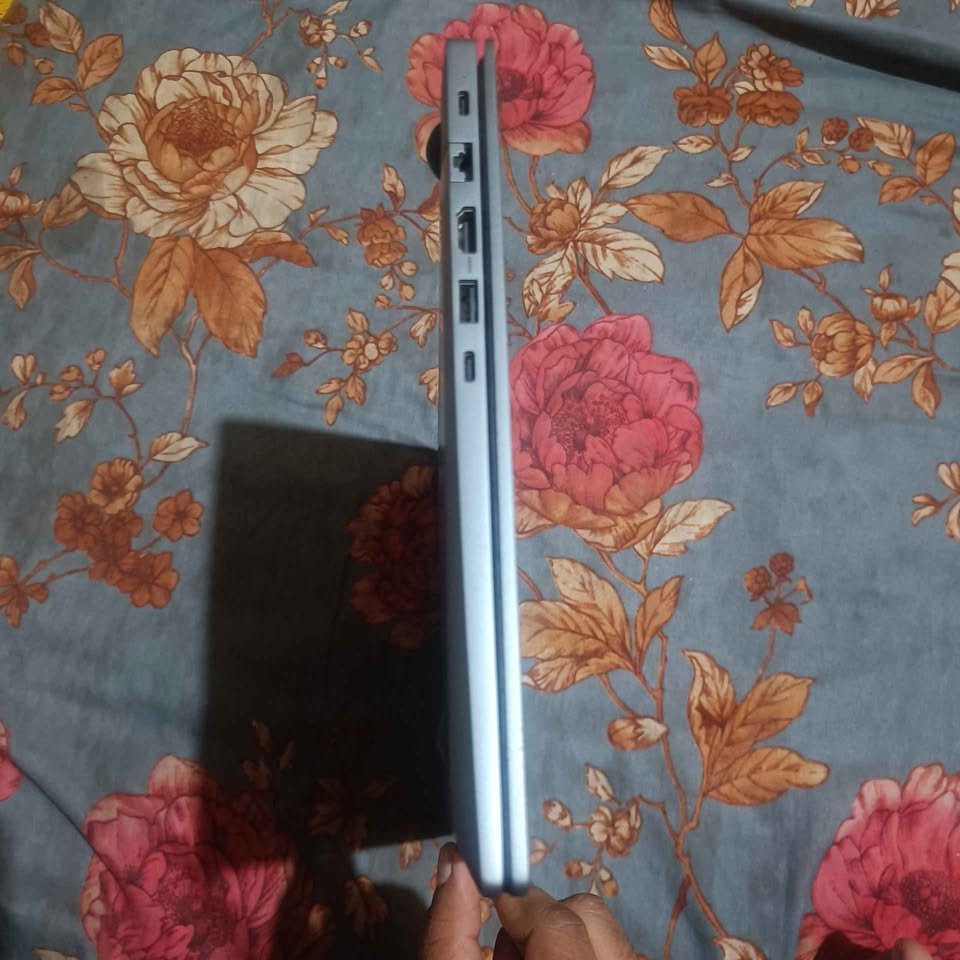
This laptop has a total score of 8.5 in our performance tests, which places the laptop in the top 40 percent of all laptops that have been tested so far. The battery life of the Galaxy Book4 is in the top 15 percent of all the laptops tested.
Samsung Galaxy Book4 costs around 53,990, which is a quarter cheaper than high-end ultrabooks of the same battery life.
| Factor | Samsung Galaxy Book4 |
| Overall Score | 8.5 |
| Battery Life – Score | 9.8 |
| Battery Life – Hours | 25 hrs |
| Battery Life – Capacity | 54 Wh |
| Display – Score | 8.0 |
| Display – Resolution | 1920 x 1080 |
| Display – Type | LCD |
| Display – Brightness | 300 nits |
| Performance – Score | 8.2 |
| Performance – Processor | Intel Core i5-1335U |
| Performance – RAM | 16 GB |
| Performance – Storage | 512 GB SSD |
| Portability – Score | 8.3 |
| Portability – Weight | 1.55 kg |
| Portability – Thickness | Slim |
| Connectivity – Score | 9.2 |
| Connectivity – Ports | 2x USB-C, 2x USB-A, HDMI, RJ45, MicroSD |
| Connectivity – Wireless | Wi-Fi 6, Bluetooth 5.2 |
| Build Quality – Score | 8.5 |
| Keyboard – Type | Backlit |
| Camera – Resolution | 720p |
| Warranty | 1 year |
Side-by-Side Comparison of the Best Battery Backup Laptops
| Product Name | MacBook Air M4 | HP OmniBook 5 | Surface Laptop 7 | Vivobook S16 | Galaxy Book4 | IdeaPad Slim 3 | HP 15 Ryzen | XPS 13 Plus |
| Dimensions | 11.97 x 8.46 x 0.44 in | 12.3 x 8.8 x 0.59 in | 12.0 x 8.8 x 0.69 in | 14.0 x 9.8 x 0.63 in | 14.0 x 9.1 x 0.63 in | 14.1 x 9.4 x 0.70 in | 14.1 x 9.3 x 0.71 in | 11.6 x 7.8 x 0.60 in |
| Weight | 1.24 kg | 1.35 kg | 1.22 kg | 1.7 kg | 1.55 kg | 1.63 kg | 1.59 kg | 1.24 kg |
| Battery Capacity | 53.8 Wh | 59 Wh | 54 Wh | 70 Wh | 54 Wh | 47 Wh | 41 Wh | 55 Wh |
| Battery Life | Up to 18 hrs | Up to 34 hrs | Up to 14 hrs | Up to 20 hrs | Up to 12 hrs | Up to 12 hrs | Up to 10 hrs | Up to 15 hrs |
| Processor | Apple M4 | Snapdragon X1 | Snapdragon X Plus | Core Ultra 5 | Core i5-1335U | Core i5-12450H | Ryzen 5 7430U | Core i7-1360P |
| RAM | 16 GB | 16 GB | 16 GB | 16 GB | 16 GB | 16 GB | 16 GB | 16 GB |
| Storage | 256 GB | 1 TB | 256 GB | 512 GB | 512 GB | 512 GB | 512 GB | 512 GB |
| Display | 13.6″ Liquid Retina | 14″ 2K OLED | 13.8″ PixelSense | 16″ FHD OLED | 15.6″ FHD | 15.6″ FHD TN | 15.6″ FHD | 13.4″ FHD+ |
| Fast Charging | Yes | Yes | Yes | Yes | Yes | Yes (Rapid Charge) | Yes (HP Fast Charge) | Yes |
| Operating System | macOS | Windows 11 | Windows 11 | Windows 11 | Windows 11 | Windows 11 | Windows 11 | Windows 11 |
| Performance Rating | 9.8/10 | 9.5/10 | 9.6/10 | 9.4/10 | 9.2/10 | 9.0/10 | 8.9/10 | 9.5/10 |
| Power Efficiency Rating | 9.9/10 | 9.9/10 | 9.4/10 | 9.2/10 | 8.8/10 | 8.7/10 | 8.5/10 | 9.1/10 |
| Portability Rating | 9.7/10 | 9.6/10 | 9.7/10 | 9.0/10 | 9.0/10 | 8.9/10 | 9.1/10 | 9.8/10 |
| Best Suited For | Creative Professionals, Students, Business | Maximum Battery Life, Remote Workers | Premium Productivity, AI Features | Content Creators, Color-Critical Work | Samsung Ecosystem Users | Budget-Conscious Buyers, Students | Everyday Productivity | Premium Build, Executives |
Frequently Asked Questions
The response to this question cannot be generalised because it all depends on the processor efficiency and display technology in the laptop. In essence, a laptop having an efficient ARM-based processor and 50Wh battery can last longer than a laptop having an inefficient x86 processor and 70Wh battery. This implies that battery capacity is not the only consideration when it comes to runtime.
In case of limited budget, my unconditional choice will be the Lenovo IdeaPad Slim 3. It is a great device that has a good battery life, Rapid Charge Boost technology, and a reasonable price. When you are not restricted by the budget, I would recommend to purchase the HP OmniBook 5 OLED or Apple MacBook Air M4 that are certainly one of the best laptops with battery life available in the market.
Yes, the brightness of the display is among the most notable factors that influence battery run time. In most cases, brightness can be reduced by 30-50 percent and this will increase battery life. This implies that brightness control is among the best methods of increasing the runtime.
Laptops based on ARM (Apple Silicon, Qualcomm Snapdragon) tend to be more battery efficient because of the RISC architecture. New Intel and AMD processors have however improved efficiency greatly and the difference is now smaller.
The current fast charging designs are battery health conscious and they have protective measures to avoid harm. Nevertheless, there is a possibility that long-term battery capacity might be slightly lower with fast charging than with slower charging.
OLED displays can be more efficient in using power when showing darker content, but can use more power with bright screens with a white preponderance. The total effect is based on the usage habits and brightness display preferences.
Conclusion
It is a good sign that the number of individuals who are conscious of battery life in their laptop buying choices is increasing. In this article, I have mentioned battery technology, processor performance, and the most effective solutions to increase your untethered productivity.
I have done a market analysis and compiled a list of the best laptops that you can purchase to have the best battery backup and the best laptop to purchase in my view is the Apple MacBook Air M4 (2025) due to its outstanding performance and efficiency. Given the fact that the MacBook Air is an expensive product, the prices are high, and not everyone can afford it; the second option that has the best battery life on the whole is the HP OmniBook 5 OLED with its record-breaking 34-hour battery life.
Besides the two above, you can not go wrong by selecting any other device on the list since all the devices in the list have been well chosen and are there because of a reason.
In case you need any clarifications on this subject or you have any recommendations, I would like you to make a comment in the comments box below.