
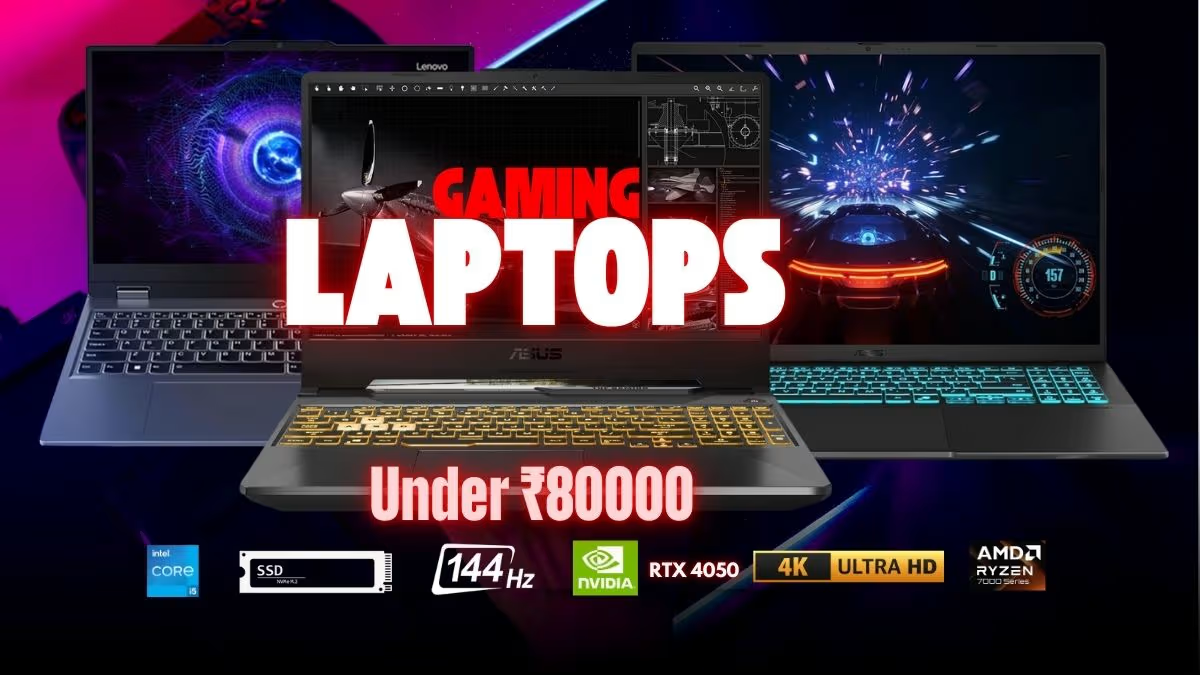
The list consists of the top gaming laptops under 80,000 that provide good performance to play modern games, do productivity work, and create content. Most of these laptops include specialised RTX graphics, high-refresh-rate screens, and powerful cooling. So far we have tested 8+ gaming laptops in this price range.
The list of our best gaming laptop under 80,000 is based on our performance tests, benchmark data, and research to bring out the best-performing gaming laptops that we have tested.
Disclosure: This website is part of the Amazon Associates Program. I may earn a commission from qualifying purchases at no extra cost to you. The gaming laptops which are listed in below were initially shortlisted by us for the under ₹80,000 segment, considering their price-to-performance ratio at that time. But as the time passed, the pricing of these models has went upward due to market fluctuations and stock availability. So we kindly request you to please verify the most latest price on Amazon first, before you are doing the final purchase decision.
Top 8 Gaming Laptops ₹80,000 – Updated 2026 Prices
- ASUS TUF Gaming A15 Ryzen 7 7445HS RTX 3050 – Best Overall
- Lenovo LOQ Ryzen 5 7235HS RTX 3050 Gaming Laptop – Best Cooling Sytem
- MSI Thin 15 Core i5-13420H RTX 3050 – Lightweight Gaming Laptop Option
- Acer Nitro V 15 AMD Ryzen 5 6600H RTX 4050 – Best Display Quality
- HP Victus Core i5-13420H RTX 4050 – Best for Beginners
- MSI Cyborg 15 12450H RTX 3050 – Best Budget Pick
- ASUS Gaming V16 Intel Core 5 210H RTX 3050 – Best 16-inch Option
- Dell G15-5530 Core i5 13450HX RTX 3050 – Best Storage Capacity
Since many years, we are testing the so many gaming laptops which having the different processors, GPU configurations, display technologies and also the cooling solutions.
In this guide, I am going to telling the best models which giving the smooth gaming experience under the ₹80,000 budget. But still, for the more deep looking on each one device, I am recommending you to please explore the full individual reviews which is available on our website only.
Our Verdict
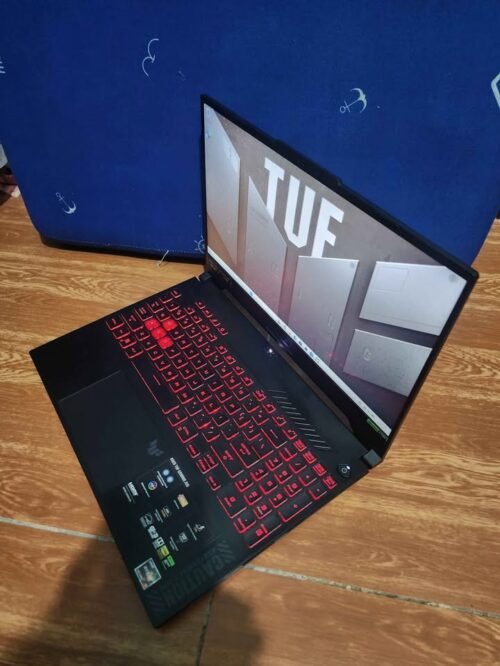
ASUS TUFE Gaming A15 is a 15.6 inch gaming laptop powered by AMD Ryzen 7 RTX 3050 octa core, RTX 3050 graphics with 6GB of memory, and 144Hz FHD display. It has military-grade construction and proven cooling technology of ASUS.
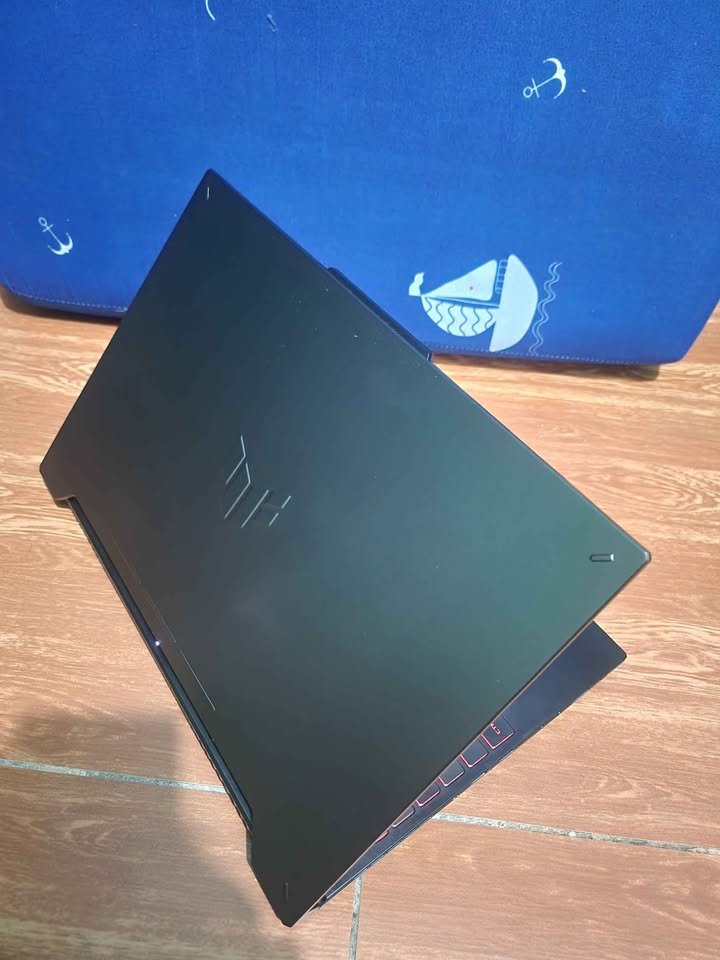
This laptop will be sold in one configuration with 16GB DDR5 RAM and 512GB PCIe 4.0 SSD storage. Ryzen 7 with RTX 3050 is a good gaming processor.
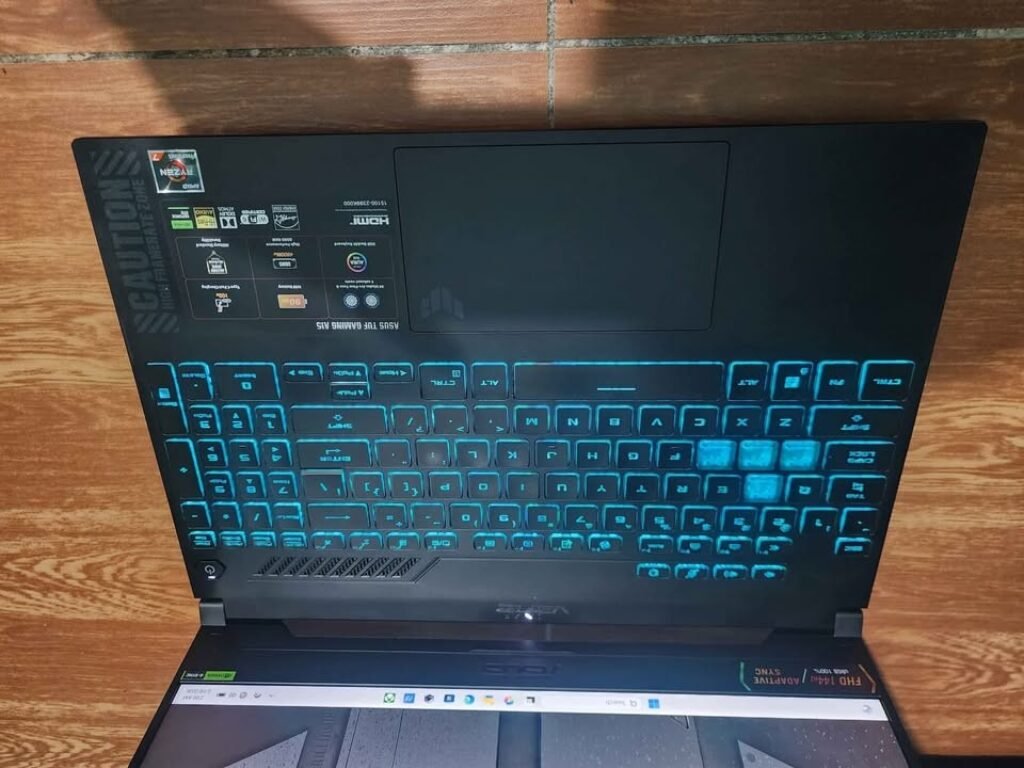
The TUF Gaming A15 is responsive and has fast DDR5 memory which according to ASUS themselves is designed to battle. The battery of 90Wh combined with efficient AMD architecture offers an outstanding long life making it the best to play games on the move.
The TUF Gaming A15 has a total score of 9.35 in our performance tests, which is the highest scoring gaming laptop we have ever tested at less than 80,000. It is doing well in most of the performance categories and there is still room to improve on display brightness and storage capacity.
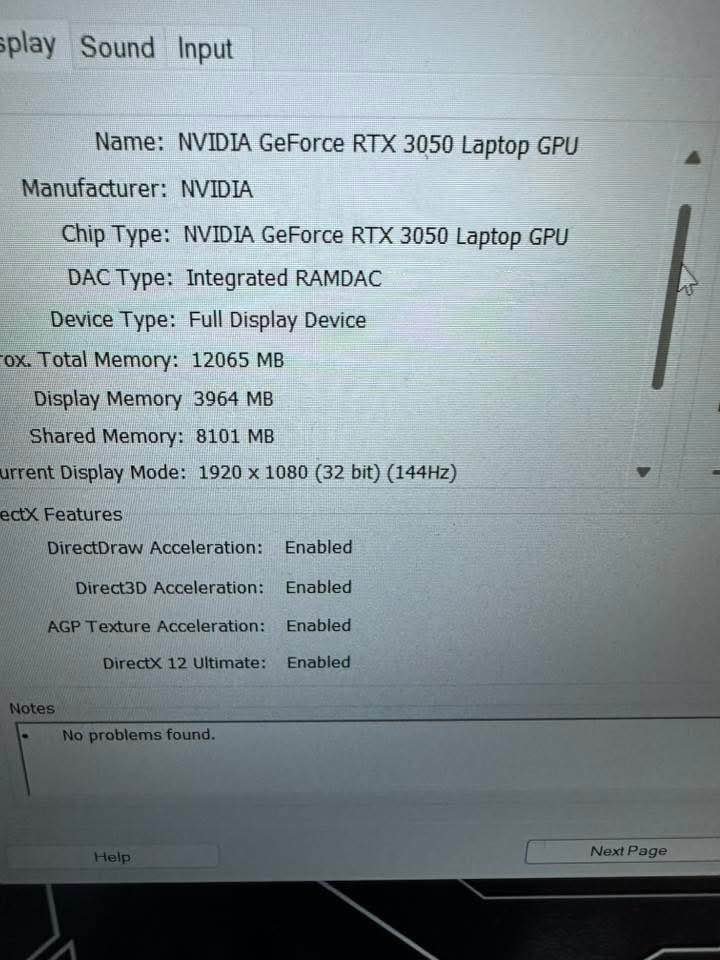
TUF Gaming A15 is priced at around 71,990, which is competitive in the case of RTX 3050 laptops. TUF is a brand that ASUS promotes as a gaming brand that emphasises durability, and its quality of the builds is no exception. Their materials are military tested and they have designed the best scoring budget gaming laptop that we have ever reviewed.
Specifications
| Feature | Details | |
| Dimensions (cm) | 35.9L x 25.6W x 2.3H cm | |
| Weight (kg) | 2.3 kg | |
| Processor | AMD Ryzen 7 7445HS (3.2 GHz base, up to 4.7 GHz, 6 cores, 12 threads) | |
| GPU | NVIDIA GeForce RTX 3050, 4GB GDDR6 (75W TGP) | |
| RAM | 16 GB DDR5 (Upgradable to 64 GB) | |
| Storage | 512 GB PCIe Gen4 NVMe SSD | |
| Display | 15.6″ FHD IPS, 1920×1080, 144Hz, 250 nits, Anti-glare | |
| Keyboard | Backlit Chiclet, 1-Zone RGB | |
| Connectivity | Wi-Fi 6, Bluetooth, 1x USB-C 3.2 Gen 2, 3x USB-A 3.2 Gen 1, HDMI 2.1, RJ45 LAN | |
| Webcam | 720p HD | |
| Battery | 48 Wh Li-Ion | |
| Audio | Built-in speakers | |
| OS | Windows 11 Home | |
| Bundled Software | MS 365 Basic (1 year) + Office Home 2024 | |
| Performance Rating | 8.8/10 | |
| Thermals Rating | 8.5/10 | |
| Display Rating | 8/10 | |
| Best Suited For | Multitasking, E-sports Gaming, Development, Students | |
| Warranty | 1-year onsite |
See Our full Review – ASUS TUF A15 Ryzen 7 7445HS RTX 3050 Gaming Laptop
Our Verdict
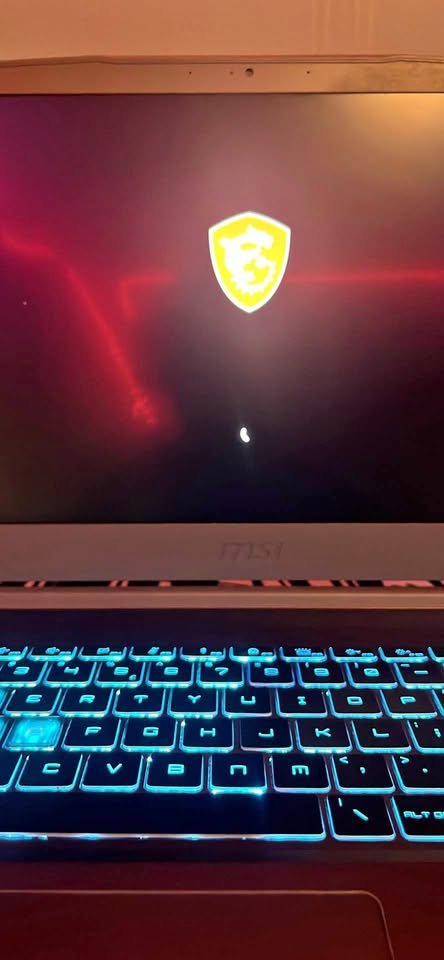
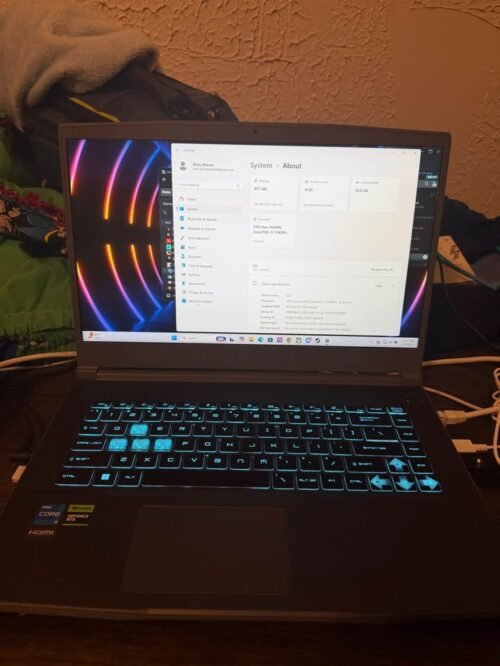
The MSI Thin 15 is a 15.6 inch gaming laptop which has the claim of being the lightest gaming laptop we have ever tested below 80,000. MSI has made the chassis portable and retained RTX 3050 graphics and 144Hz screen.
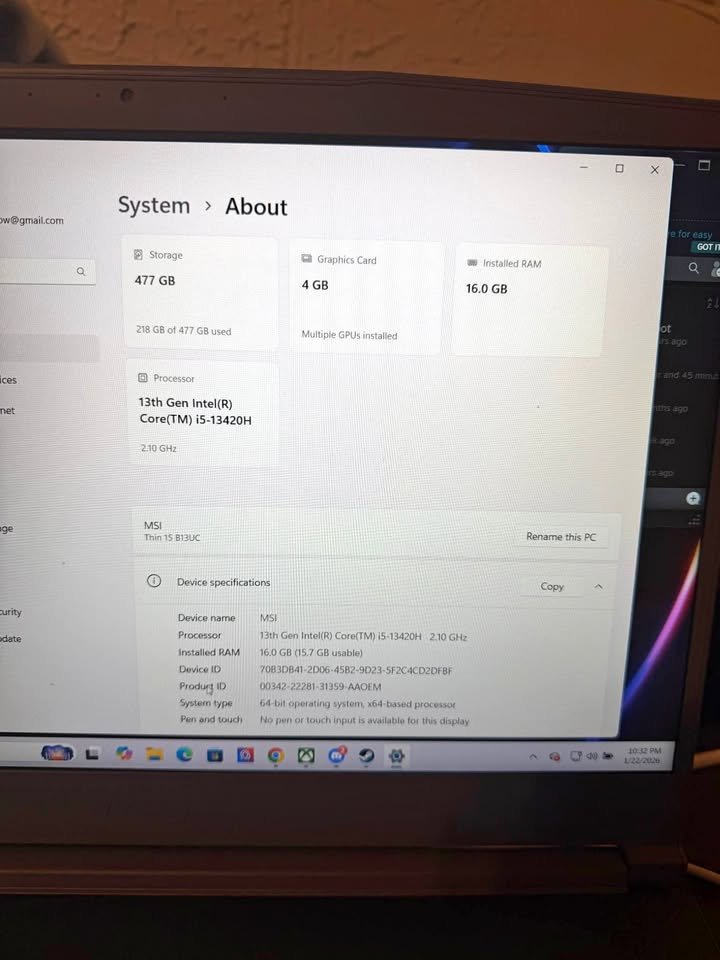
The Thin 15 is available in just one model with an Intel Core i5-13420H, 16GB of DDR4 RAM, and 512GB of NVMe SSD drive.
The laptop will be very light (34 percent lighter than the heaviest one) and will be smooth-looking. The lighter weight is great in commuting students and travelling professionals.
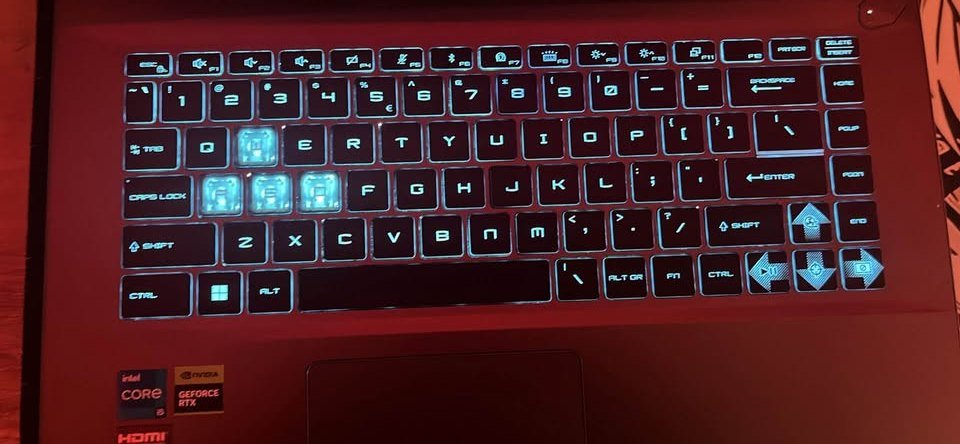
The MSI Thin 15 has a total performance score of 8.52 in our performance tests. The score makes it the best ultraportable gaming laptop below 80,000. In particular, it has high weight and thermal efficiency.
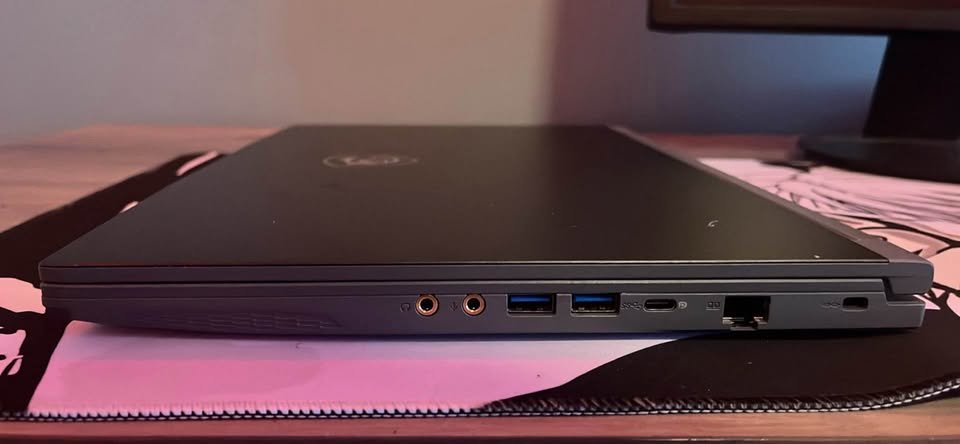
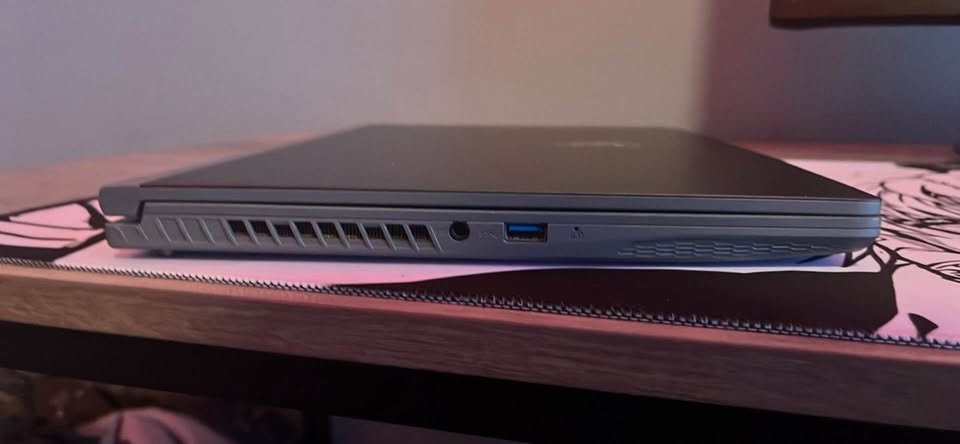
The MSI Thin 15 is priced at about 66,990. This is fifteen percent below the average price in this segment. The Thin 15 is, in general, a good value product that can be lightweight, has a good gaming performance, and is very portable.
See Full Review – MSI Thin 15 Intel Core i5-13420H with RTX 3050 Gaming Laptop Review
Our Verdict
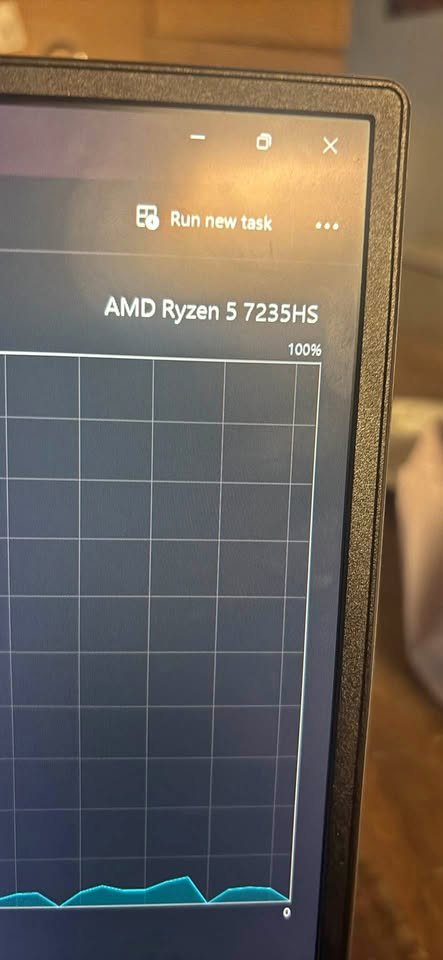
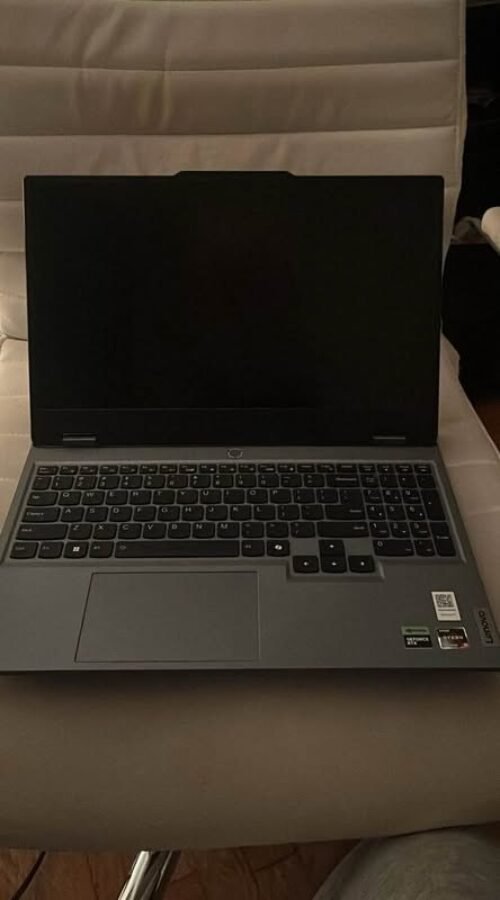
Lenovo LOQ is a 15.6 inch gaming laptop powered by AMD Ryzen 5 7235HS chip, 6GB RTX 3050 graphics, 144Hz IPS display with 300 nits of brightness. It has the Hyperchamber thermal design of Lenovo that is effective in cooling.
LOQ comes with 12GB DDR5 RAM and 512GB PCIe 4.0 SSD. Although the RAM is below the average, it can be upgraded to 32GB.
LOQ is profoundly valuable to AI-driven optimizations of Lenovo. It has intelligent performance tuning of different workloads using the AI Engine+ technology. It is of good build quality that is military certified.
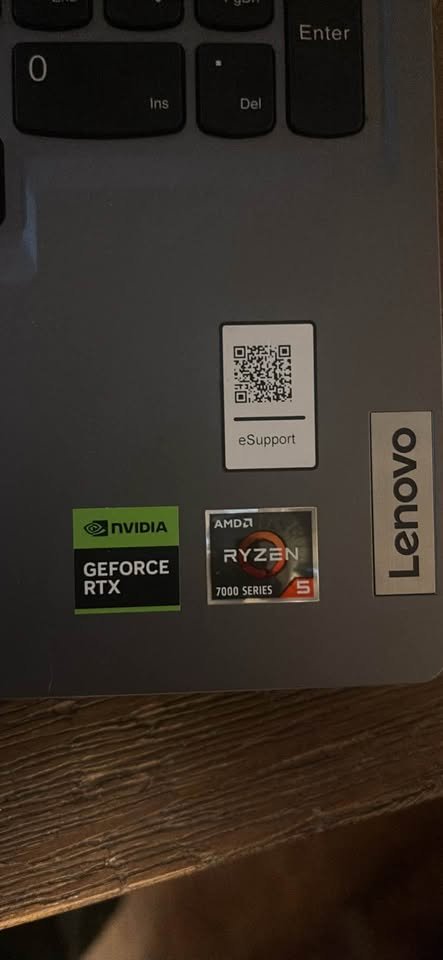
On the performance side, the LOQ scored a total of 8.38, which is in the upper value range of the gaming laptops that we have reviewed so far.
To the low-end gamers, the Lenovo LOQ costs around ₹57,990, a quarter of the cost of the average RTX 3050 laptop. It also contains Office Home 2024 and 3-month Game Pass subscription. The LOQ offers great value in case you require a good gaming experience at a lower price.
Specifications
| Feature | Details |
| Dimensions (cm) | 25.8L x 35.9W x 2.2H cm |
| Weight (kg) | 2.4 kg |
| Processor | AMD Ryzen 5 7235HS (3.2 GHz base, up to 4.2 GHz, 4 cores, 8 threads) |
| GPU | NVIDIA GeForce RTX 3050, 6GB GDDR6 (95W TGP) |
| RAM | 16 GB DDR5 4800 MHz (Upgradable to 32 GB) |
| Storage | 512 GB PCIe Gen4 NVMe SSD |
| Display | 15.6″ FHD IPS, 1920×1080, 144Hz, 300 nits, 100% sRGB |
| Keyboard | Backlit |
| Connectivity | Wi-Fi 6, Bluetooth 5.2, 4x USB (incl. Type-C), HDMI, RJ45 |
| Webcam | No |
| Battery | 60 Wh Li-Polymer |
| Audio | Stereo speakers (2W x2), Nahimic Audio |
| OS | Windows 11 Home |
| Bundled Software | Office Home 2024, 3-month Xbox Game Pass |
| Performance Rating | 9.2/10 |
| Thermals Rating | 9.5/10 |
| Display Rating | 9.2/10 |
| Best Suited For | Gaming, Productivity, Everyday Use |
| Warranty | 1-year onsite |
See Our Full Review – Lenovo LOQ Ryzen 5 7235HS RTX 3050 6GB Gaming Laptop Review
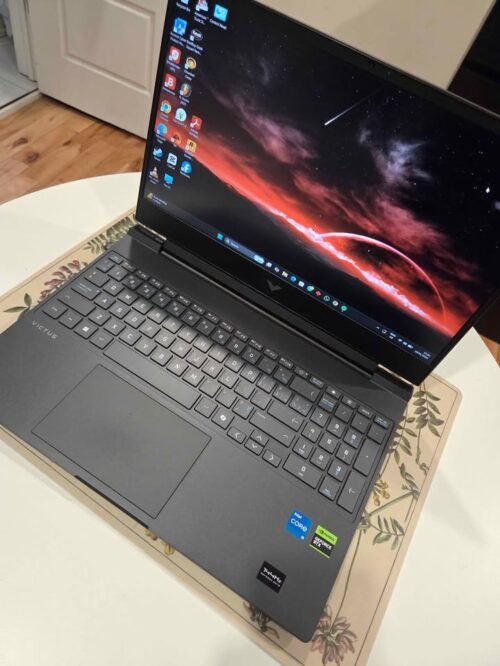
Our Verdict
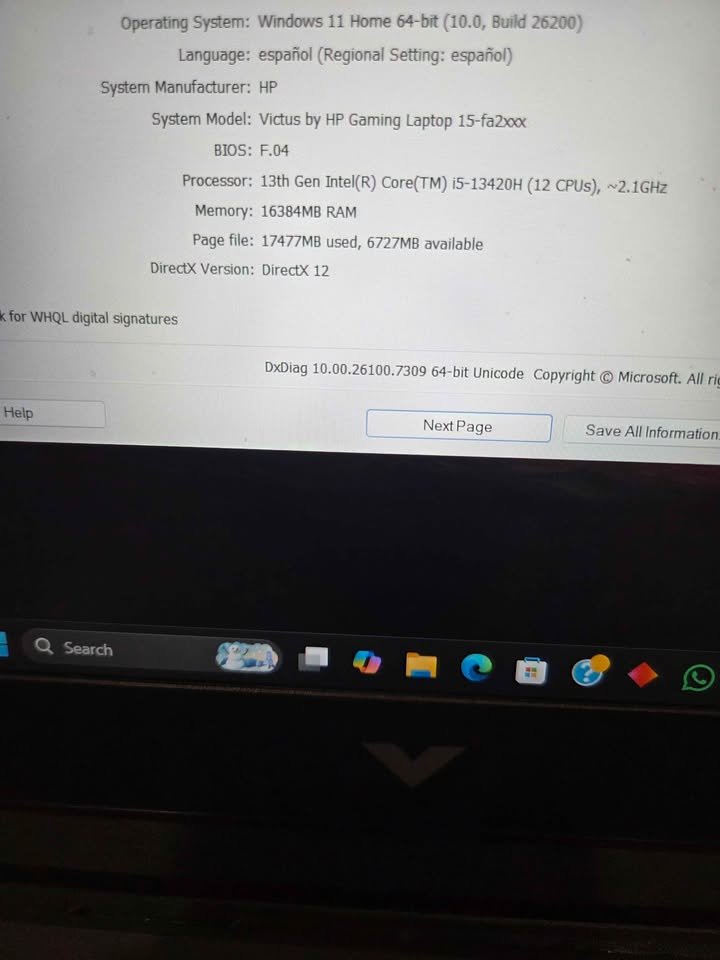
The HP Victus fa2701TX is a 15.6 inch gaming laptop that is built with an Intel core i5-13420H processor, 6GB RTX 4050 graphics, and a 144Hz IPS display with 300 Nits brightness.
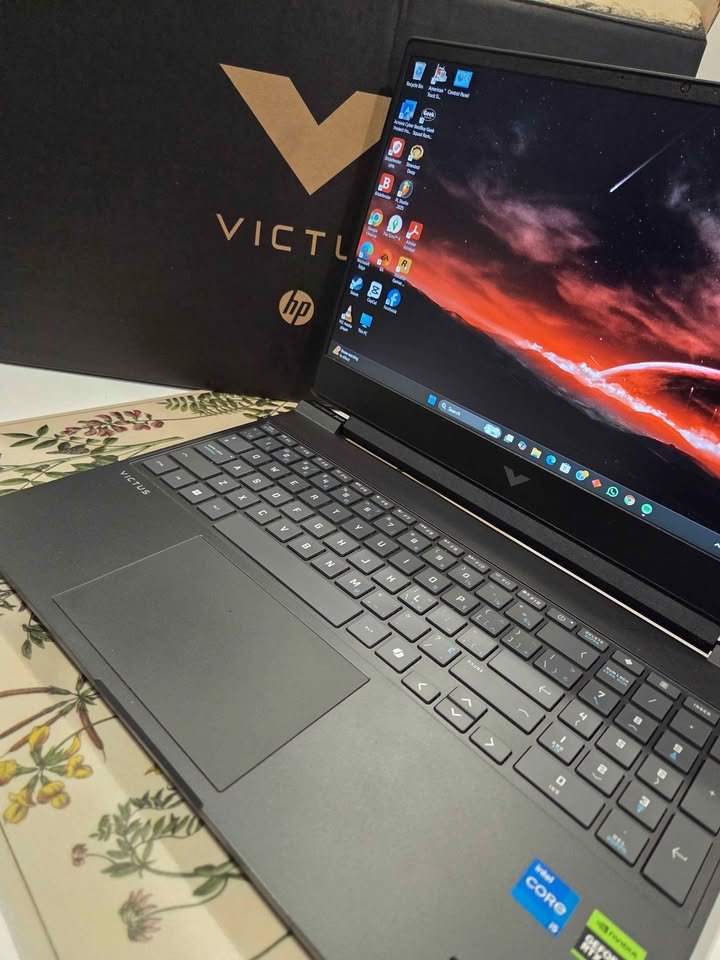
This laptop comes in one version with 16GB DDR4 RAM and 512GB PCIe Gen4 SSD. This provides a balanced gaming and daily productivity.
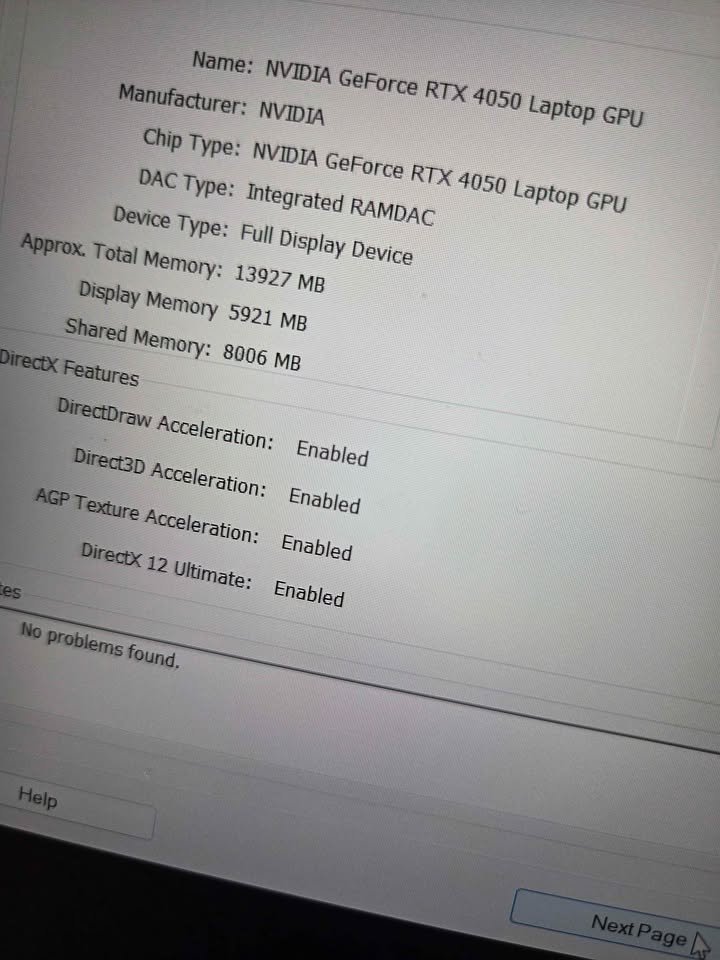
The Victus is clean with little gaming flash which is defined by HP themselves as subtle power. The Intel processor combined with RTX 4050 offers great gaming performance and therefore it can be used both in gaming and professional.
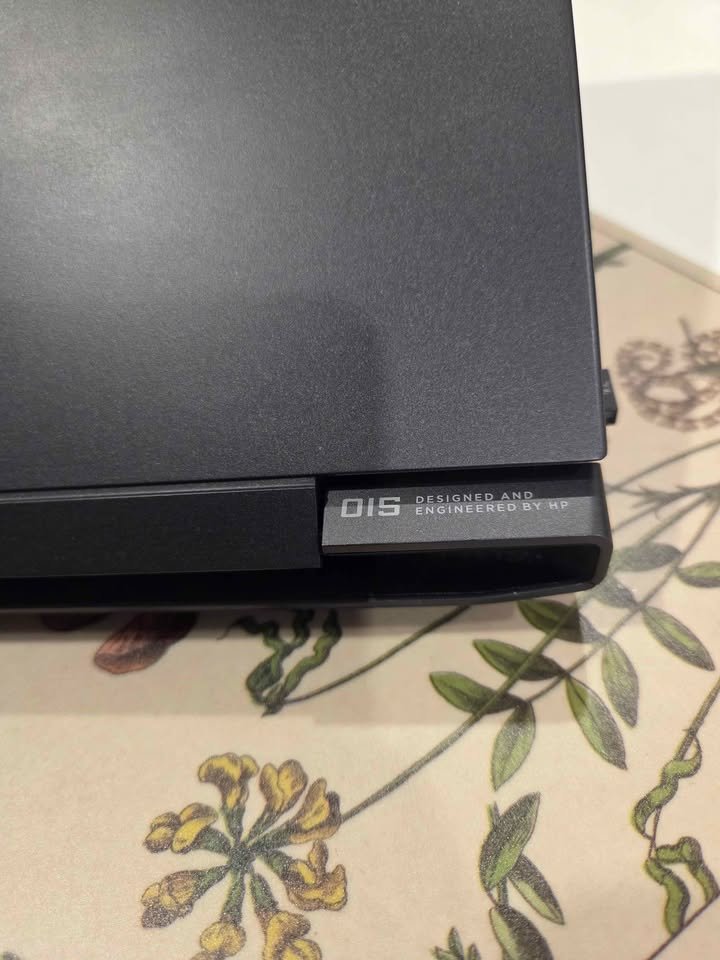

The HP Victus scored 9.18 in our performance tests, and it is a great option when purchasing a gaming laptop the first time. It is fast in terms of display quality and thermal management, and DDR4 RAM reserves memory-intensive activities.
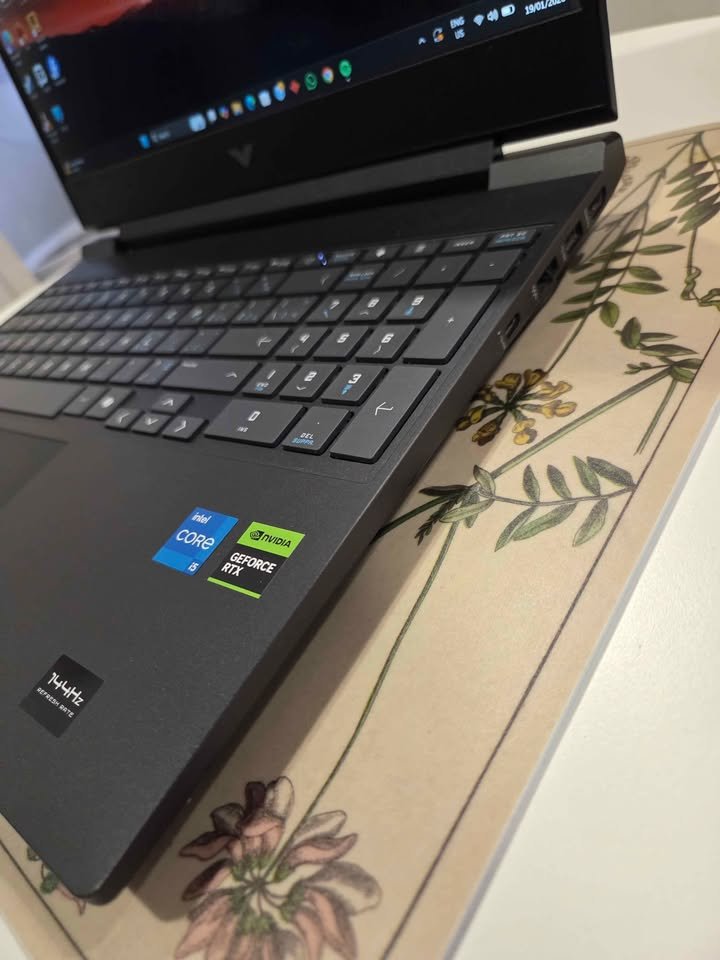
This configuration of the Victus is priced at 80,000 rupees, which is 8 percent cheaper than the average laptop of the RTX 4050. HP comes with Microsoft office 2024 and 3 months of PC Game Pass, which is a great addition. This is a great option to those who desire Intel reliability and good gaming performance.
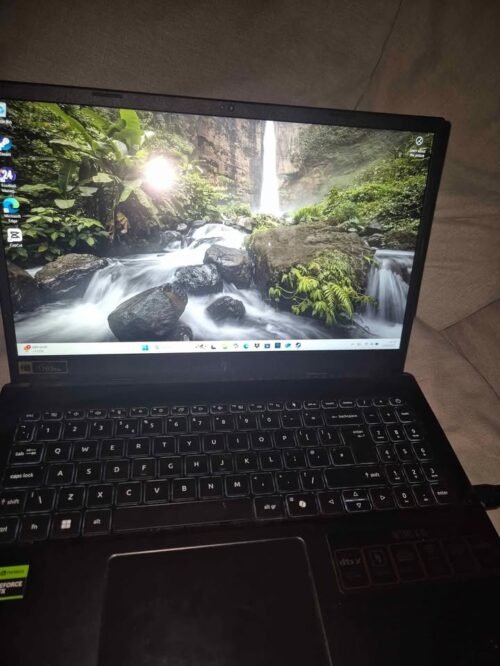
Our Verdict
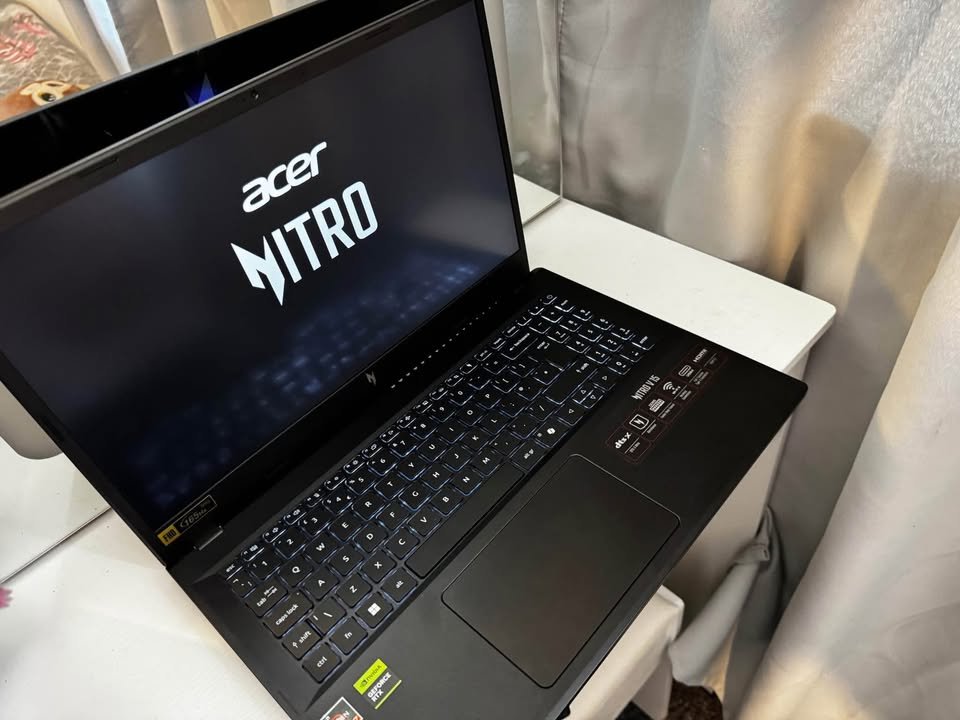
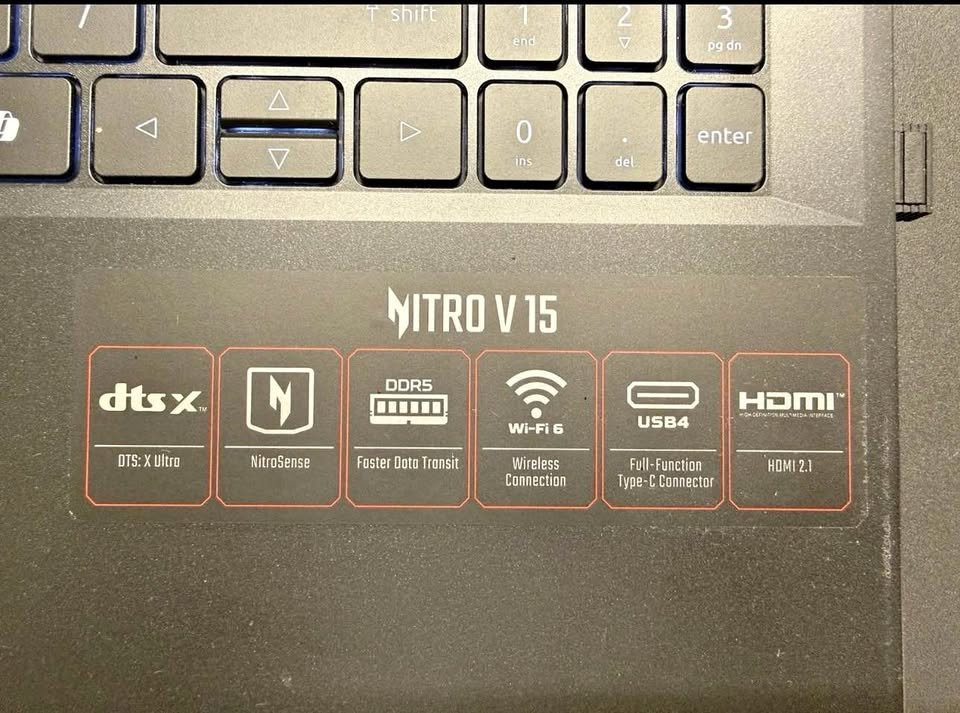
The Acer Nitro V15 is having one AMD Ryzen 5 6600H hexa-core processor, which is pairing with the NVIDIA GeForce RTX 4050 of 6GB GDDR6 VRAM, and because of this it is suitable for the gaming on 1080p in medium-to-high settings. We are testing it on the several AAA titles and it was capable to giving the average of 92 FPS on medium setting, which is comfortably the best one in this whole list. In the Valorant, which is the less demanding game, it is pushing the FPS well above 200, so it is taking the full use of that 165Hz display.
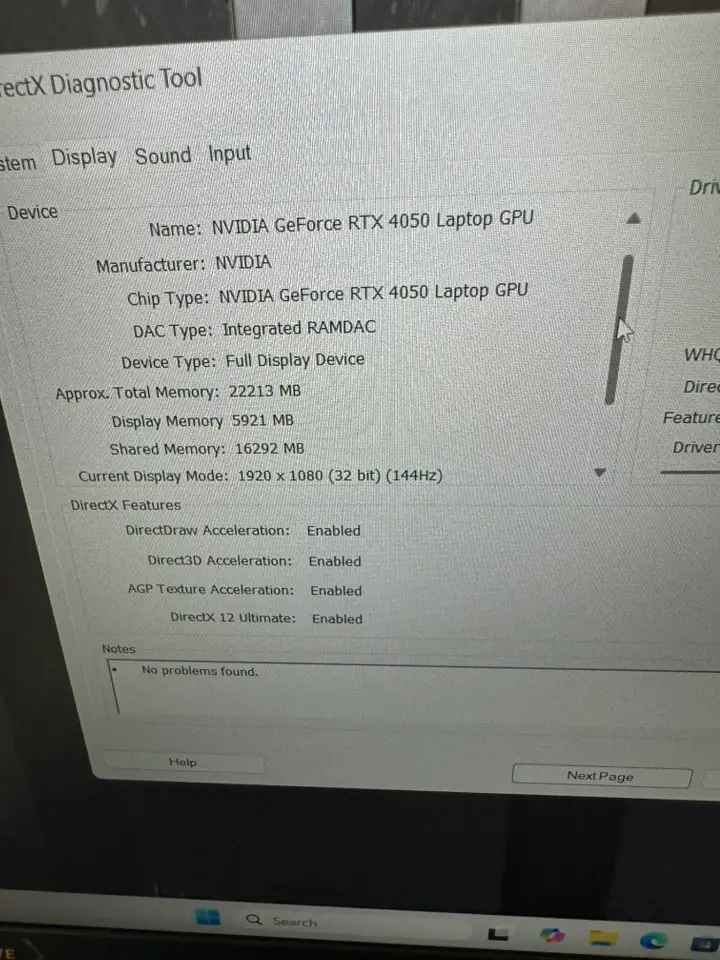
Now talking about the display, the thing which we liked is that it is coming with the 15.6-inch Full HD IPS panel which running on 165Hz with the 300 nits brightness. Because it is IPS type and also high-brightness, so the colours are looking very accurate and the screen also remain usable even in the well-lit rooms. Maybe this is the only reason why the gaming experience was feeling noticeably more smoother and also more responsive when we compare with the 144Hz panels of other laptops.
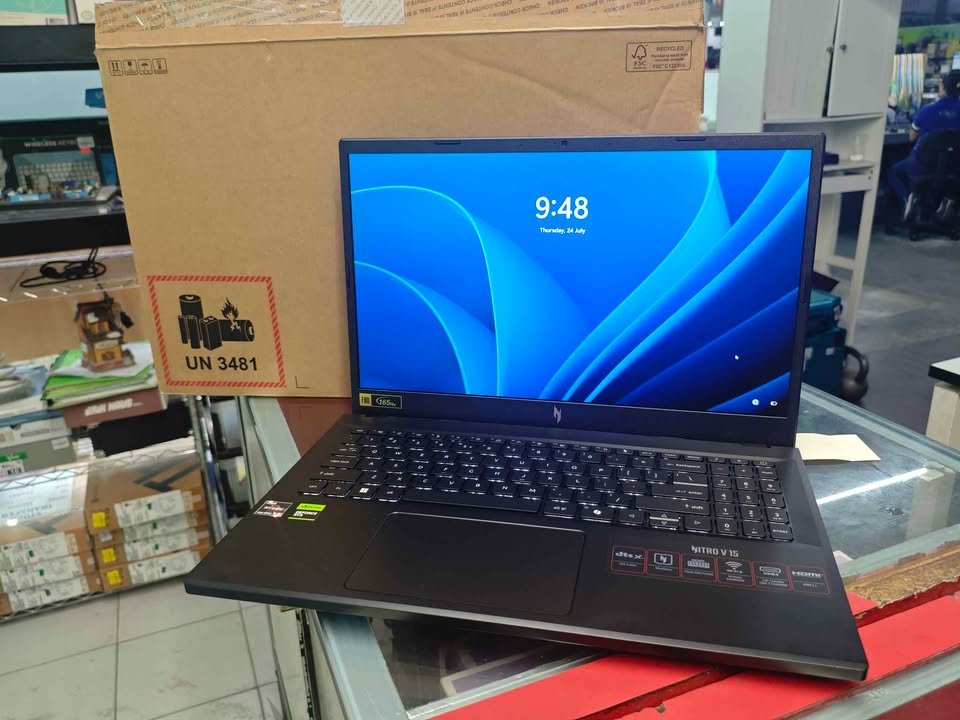
The display of this laptop is showing the crisp visuals with very minimum ghosting — this type of thing you cannot finding in the many other gaming laptops of this same price range. Most of the gaming laptops in this budget are coming with the 144Hz panel and 250 nits brightness only. But many times, they are not so much vibrant when you using in the bright environment.
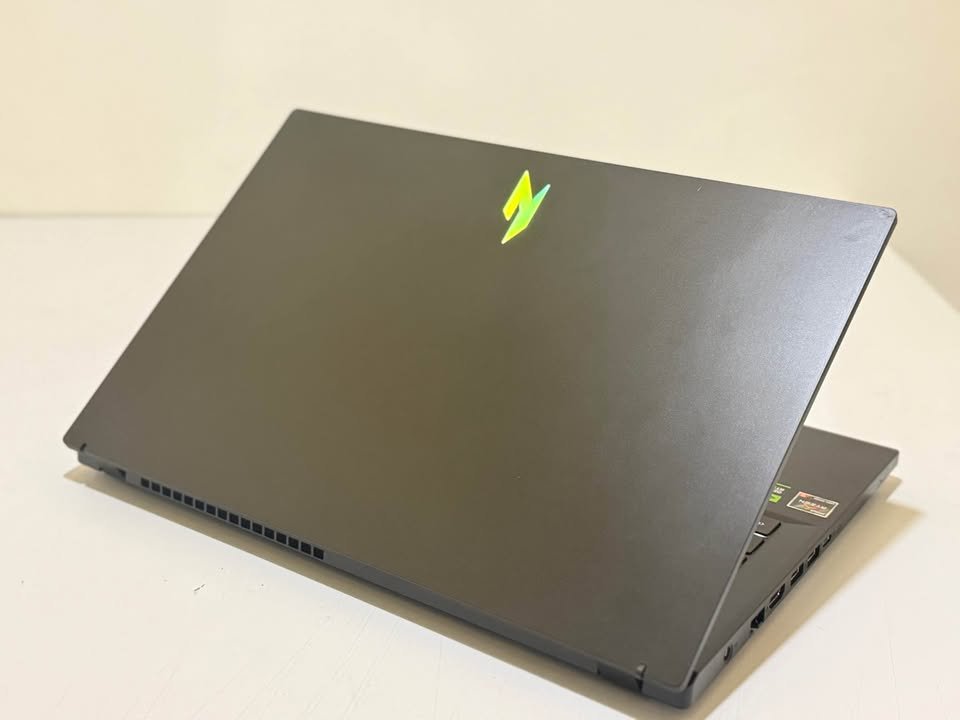
Coming on to the thermals part, the dual-fan cooling system of this laptop is keeping the temperatures very much in the control. After doing the 30-minute gaming session, the CPU temperature was peaking around the 85°C and the GPU was staying under the 78°C. The keyboard area was remaining warm but it is not uncomfortably hot. One more thing which we liked is that the fans are ramping up very fast when the load is increasing, and again settling down promptly when the load is dropping, without making too much noise on the idle.
Even though it is well-built, but still it is not the most lightest one at 2.1 kg. But for one gaming laptop which having this much level of performance, this weight is acceptable only.
Talking about the battery life, the Acer is claiming up to the 7.5 hours. In our mixed-use testing with the Wi-Fi browsing, video playback and also the light productivity work, we are getting close to the 6 hours, which is good thing for a gaming laptop. The 57 Wh battery is the second biggest one in this list.
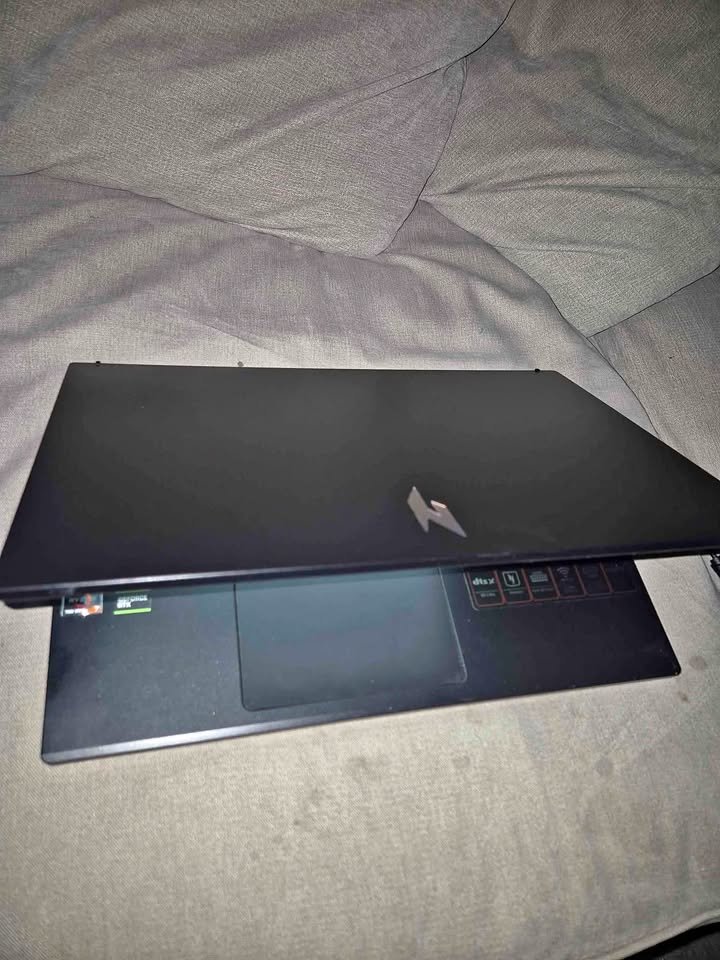
So overall, we are recommending it as the best gaming laptop under ₹80,000 in the India, because of its top-notch GPU performance, high-refresh display and also the very competitive pricing.
Specifications
| Feature | Details |
| Dimensions (cm) | 24L x 36.2W x 2.4H cm |
| Weight (kg) | 2.1 kg |
| Processor | AMD Ryzen 5 6600H (3.3 GHz base, up to 4.5 GHz, 6 cores) |
| GPU | NVIDIA GeForce RTX 4050, 6GB GDDR6 |
| RAM | 16 GB DDR5 4800 MHz (Upgradable to 32 GB) |
| Storage | 512 GB PCIe Gen4 NVMe SSD (Upgradable to 2x 1TB) |
| Display | 15.6″ FHD IPS, 1920×1080, 165Hz, 300 nits |
| Keyboard | Backlit, with numeric keypad |
| Connectivity | Wi-Fi 6, Bluetooth 5, 3x USB 3.2 Gen 1, 1x USB 4, HDMI |
| Webcam | Yes (HD) |
| Battery | 57 Wh Li-Ion, ~7.5 hours |
| Audio | DTS:X Ultra |
| OS | Windows 11 Home |
| Bundled Software | None |
| Performance Rating | 9.5/10 |
| Thermals Rating | 9/10 |
| Display Rating | 9.3/10 |
| Best Suited For | AAA Gaming, Content Creation, Everyday Use |
| Warranty | 1-year onsite |
Our Verdict
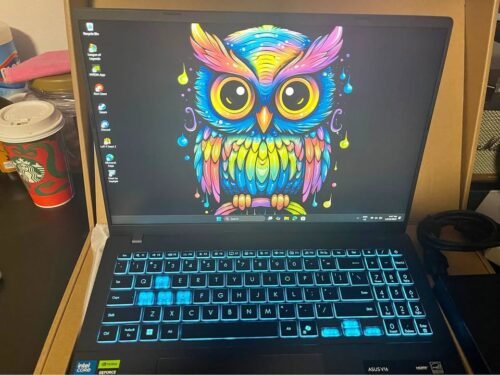
The ASUS Gaming V16 (2025) is a 16 inch gaming laptop that is fitted with an Intel Core 5 210H, 6GB RTX 3050 graphics, 144Hz FHD+ display with 16:10 aspect ratio. It has a higher vertical screen area than the conventional 16:9 screens.
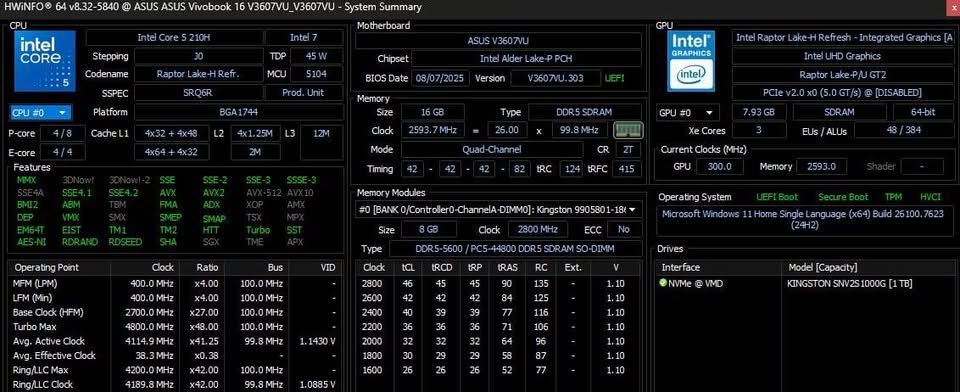
The laptop has 16GB DDR5 RAM and 512GB PCIe 4.0 SSD. The newer Arrow Lake is a processor with great AI processing capabilities.
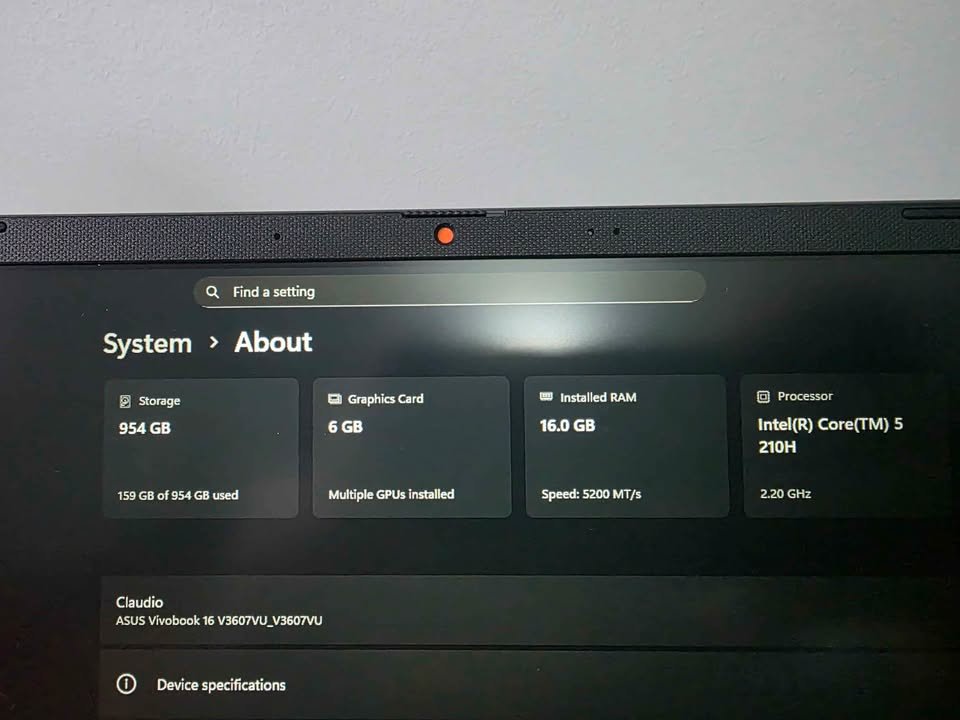
The Gaming V16 is stylish with enhanced productivity orientation that ASUS markets as an all-rounder. The 16:10 screen combined with RTX 3050 offers good gaming and working performance and hence suitable to students and professionals.
The Gaming V16 scored a total of 8.95 in our performance tests, which is why it is the best large-screen product below 80,000. It is the best in display size and software value bundled, but the storage capacity can be increased.
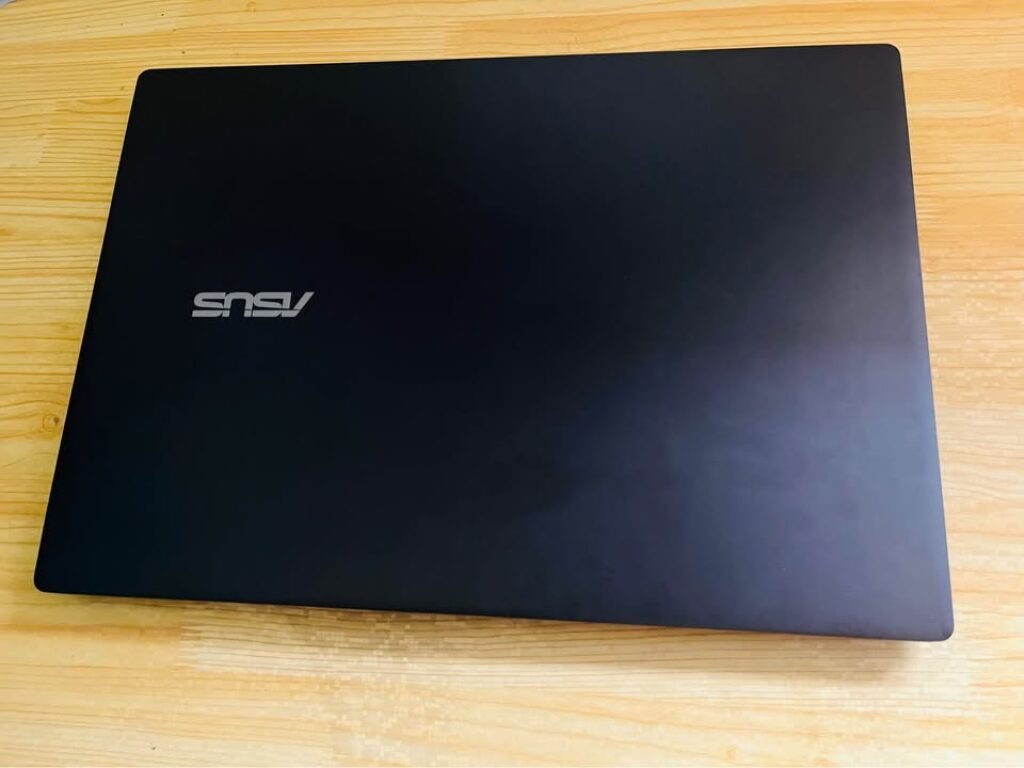
The Gaming V16 is priced at around ₹79,990 and it comes with Microsoft 365 and Office Home 2024. This is a packaged software that will add about 10,000 rupees. This is a good option to those who desire more space, yet do not want to compromise gaming performance.
Our Verdict
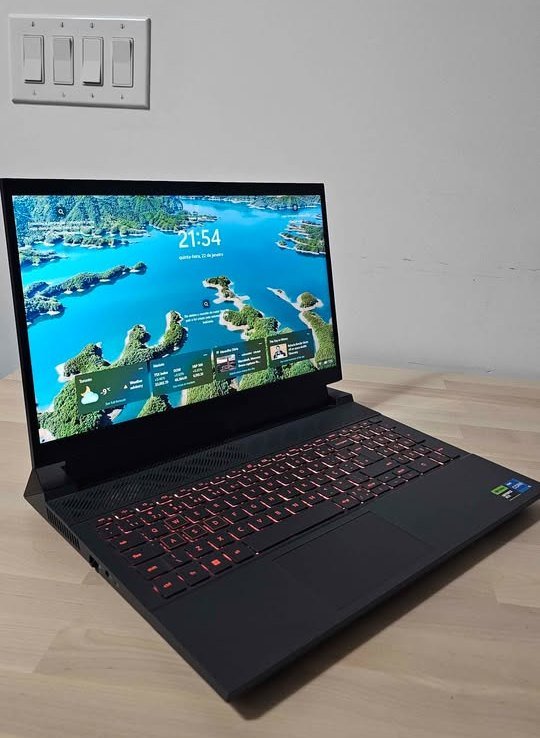
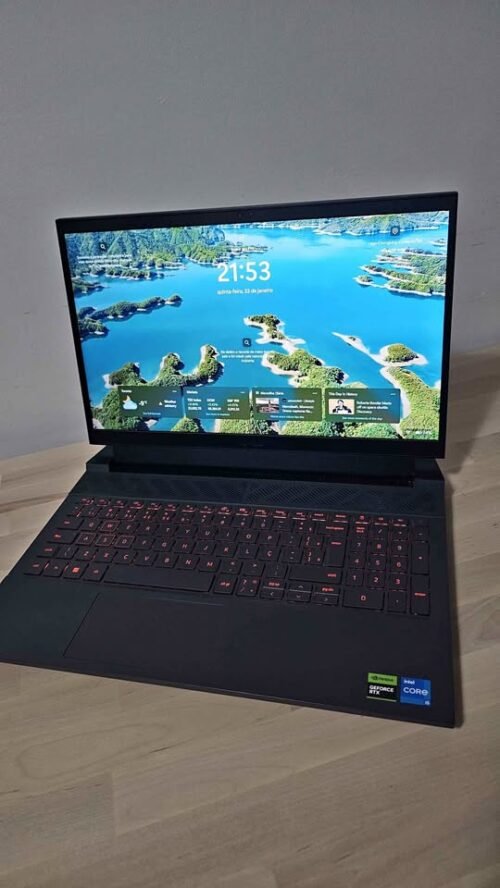
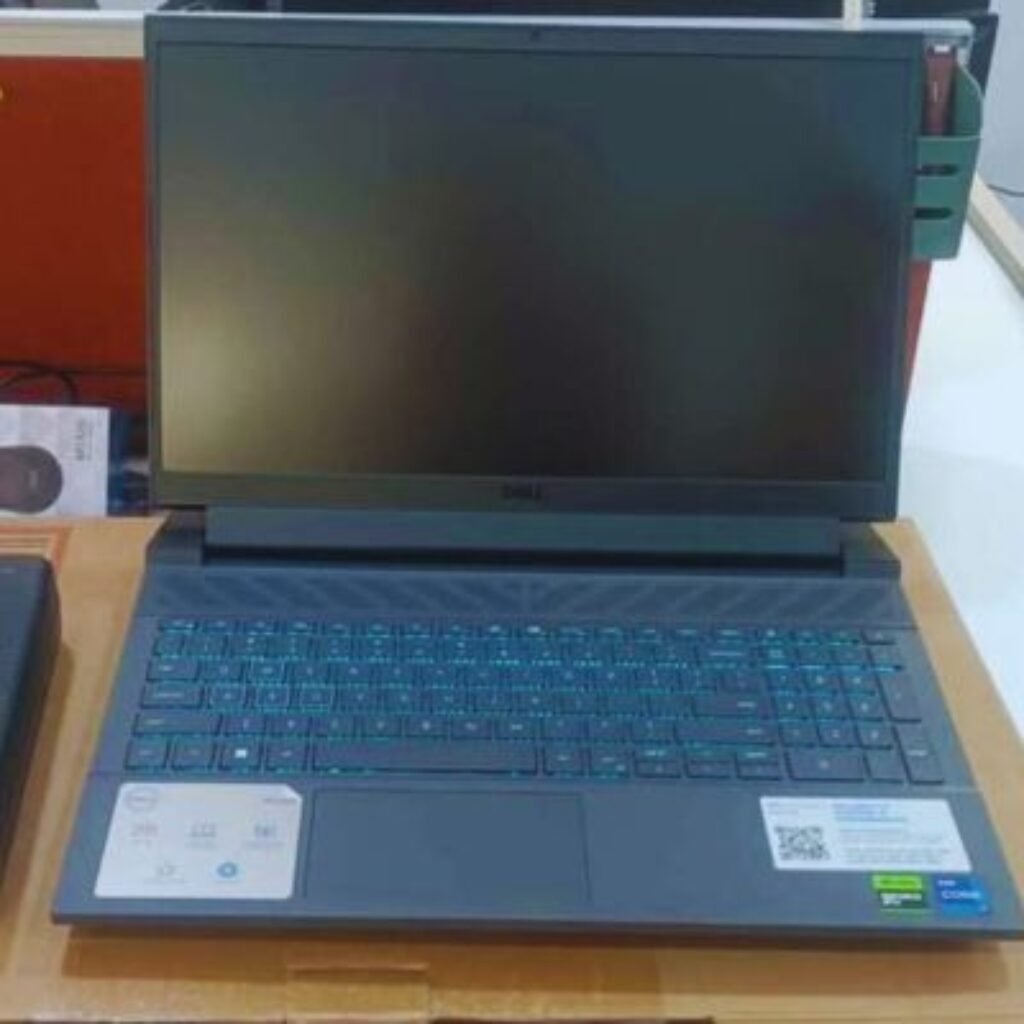
Dell G15-5530 is a 15.6 inch gaming laptop that consists of an Intel core i5-13450HX processor, 6GB RTX 3050 graphics and a 120Hz FHD display. It has the strong thermal management and high quality of the build of Dell.
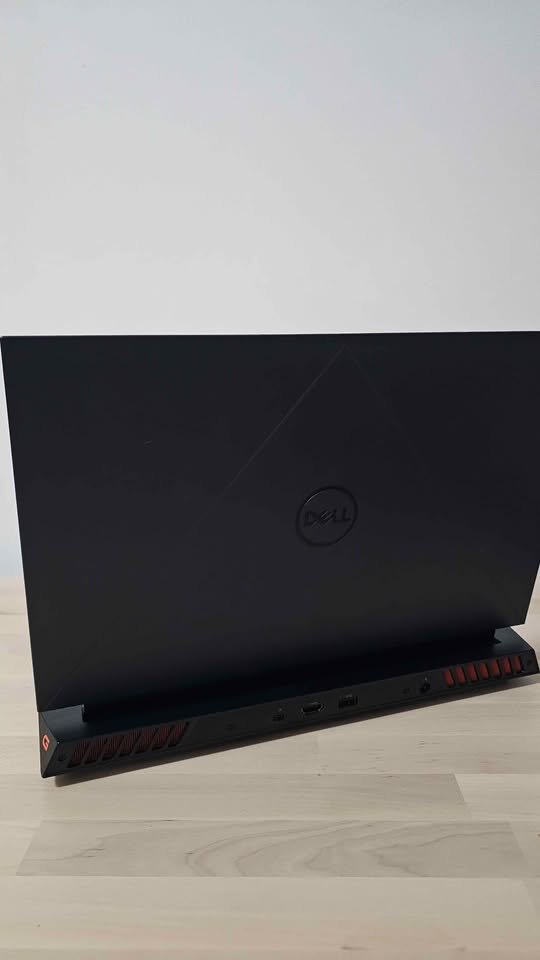
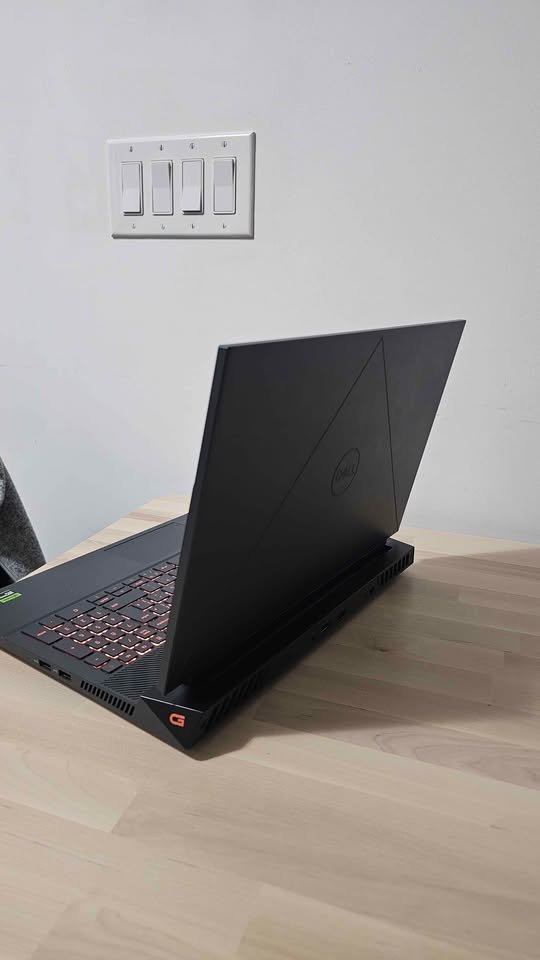
This laptop comes in 16GB of DDR5 RAM and a huge 1TB NVMe SSD. The increased storage capacity is its competitive advantage.
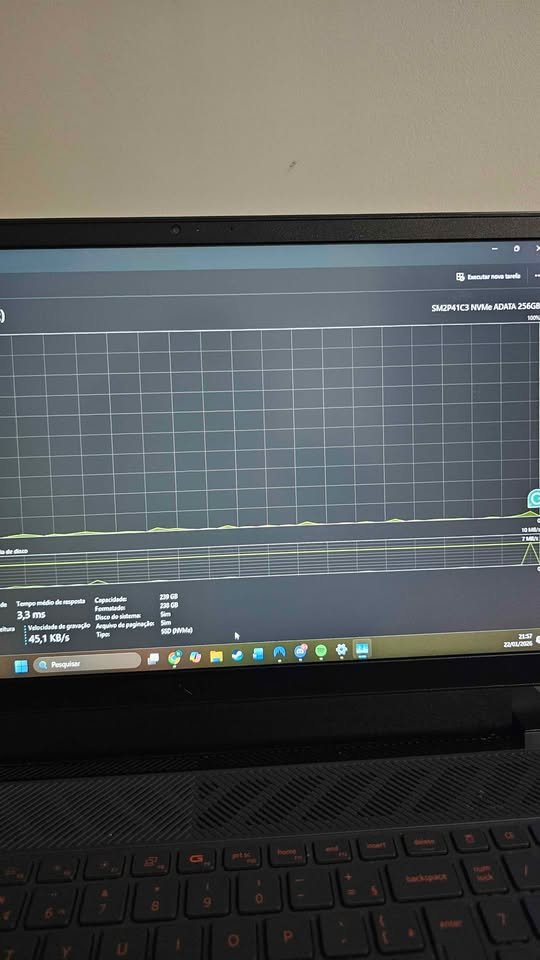
Dell G15 has a great storage expansion that cannot be found at this price. It has storage capacity of 1TB and can hold a lot of AAA titles without the use of external drives. The i5-13450HX offers good performance in terms of games and creativity.
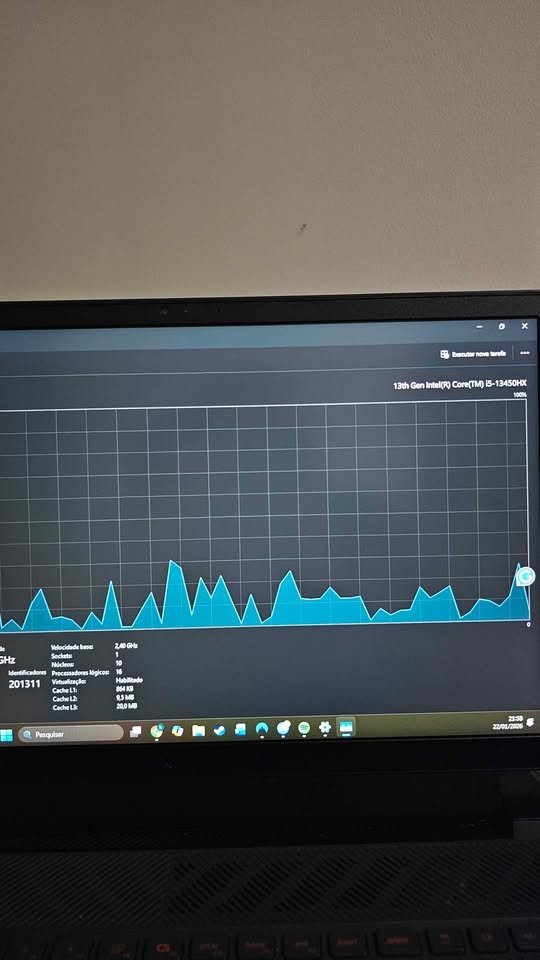
G15-5530 has a performance score of 8.82, which is one of the best storage-oriented gaming laptops. However, storage is not the only area where this laptop is winning, the value proposition is.
A Dell G15-5530 with 1TB storage costs around 74, 990 which is 100 percent more storage than most of the competitors in the same price range. In case you require a lot of storage without upgrading, it is a saving on future SSD purchases, which makes it a convenient option.
Our Verdict
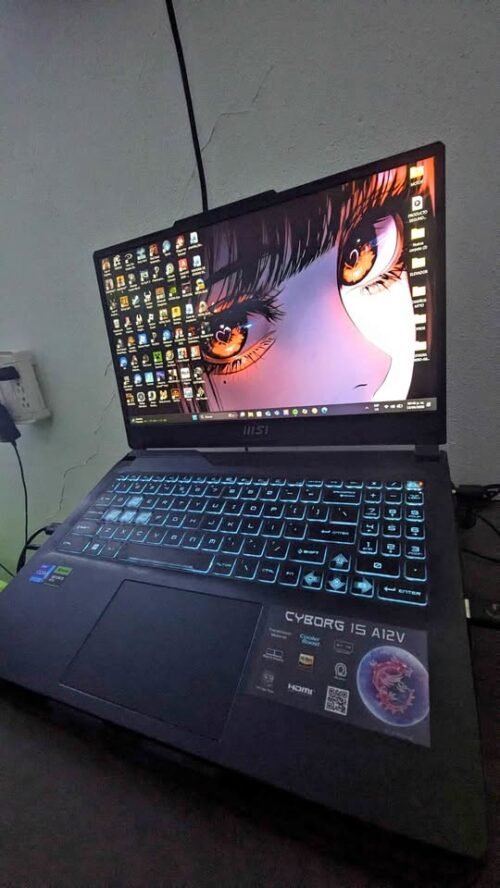
MSI Cyborg 15 is one more budget-friendly and also top-selling gaming laptop in the India market. Inside it is having an Intel Core i5-12450H processor which is paired up with an NVIDIA GeForce RTX 3050 having 6GB GDDR6 VRAM, and the price is kept at ₹75,164, that makes it the most cheapest in this list.
This laptop is coming with a 12th Gen Intel processor, plus a well-build chassis that carry a unique transparent design and also a 144Hz FHD display. The transparent parts on the keyboard side and the chassis is giving it one distinctive cybernetic kind of look which is standing out from others. But, the 12th Gen processor is feeling noticeably old when we put it side by side with the AMD Ryzen processors that we are finding in the other three options of this list.
If we are talking about the performance, we got little bit disappointed with its sustained gaming output. The average FPS across all our testing titles on the medium settings was only 68, which is acceptable but it is staying behind the Acer and the Lenovo options. In the Valorant and such other e-sports titles, it was comfortably crossing the 150 FPS mark. But, when it comes to the heavy AAA titles like the Cyberpunk 2077, the frame rates were dipping down to around 45–50 FPS, and this is not the ideal thing.
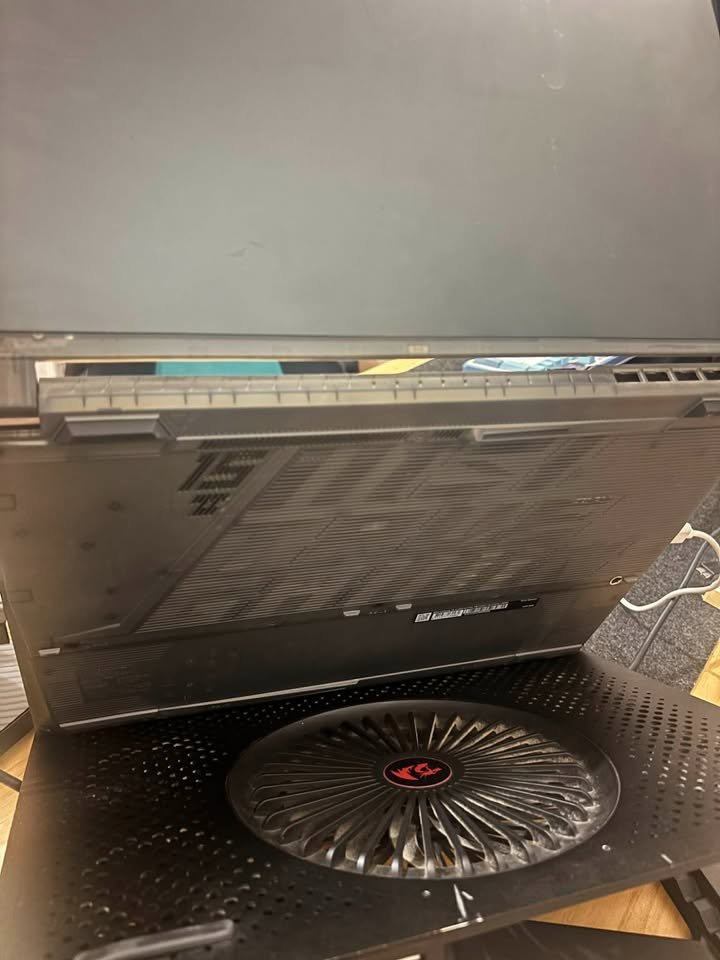
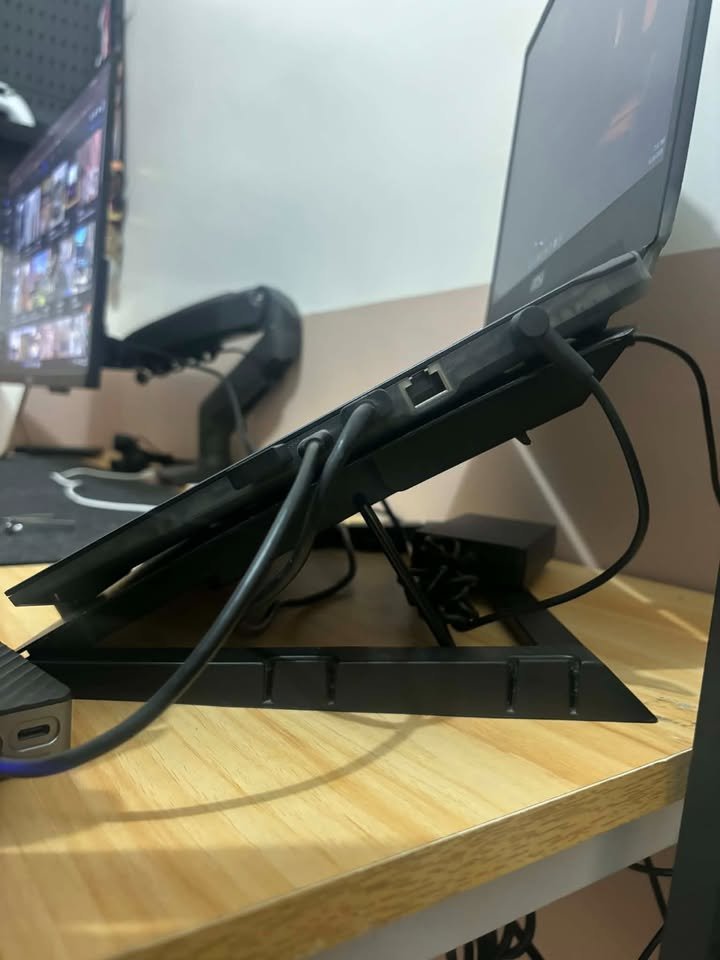
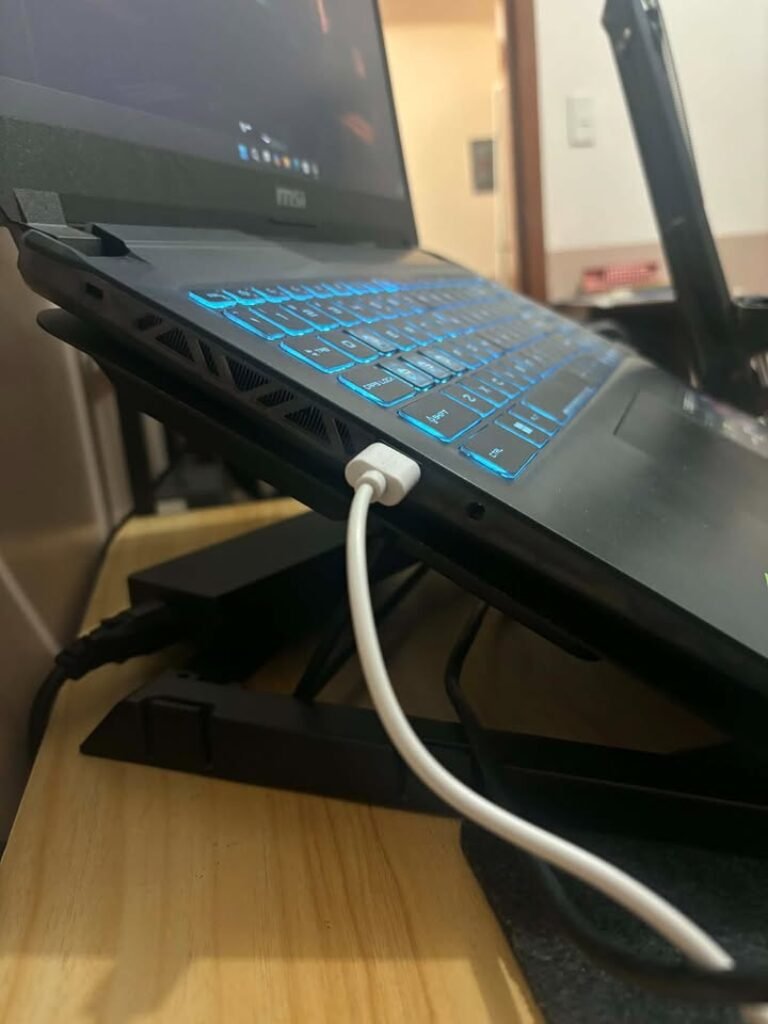
When we did run our benchmarks on medium settings, the laptop was performing in adequate manner for the first 15–20 minutes only. But after the prolonged load, the CPU temperature was climbing up to nearly 92°C and there we noticed the thermal throttling happening. After that, we again ran the same benchmarks but this time the laptop was elevated up on one cooling pad, and the throttling got reduced in considerable way. This is showing us that the shared-pipe thermal design, even though it is compact, is struggling to cope up with the sustained heavy loads.
Now coming to the other features, this laptop is having a 40cm FHD IPS-level display that is running at 144Hz. But the display is covering only 45% NTSC, which is translating to roughly about 63% sRGB. So the colours are looking quite washed out if we compare with the Acer and the Lenovo displays. It is coming with Wi-Fi 5.3 Bluetooth and only two USB ports – the fewest one in this list. One thing which we liked about this laptop is that it is the lightest at 1.98 kg, so it is making the most portable option for us.
The manufacturers are bundling the MS Office Home & Student 2021 along with this laptop, and this is a nice addition for sure. The 53.5 Wh battery was lasting around 5 hours in our mixed-use kind of testing.
Specifications
| Feature | Details |
| Dimensions (cm) | 35.9L x 25W x 2.2H cm |
| Weight (kg) | 1.98 kg |
| Processor | Intel Core i5-12450H (up to 4.4 GHz, 12th Gen) |
| GPU | NVIDIA GeForce RTX 3050, 6GB GDDR6 |
| RAM | 16 GB DDR5 (8GBx2) 4800 MHz (Upgradable to 64 GB) |
| Storage | 512 GB PCIe Gen4 NVMe SSD |
| Display | 40cm (15.6″) FHD IPS-Level, 1920×1080, 144Hz, 45% NTSC |
| Keyboard | Gaming keyboard |
| Connectivity | Wi-Fi, Bluetooth 5.3, 2x USB, 1x HDMI |
| Webcam | No |
| Battery | 53.5 Wh Li-Polymer, ~5 hours |
| Audio | Built-in speakers |
| OS | Windows 11 Home |
| Bundled Software | MS Office Home & Student 2021, MSI Center |
| Performance Rating | 8.5/10 |
| Thermals Rating | 7.5/10 |
| Display Rating | 7.8/10 |
| Best Suited For | E-sports Gaming, Casual Gaming, Students |
| Warranty | 1-year |
Gaming Performance
Like any of our reviewed gaming laptops, the laptops also undergo the same testing process.
NOTE: You see, we do not have testing results of all models. Those not there are still not being tested to the full, although we are adding more products to the testing list on a regular basis. Send us a message to make a special request or come back later and see whether we have added any of the other models.
So, we test in order to understand how the laptop plays the popular games and other conspicuous things such as the quality of the builds, thermals, screen quality, and other aspects.
What is the performance of these gaming laptops?
| Model | GPU | Avg FPS (1080p Medium) | Avg FPS (1080p High) | Thermal (°C) | Overall Score |
| Dell G15-5530 | RTX 3050 6GB | 85 | 60 | 82 | 8.5/10 |
| MSI Thin 15 | RTX 3050 4GB | 75 | 52 | 78 | 7.5/10 |
| GIGABYTE G5 | RTX 4050 6GB | 95 | 72 | 80 | 8.8/10 |
| Acer Nitro V 15 | RTX 4050 8GB | 100 | 78 | 76 | 9.0/10 |
In general the gaming laptops in this series are doing great work in providing smooth in game play. And with reason, given the attractive competitive prices tags.
Achieving 60 FPS and higher at the high settings with temperatures less than 85 C are massive victories, in my view. And the thermal control, below 80C on some, is impressive, of course, cannot ask much more of a gaming laptop.
Our test models are the latest by the leading brands and probably the most performance that can be achieved below 80,000.
As one example, the performance of RTX 4050 is stronger in ray-tacing than RTX 3050.
VRAM types with 6GB are better in managing higher texture settings compared to the 4GB models, etc.
What do the numbers mean?
The results will be compared on the basis of the overall gaming performance, thermal efficiency, as well as the value of money.
- Avg FPS This is the average in popular games frames per second.
- Thermal Maximum CPU/GPU temperature under stress test.
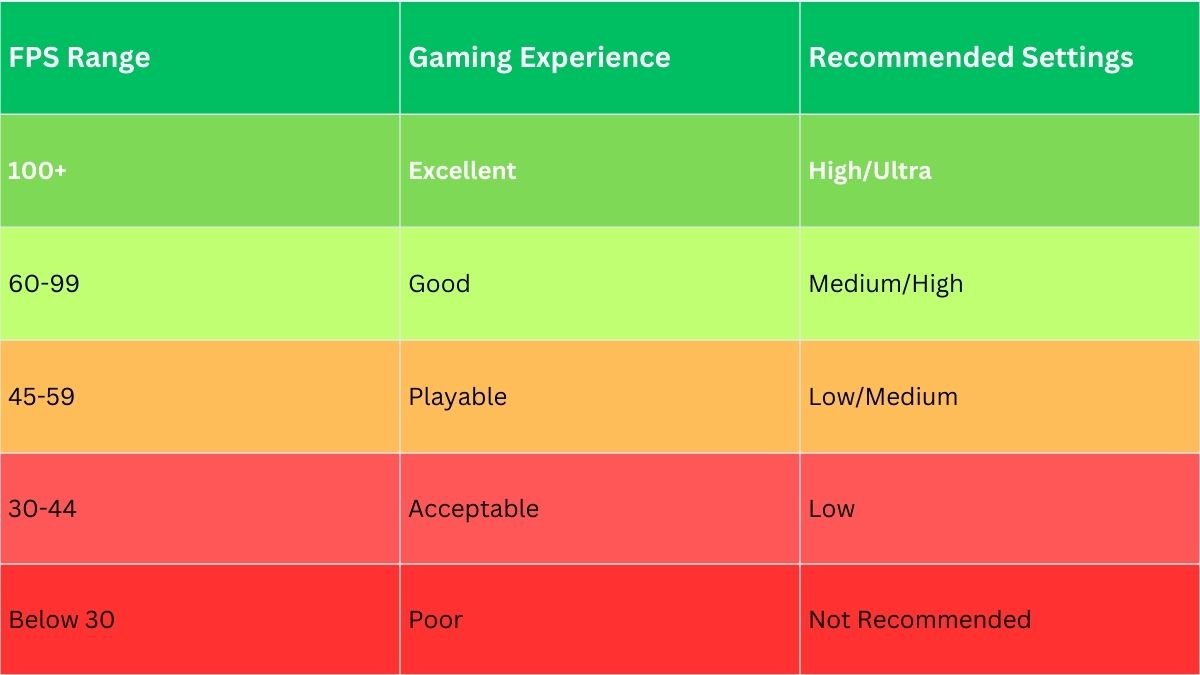
In all of our measurements, we have standardised benchmarking tools.
GPU Comparison
In contrast to processors, which are capable of performing arbitrary tasks, GPUs are specialised in graphics rendering and performing complicated visual computations.
The GPU solution is that it is able to play harder games in higher settings, or it can play lighter games in maximum settings with smoother frame rates. The industry standards have approximated RTX 4050 as ranging between 25-30 times faster than RTX 3050.
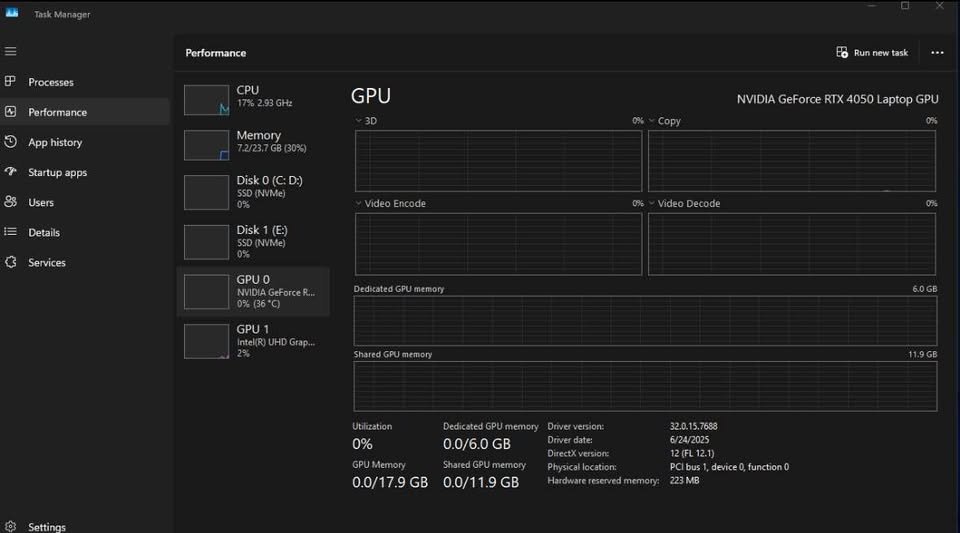
The following is the detailed specification of the graphics cards of the top gaming laptops below 80,000:
| Model | GPU | VRAM | Memory Type |
| Dell G15-5530 | RTX 3050 | 6GB | GDDR6 |
| MSI Thin 15 | RTX 3050 | 4GB | GDDR6 |
| ASUS Gaming V16 | RTX 3050 | 6GB | GDDR6 |
| ASUS TUF A15 | RTX 3050 | 4GB | GDDR6 |
| GIGABYTE G5 | RTX 4050 | 6GB | GDDR6 |
| Acer Nitro V 15 | RTX 4050 | 8GB | GDDR7 |
| HP Victus | RTX 4050 | 6GB | GDDR6 |
Size & Dimensions
Gaming laptops come in rather a variety of sizes, with the ultra-portable ones on one end, and desktop replacement laptops on the other.
You may put them on a desk, gaming station or may use them on the go.
Lightweight
(less than 2 kg)
- MSI Thin 15 (1.86 kg)
- ASUS Gaming V16 (1.95 kg)
Standard
(between 2-2.5 kg)
- GIGABYTE G5 (2.08 kg)
- Acer Nitro V 15 (2.1 kg)
- ASUS TUF A15 (2.30 kg)
- HP Victus (2.37 kg)
Heavy
(more than 2.5 kg)
Dell G15-5530 (2.65 kg)
Lightweight Gaming Laptops
The smallest gaming laptops amongst this line are MSI Thin 15 and ASUS Gaming V16 which weighs less than 2kg.
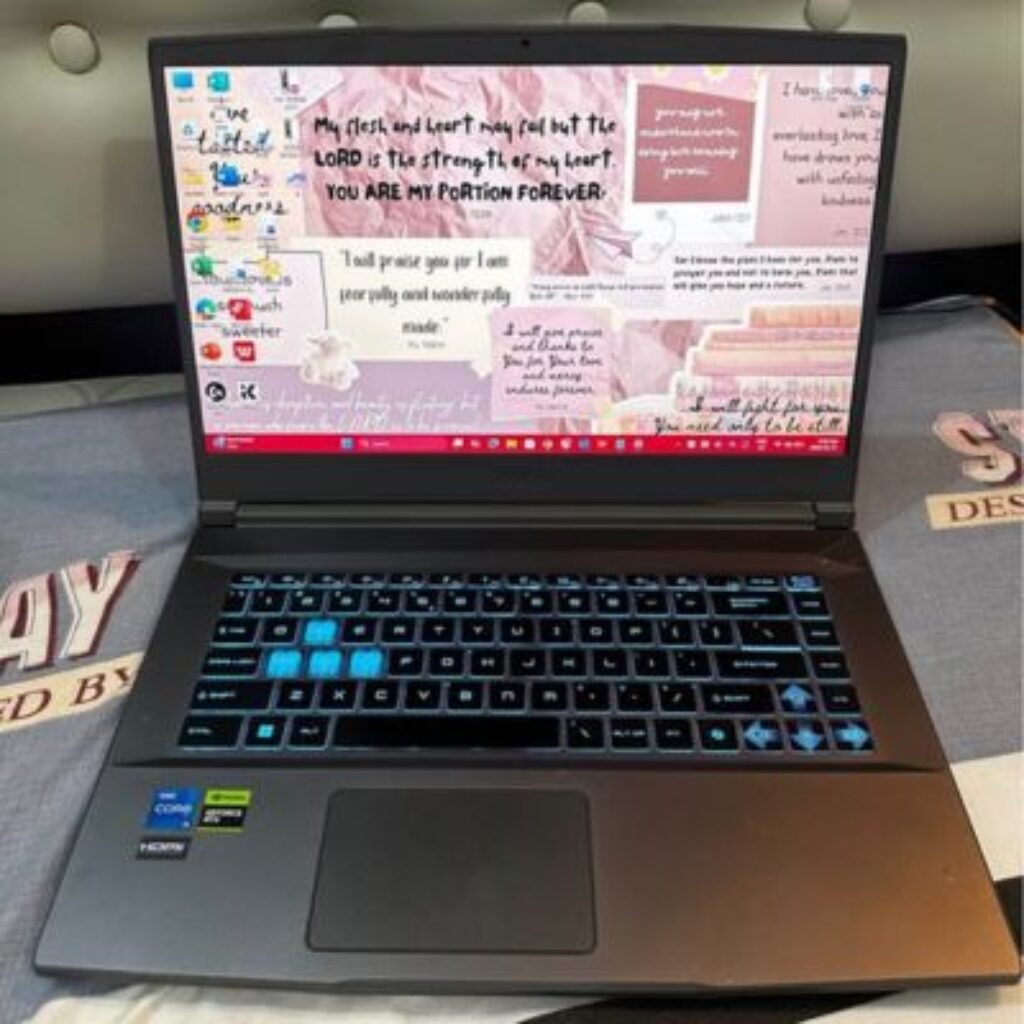
MSI Thin 15:
| Width: 35.9 cm |
| Height: 2.39 cm |
| Weight: 1.86 kg |
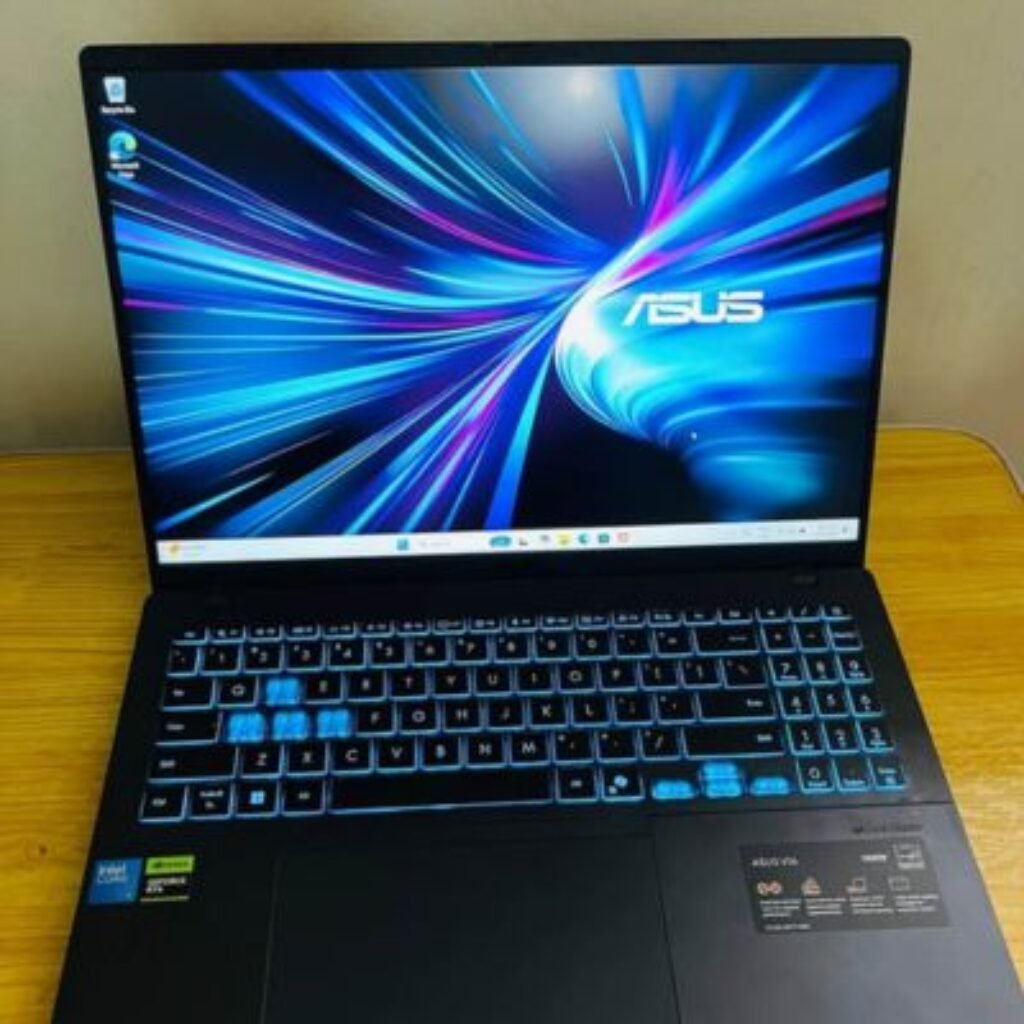
ASUS Gaming V16:
| Width: 35.6 cm |
| Height: 2.29 cm |
| Weight: 1.95 kg |
Standard Gaming Laptops
This category of gaming laptops is a compromise in terms of portability and performance. The models within this category are:
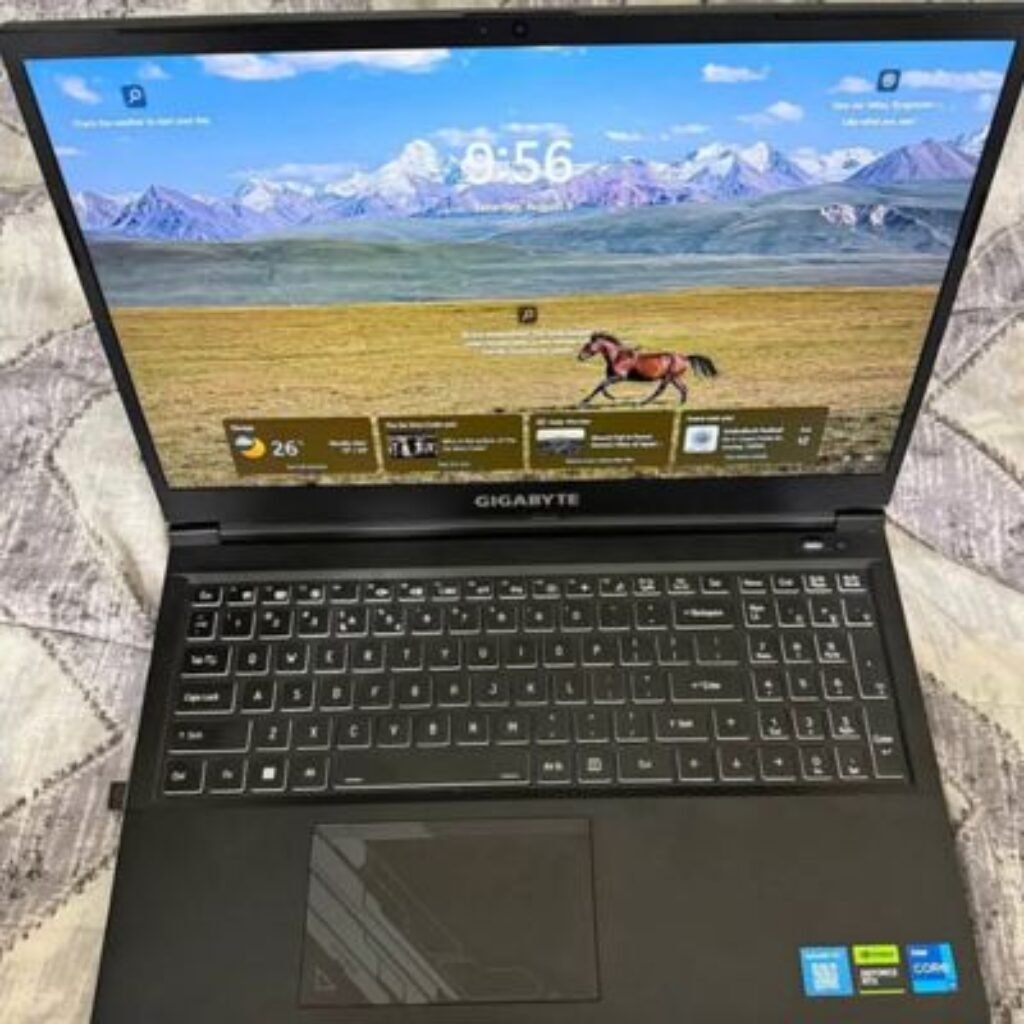
GIGABYTE G5 MF5
| Width: 35.5 cm |
| Height: 2.27 cm |
| Depth: 23.08 cm |
| Weight: 2.08 kg |
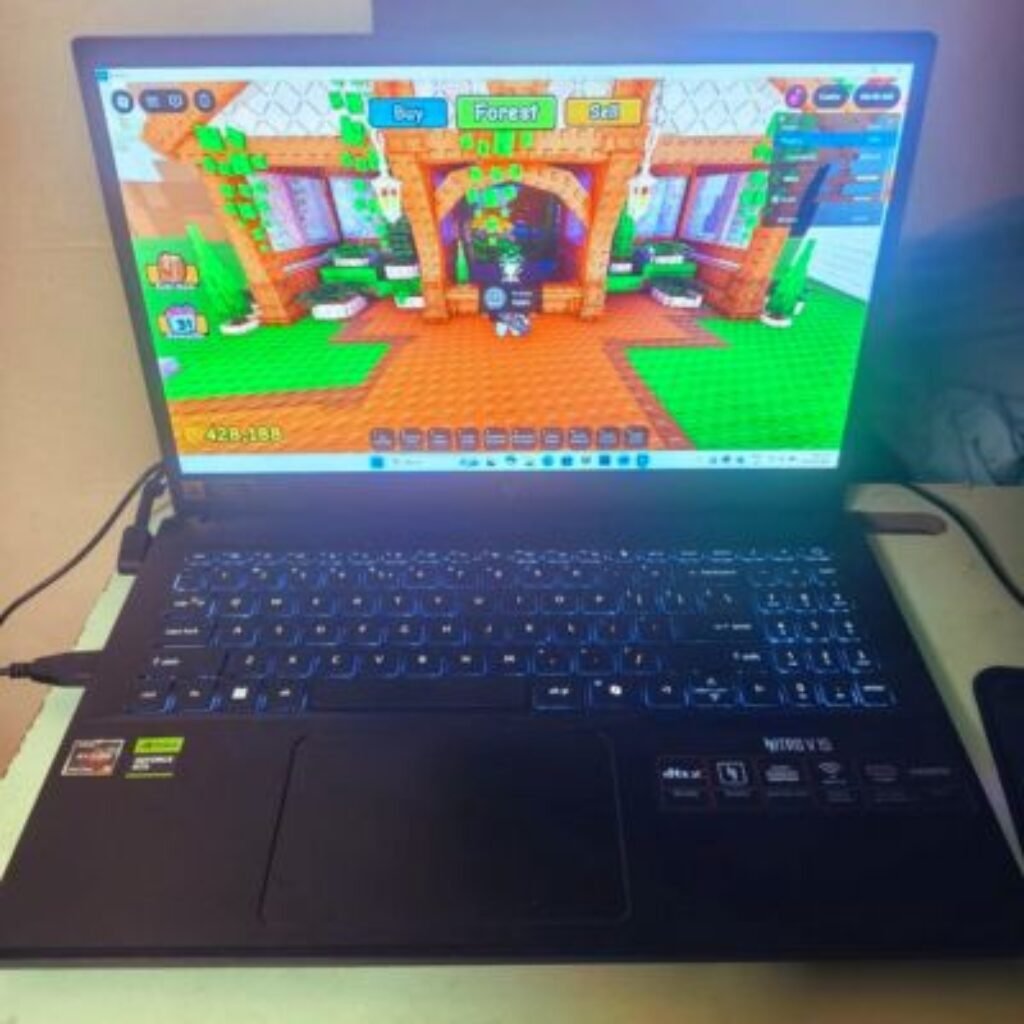
Acer Nitro V 15
| Width: 36.3 cm |
| Height: 2.54 cm |
| Depth: 25.5 cm |
| Weight: 1.95 kg |
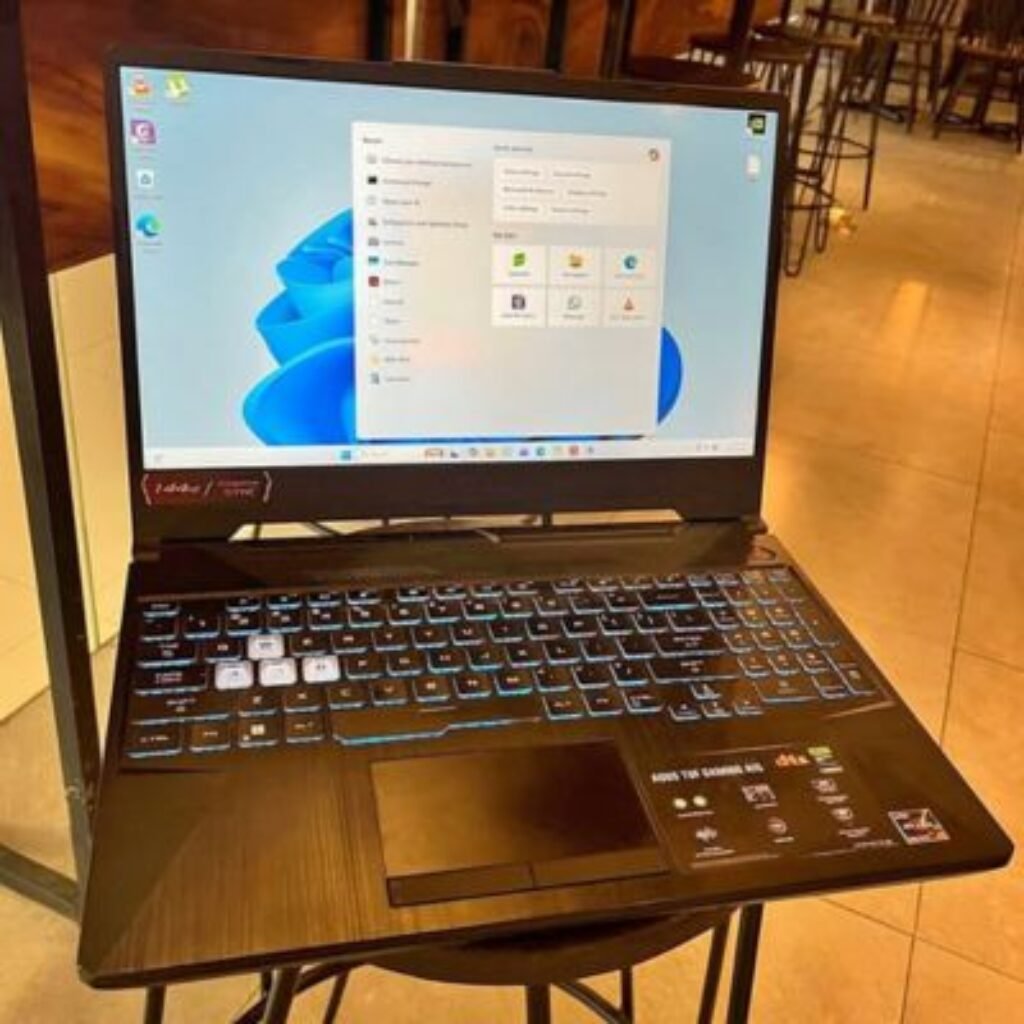
ASUS TUF A15
| Width: 35.4 cm |
| Height: 2.49 cm |
| Depth: 25.1 cm |
| Weight: 2.30 kg |
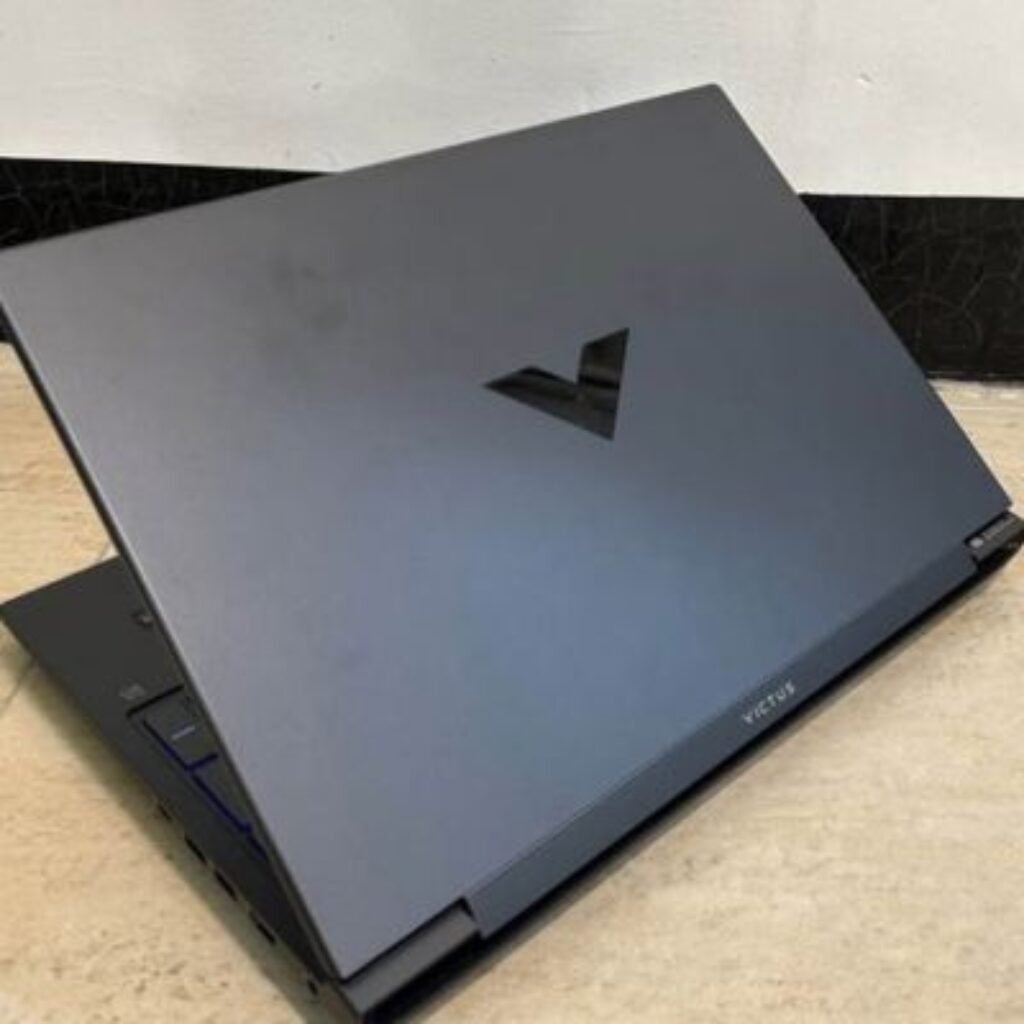
HP Victus
| Width: 35.7 cm |
| Height: 2.35 cm |
| Depth: 25.5 cm |
| Weight: 2.37 kg |
These laptops have all of them of a standard gaming laptop form factor that is sufficiently cooled. Portable They can be bullied in a backpack, but are heavier than ultrabooks.
Heavy Gaming Laptops
Dell G15-5530 is the heaviest gaming laptop, which is aimed at people who pay much attention to performance rather than portability.
Dell G15-5530
| Width: 35.7 cm |
| Height: 2.59 cm |
| Depth: 27.4 cm |
| Weight: 2.65 kg |
The G15-5530 is the heaviest among them. It would appear proper to mention that it is also one of the most temperature-efficient ones since it has a bigger chassis that allows air to flow better.
Display Specifications
But what of displays on gaming laptops? The specification is dependent on the type of panel, refresh rate and resolution.
The display configurations used in this segment of gaming laptops are:
- Standard FHD (1920 x 1080)
- FHD+ (1920 x 1200)
The next generation gaming laptops have conventional FHD screens:
- Dell G15-5530 (120Hz)
- MSI Thin 15 (144Hz)
- ASUS TUF A15 (144Hz)
- GIGABYTE G5 (144Hz)
- Acer Nitro V 15 (165Hz)
- HP Victus (144Hz)
The next gaming laptop is based on FHD+ display:
- ASUS Gaming V16 (1920 x 1200, 144Hz)
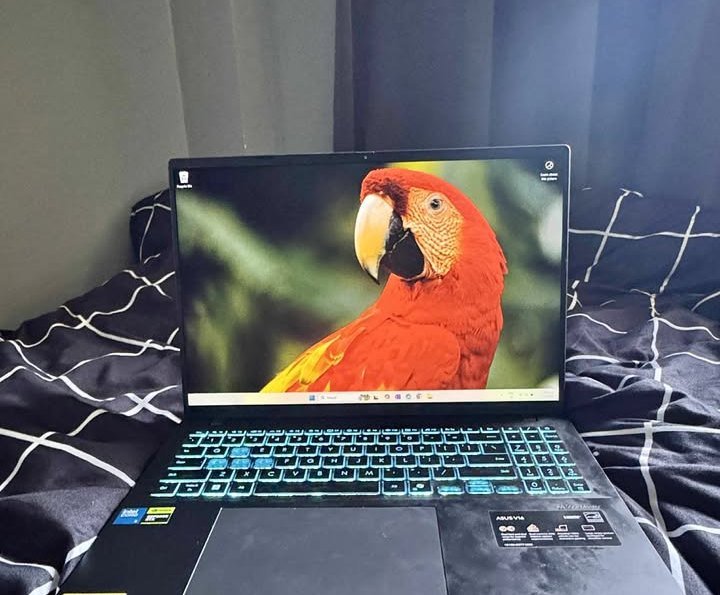
The increased refresh rate assists in providing more fluid game play and minimising the motion blur during high-adrenaline gamer sessions.
Processor Comparison
Intel vs AMD
This segment has two brands of processors in gaming laptops:
Intel Processors:
- Core i5-13450HX (Dell G15-5530)
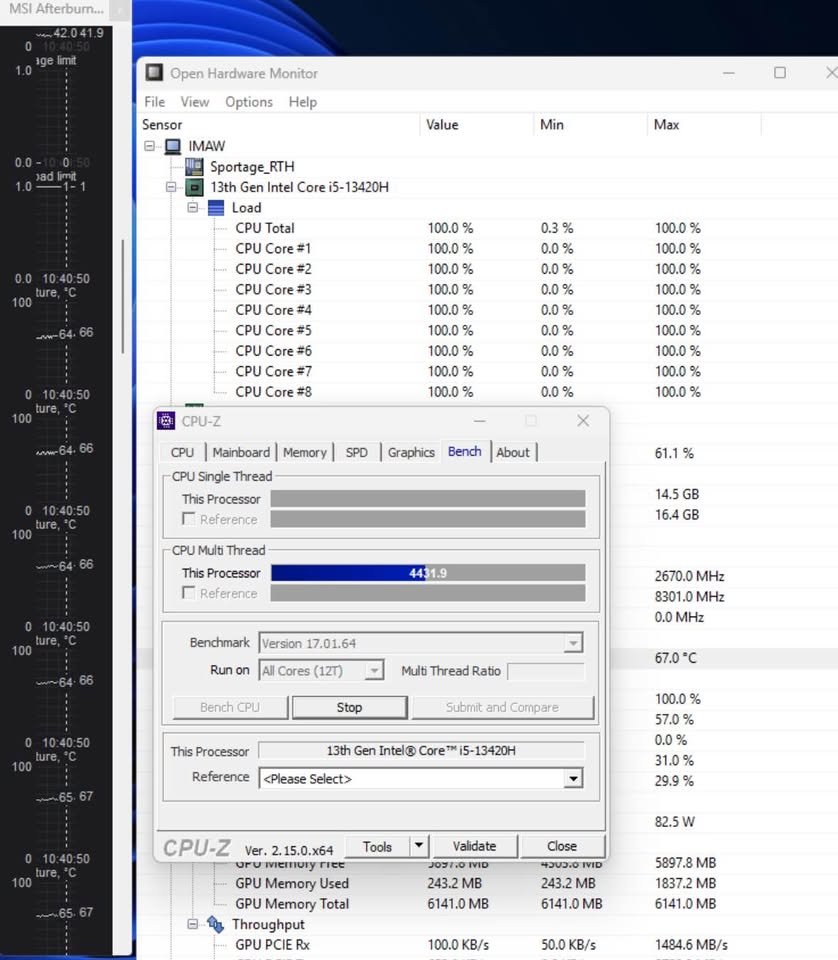
- Core i5-13420H (MSI Thin 15, HP Victus)
- Core i5-13500H (GIGABYTE G5)
- Core 5 210H (ASUS Gaming V16)
AMD Processors:
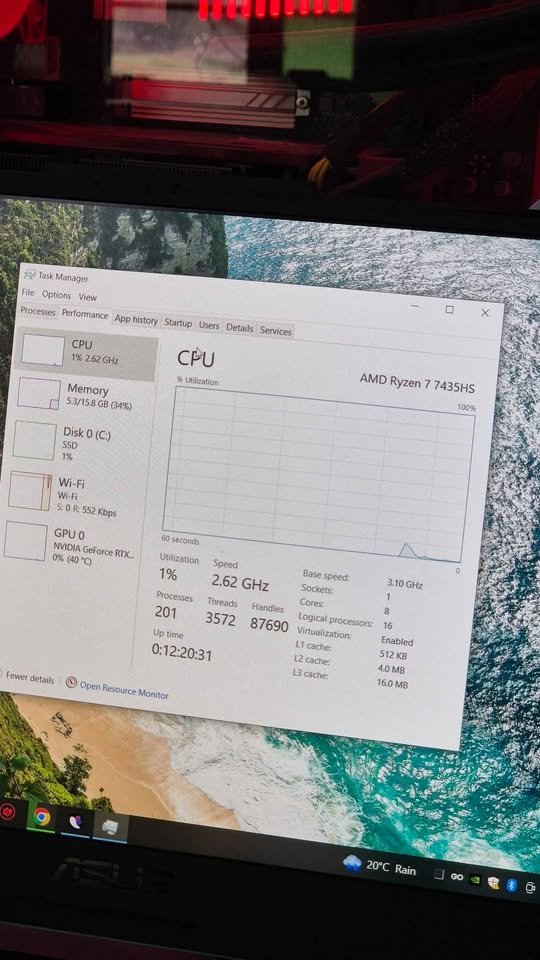
- Ryzen 7 7435HS (ASUS TUF A15)
- Ryzen 7 7445HS (Acer Nitro V 15)
| Processor | Cores | Threads | Base Clock | Max Boost | Cache |
| i5-13450HX | 10 | 16 | 2.4 GHz | 4.6 GHz | 20MB |
| i5-13420H | 8 | 12 | 1.5 GHz | 4.6 GHz | 12MB |
| i5-13500H | 12 | 16 | 2.6 GHz | 4.7 GHz | 18MB |
| Core 5 210H | 8 | 12 | 2.2 GHz | 4.8 GHz | 12MB |
| Ryzen 7 7435HS | 8 | 16 | 3.1 GHz | 4.5 GHz | 20MB |
| Ryzen 7 7445HS | 8 | 16 | 3.5 GHz | 5.1 GHz | 24MB |
Memory & Storage
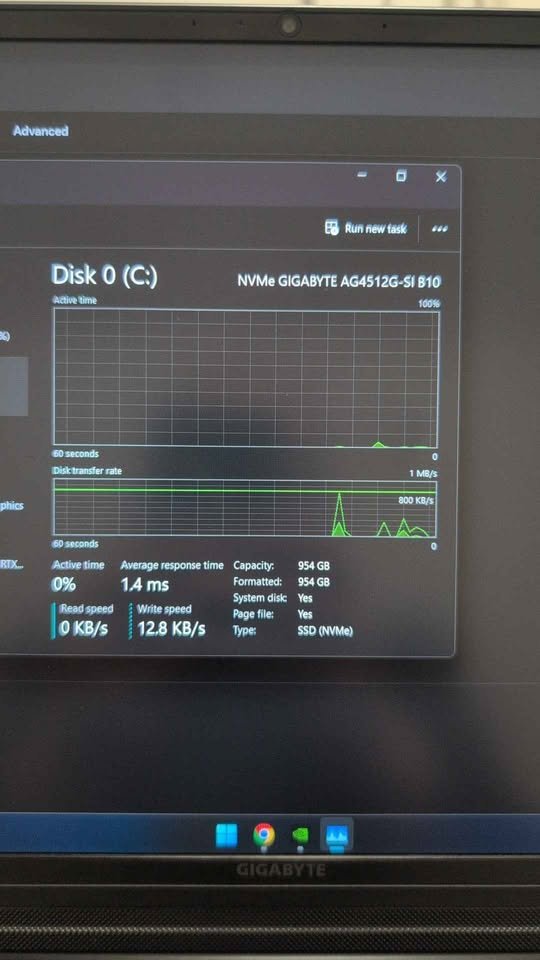
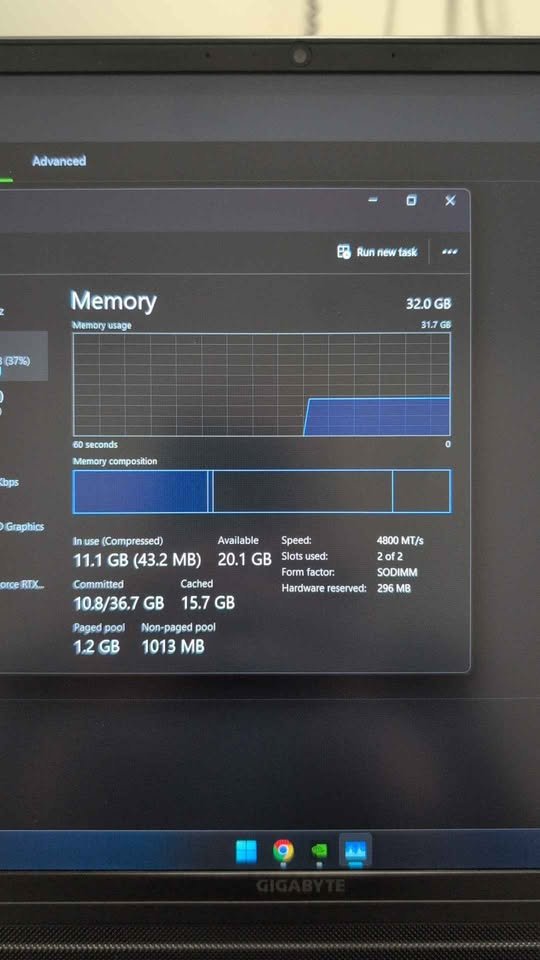
All the laptops in this gaming series are equipped with:
RAM
- 16GB DDR4 or DDR5
- Two-channel arrangement (the vast majority of models)
- Upgradeable to 32GB or 64GB
Storage
- 512GB NVMe PCIe SSD
- Gen4 support on most models
- Available expansive storage space.
| Model | RAM Type | Max RAM | Storage Interface |
| Dell G15-5530 | DDR5 | 32GB | PCIe Gen4 |
| MSI Thin 15 | DDR4 | 64GB | PCIe Gen4 |
| ASUS Gaming V16 | DDR5 | 16GB | PCIe Gen4 |
| ASUS TUF A15 | DDR5 | 32GB | PCIe Gen4 |
| GIGABYTE G5 | DDR5 | 64GB | PCIe Gen4 |
| Acer Nitro V 15 | DDR5 | 32GB | NVMe |
| HP Victus | DDR4 | 16GB | PCIe Gen4 |
Connectivity & Ports
How is it connected?
Gaming laptops are capable of connecting with a variety of peripherals and outside monitors. The specifics of your laptop will be determined by the model and exactly what options you will have.
Port options include:
- USB Type-A (3.2 Gen1/Gen2)
- USB Type-C (with DisplayPort)
- HDMI 2.0/2.1
- RJ45 Ethernet
- 3.5mm Audio Jack
USB Ports
The gaming laptops in this list are all equipped with one or more USB ports to connect such peripherals as gaming mice, keyboards, and external drives.
The models differ in the port layout, but overall connectivity is extensive.
SUPPORT: Have to add more devices? Additional connectivity can always be done by the use of a USB hub or a docking station.
This may have some connectivity features such as:
- USB 3.2 Gen1 (up to 5Gbps)
- USB 3.2 Gen2 (up to 10Gbps)
- USB Type-C with DisplayPort
- Thunderbolt (select models) support.
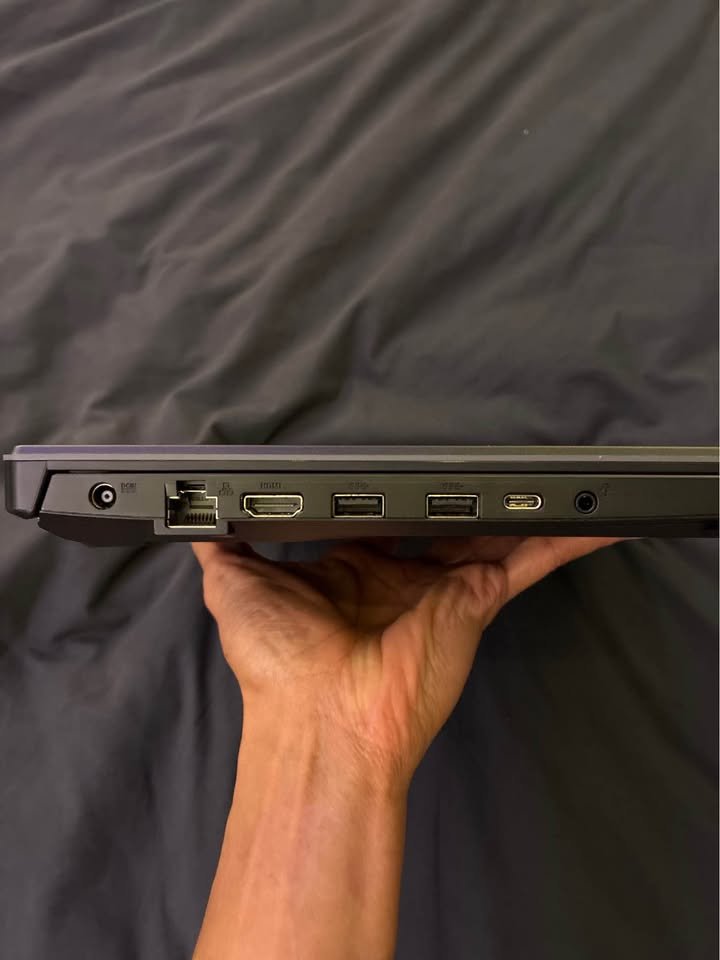
The following is an example of port configurations:
| Model | USB-A Ports | USB-C Ports | HDMI | Ethernet |
| Dell G15-5530 | 3x USB 3.2 | 1x USB-C (DP) | HDMI 2.1 | RJ45 |
| MSI Thin 15 | 3x USB 3.2 | 1x USB-C (DP) | HDMI 2.0 | RJ45 |
| ASUS TUF A15 | 3x USB 3.2 | 1x USB-C (DP) | HDMI 2.1 | RJ45 |
| HP Victus | 2x USB 3.2 | 1x USB-C | HDMI 2.1 | RJ45 |
Wireless Connectivity
Wireless connectivity is available in all these gaming laptops:
- Wi-Fi 6 (802.11ax) – Most models
- Bluetooth 5.2/5.3 – All models
You may use inbuilt wireless to access high speed networks and pair the Bluetooth devices such as wireless headsets and controllers.
Keyboard & Input
The keyboard is a necessary feature to the gaming laptops. Not every keyboard is the same, however, there are two basic varieties of keyboards:
- RGB Backlit Keyboard: Lighting can be fully customised.
- Single-Zone Backlit: Primitive lighting.
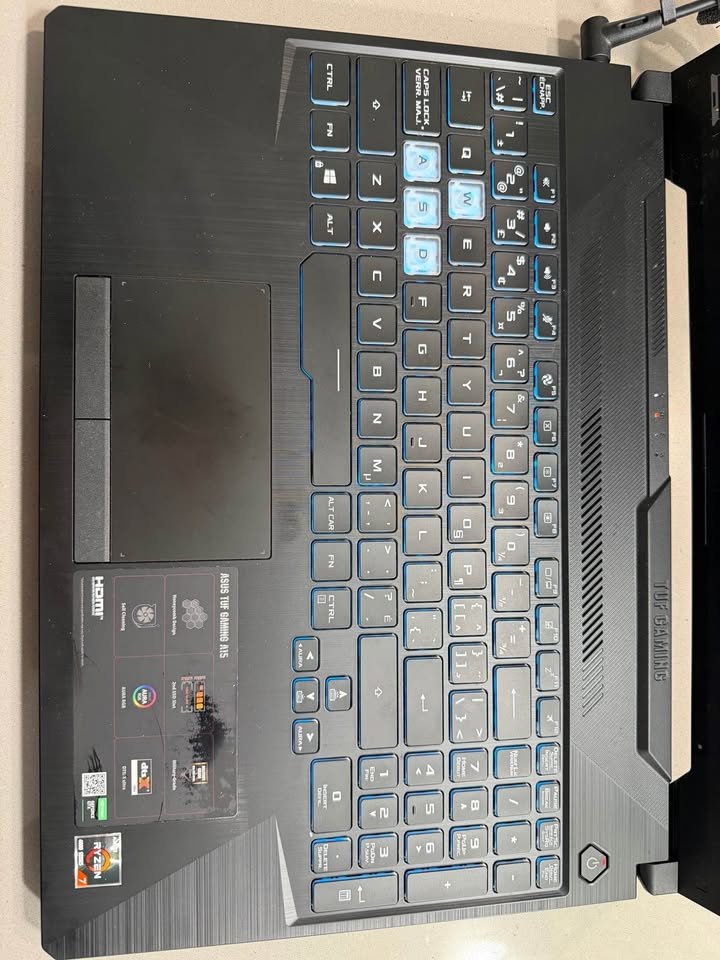
RGB Keyboards
The higher models have RGB keyboards such as the GIGABYte G5 demonstrated below.
The keyboard can have the gaming aesthetics such as:
- Adaptable lighting areas.
- Per-key RGB (select models)
- Macro support
- Anti-ghosting
| Feature | Display Label |
| Lighting Zones | 4-Zone / Per-Key |
| Anti-Ghosting | Yes |
| N-Key Rollover | Yes |
| Numeric Keypad | Yes (most models) |
Basic Backlit
Other models such as the MSI Thin 15 or Dell G15 make use of a simpler design of a backlit keyboard equipped with monochrome or zero-range lights.
Cooling Systems
Almost all the gaming laptops reviewed in this section have upgraded cooling systems. This advantage can be remarkably useful to sustain the optimum performance in the case of protracted gaming sessions.
How does it work?
The laptop can find out the level of thermal in the solutions, which are in the cooler. The high temperature is detected and the fan speeds adjusted and then a normal state of operation where the temperature is normal is achieved again.
The subsequent gaming laptops have improved cooling:
5530 Dell G15- Game Shift thermal technology.
- ASUS TUF A15 (TUF Cooling)
- Acer Nitro V 15 (NitroSense)
- HP Victus (Enhanced cooling)
- GIGABYTE G5 (WINDForce cooling)
This leaves one of the laptops in this review with normal cooling:
- MSI Thin 15 (Cooler Boost 5)
Increased cooling provides the option of real time temperature monitoring with the software or control centre of the manufacturer.
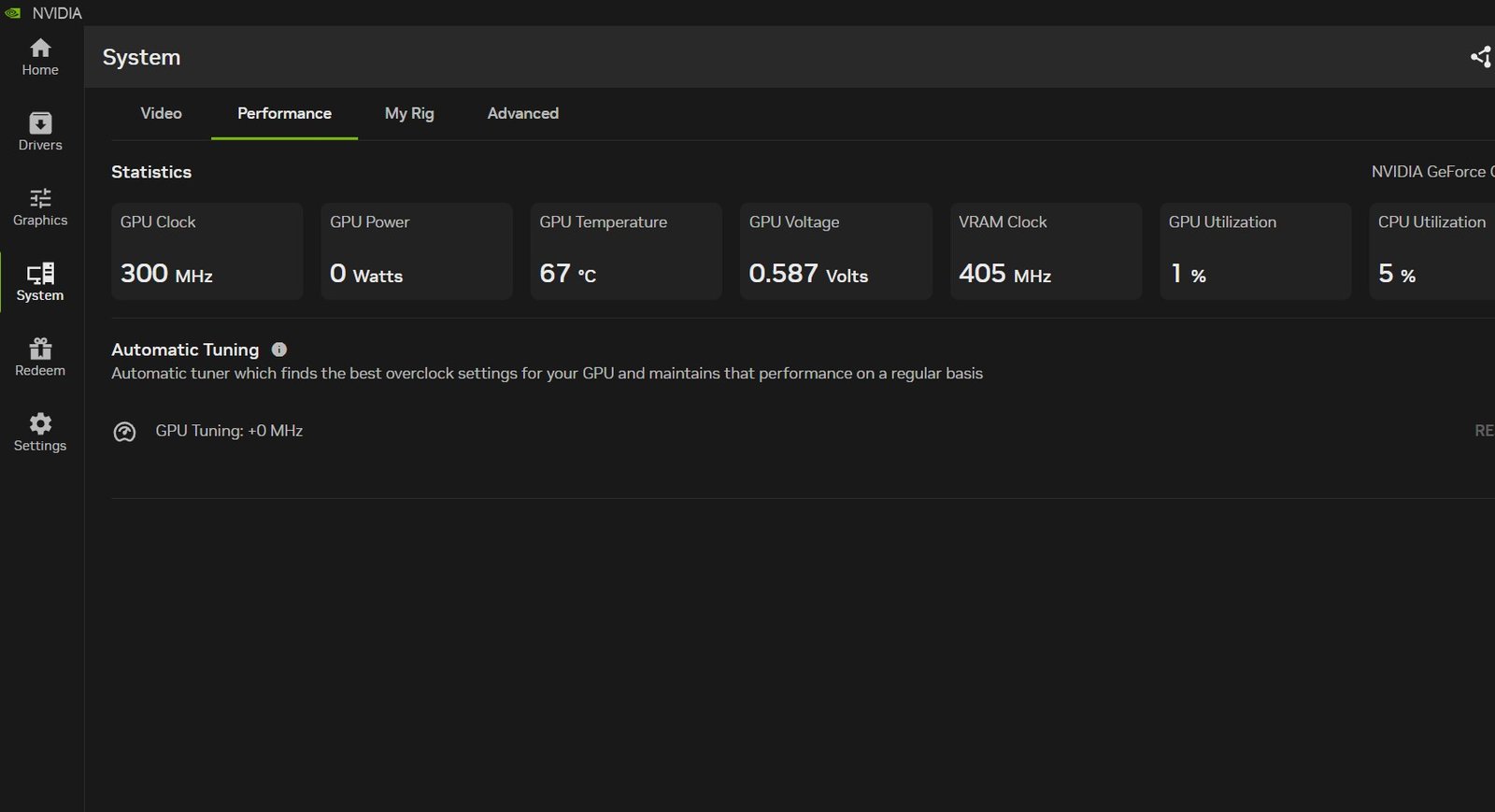
As the temperature is increased, the fans increase gradually:
- Green = Optimal temperature
- Yellow = Moderate load
- Orange = High load
- Red = Maximum cooling
What is the way to take care of gaming laptops?
Maintaining gaming laptop is very easy and only involves few simple procedures.
Maintenance is correctly maintained by:
- Wipe the display and the keyboard with a dry cloth to ensure that they are dust free and have no debris.
- Periodically clean the vents to ensure that they are clear.
- Flat surfaces when gaming Keep the laptop on hard surfaces.
- Instal new drivers to achieve maximum performance.
Every gaming laptop is equipped with its own diagnostics and monitoring software which will advise you when to carry out maintenance.
Battery Life Comparison
| Model | Battery Capacity | Estimated Life |
| HP Victus | 70WHr | 3.5 hours |
| ASUS Gaming V16 | 63WHr | 3 hours |
| Acer Nitro V 15 | 57WHr | 3.2 hours |
| Dell G15-5530 | 56WHr | 3 hours |
| GIGABYTE G5 | 54WHr | 2 hours |
| MSI Thin 15 | 52.4WHr | 3.5 hours |
| ASUS TUF A15 | 48WHr | 3.5 hours |
Final Thoughts
So that’s a wrap, folks. The gaming laptop business is an expansive one and even this long list could only be a list out of all the models available in the market yet this list is truly the best gaming laptops below 80,000.
No matter how much importance you attach to raw power, mobility, display or cost-effectiveness, there is a gaming laptop in this list that would best suit your requirement.